
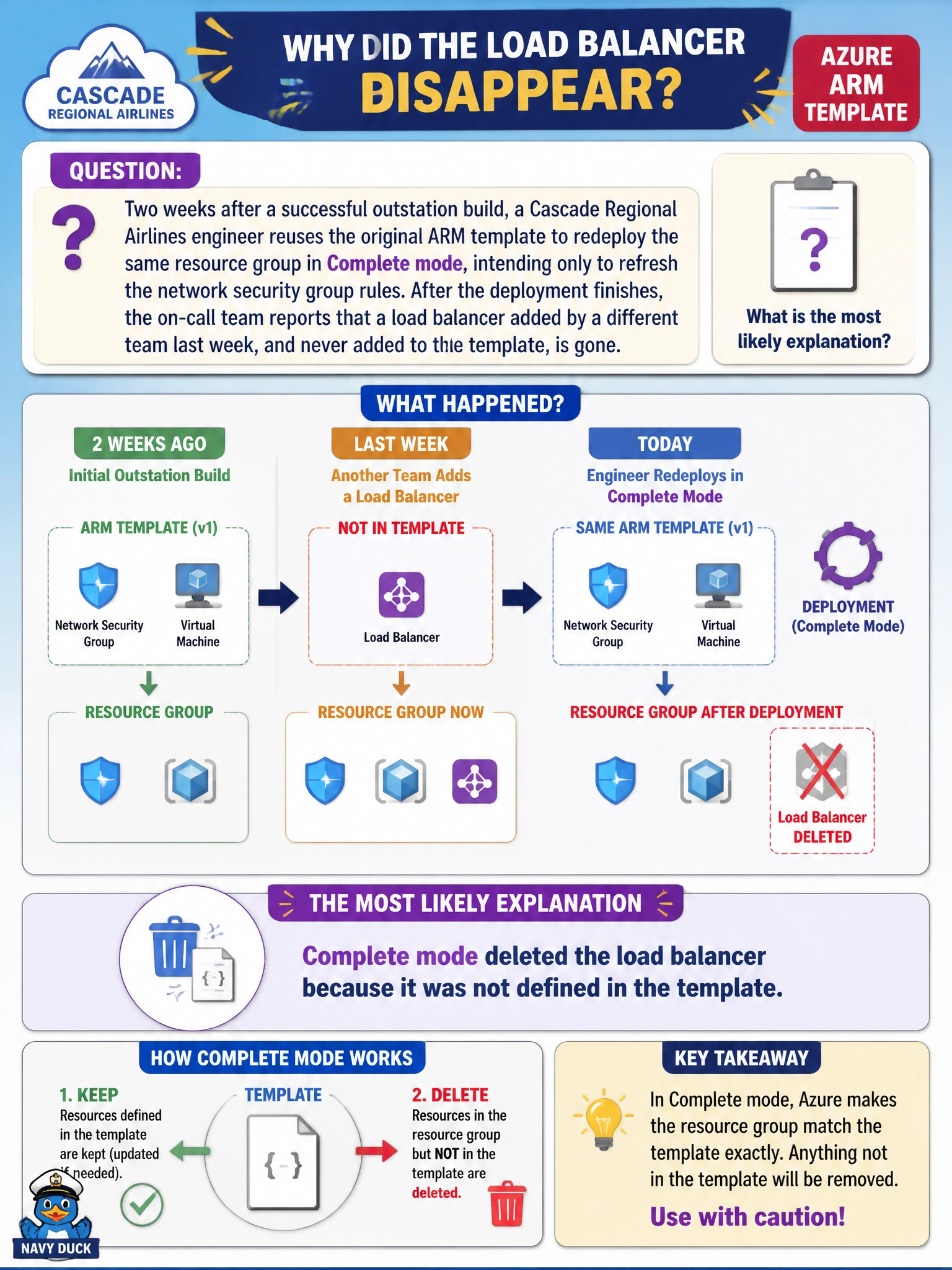
Two weeks after a successful outstation build, a Cascade Regional Airlines engineer reuses the original ARM template to redeploy the same resource group in Complete mode, intending only to refresh the network security group rules. After the deployment finishes, the on-call team reports that a load balancer added by a different team last week, and never added to the template, is gone. What is the most likely explanation?
Select an answer to reveal the explanation.
Short Explanation
This is Complete mode doing exactly what it's designed to do: treat the template as the whole truth for the resource group. If a resource isn't in the template, Complete mode assumes it shouldn't be there and removes it — even something another team added in good faith.
Full Explanation
This outcome is the textbook consequence of running Complete mode against a resource group that other teams also deploy into. Complete mode reconciles the resource group to exactly match the template's contents, so any resource added outside that template, including a load balancer created by a separate team, is removed because it has no corresponding entry. Blaming the variables section is a category error: variables hold internal template values and cannot delete unrelated resources in a resource group. A wrong parameter file could change values like names or SKUs passed into the template, but it would not by itself cause deletion of an unrelated resource; that behavior is specific to the deployment mode, not the parameter values. Bicep modules are an authoring convenience that compiles to the same ARM template format, and a module reference failure would produce a deployment error, not a silent resource deletion. The operational lesson is to scope Complete mode to resource groups a single template fully owns, and to run a what-if preview before any Complete-mode deployment against a shared group.