
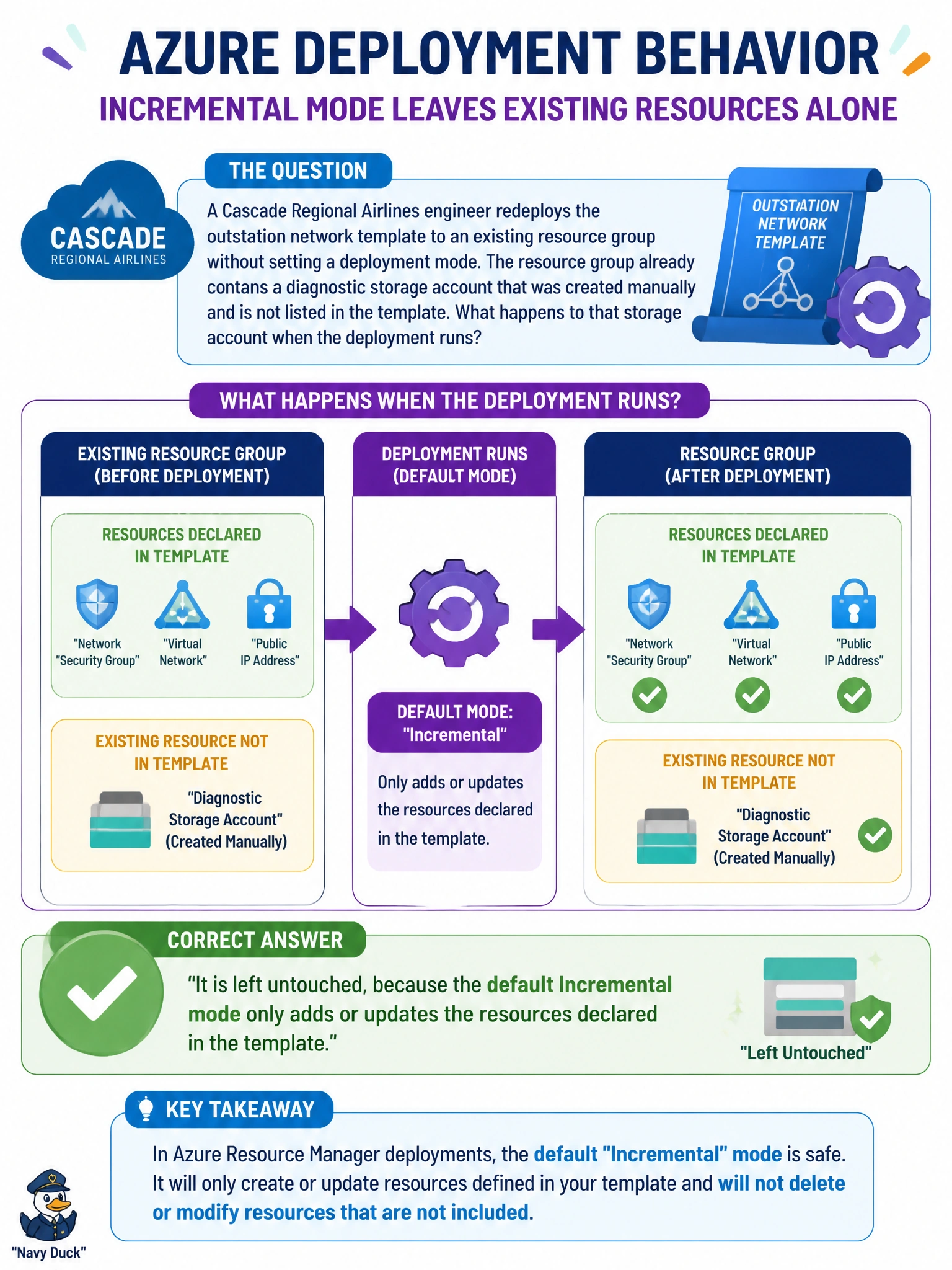
A Cascade Regional Airlines engineer redeploys the outstation network template to an existing resource group without setting a deployment mode. The resource group already contains a diagnostic storage account that was created manually and is not listed in the template. What happens to that storage account when the deployment runs?
Select an answer to reveal the explanation.
Short Explanation
No mode flag means Azure quietly reaches for the default, and that default is Incremental — it only adds or updates what the template lists and leaves everything else in the resource group exactly where it found it. That manually created storage account never even shows up on the deployment's radar.
Full Explanation
When a deployment omits the mode parameter, ARM falls back to Incremental, which treats the template as a partial description of the resource group rather than the whole truth. Incremental only evaluates the resources the template declares, creating or updating those, and it never inspects the rest of the group's contents to decide whether they belong there. That is exactly why the manually created storage account survives the redeploy untouched: it simply isn't part of what Incremental is reconciling. The idea that ARM always reconciles the group to match the template exactly describes Complete mode, a setting the engineer would have to choose deliberately, not the behavior that happens by default. There is no mechanism by which a deployment absorbs an untracked resource back into the template file; templates only change when someone edits them. Deployment validation also checks the template's own syntax and resource definitions against Azure's requirements, not the pre-existing contents of the target resource group, so an unrelated resource sitting in the group has no bearing on whether validation passes. A useful operational check before any redeploy is running a what-if operation, which reports the current deployment mode's actual effect on the group before anything changes.