
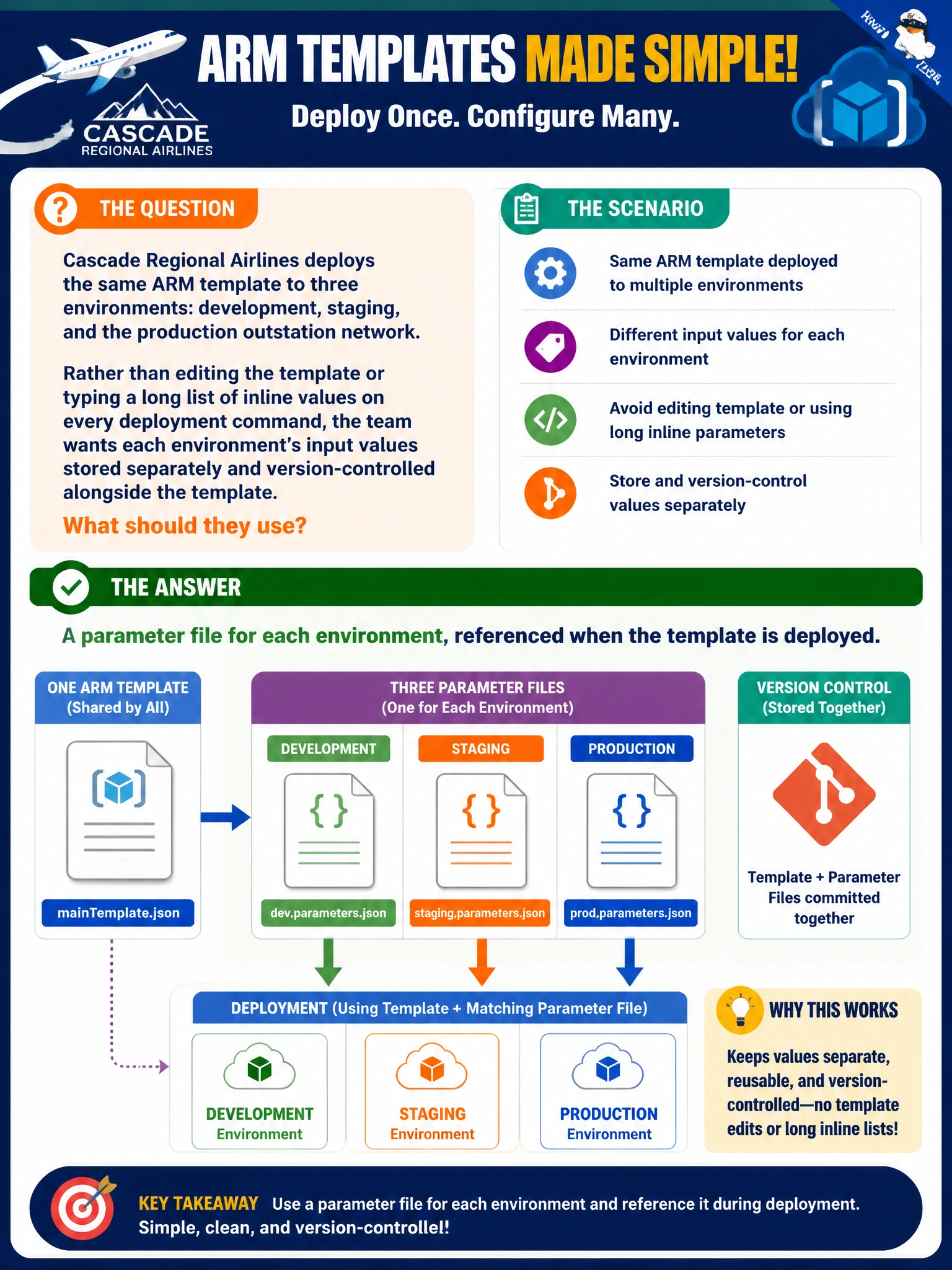
Cascade Regional Airlines deploys the same ARM template to three environments: development, staging, and the production outstation network. Rather than editing the template or typing a long list of inline values on every deployment command, the team wants each environment's input values stored separately and version-controlled alongside the template. What should they use?
Select an answer to reveal the explanation.
Short Explanation
A parameter file is like a labeled folder of answers for one specific environment: dev's folder, staging's folder, prod's folder. Point the same template at a different folder and the deployment output changes without touching the template itself.
Full Explanation
A parameter file is a separate JSON document holding the input values for one deployment, referenced alongside the template rather than mixed into it. This keeps the template generic and reusable while each environment's specific values, such as VM size or subnet ranges, live in their own version-controlled file. Splitting variables per environment inside a single shared template fails the goal because variables are not meant to be swapped in from outside the template; they are internal to it. Maintaining three separate copies of the template defeats the purpose of infrastructure as code, since a fix or feature now has to be applied three times and the copies will drift. The deployment history blade only records what was deployed in the past for auditing; it is not a mechanism for supplying values to a future deployment. A quick operational check is to diff the three parameter files side by side and confirm only the expected environment-specific values differ, not the template reference itself.