
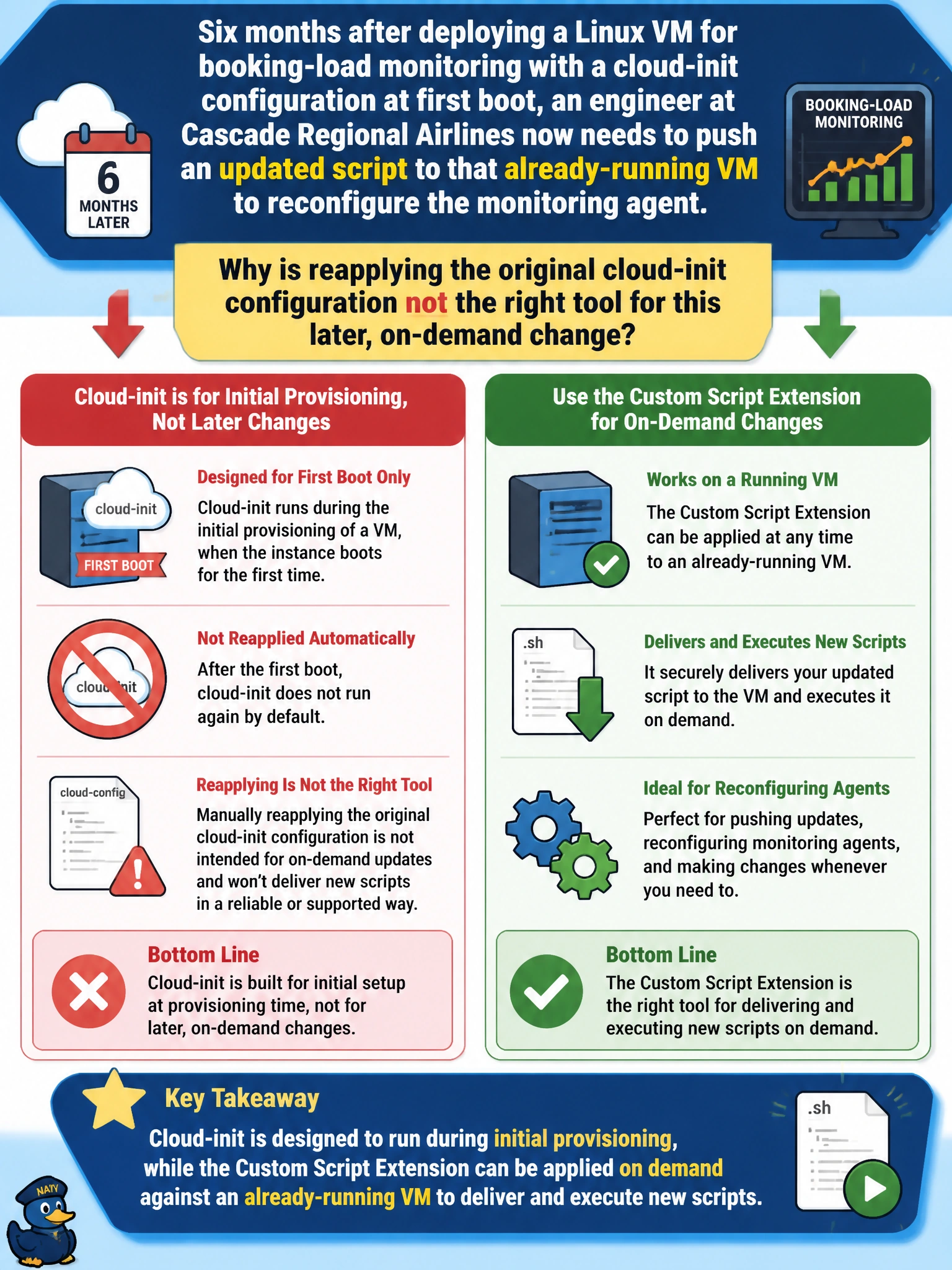
Six months after deploying a Linux VM for booking-load monitoring with a cloud-init configuration at first boot, an engineer at Cascade Regional Airlines now needs to push an updated script to that already-running VM to reconfigure the monitoring agent. Why is reapplying the original cloud-init configuration not the right tool for this later, on-demand change?
Select an answer to reveal the explanation.
Short Explanation
Cloud-init is a one-time introduction, it does its work when the VM first boots and isn't meant to be re-triggered casually later on. The Custom Script Extension, on the other hand, can be applied to a VM that's already up and running, any time you need it to fetch and run something new. For a six-months-later update, that's the tool built for the job.
Full Explanation
Cloud-init is designed around the initial provisioning moment: it executes its configuration during a VM's first boot to install packages and apply settings, and it isn't intended as a general mechanism for pushing arbitrary updates to a VM that's already been running for months. The Custom Script Extension, by contrast, can be applied against an already-running VM at any point after deployment, downloading and executing a new script on demand, which is exactly what's needed to reconfigure the monitoring agent later. The claim that the two are simply interchangeable ignores this difference in when and how each one is meant to run. The claim that cloud-init configurations must be written in JSON is incorrect — cloud-init commonly uses YAML-based configuration or can run shell scripts directly, so format isn't the actual limitation here. The claim that the VM must be deleted and recreated to change cloud-init behavior is also incorrect; while cloud-init itself doesn't re-run its original configuration on a running VM, that limitation doesn't require destroying the VM — it simply means a different mechanism, like the Custom Script Extension, should be used for the later update. As an operational check, after applying the extension, review its execution status and any output logs in the VM's Extensions blade to confirm the new script actually ran and the monitoring agent picked up the updated configuration.