
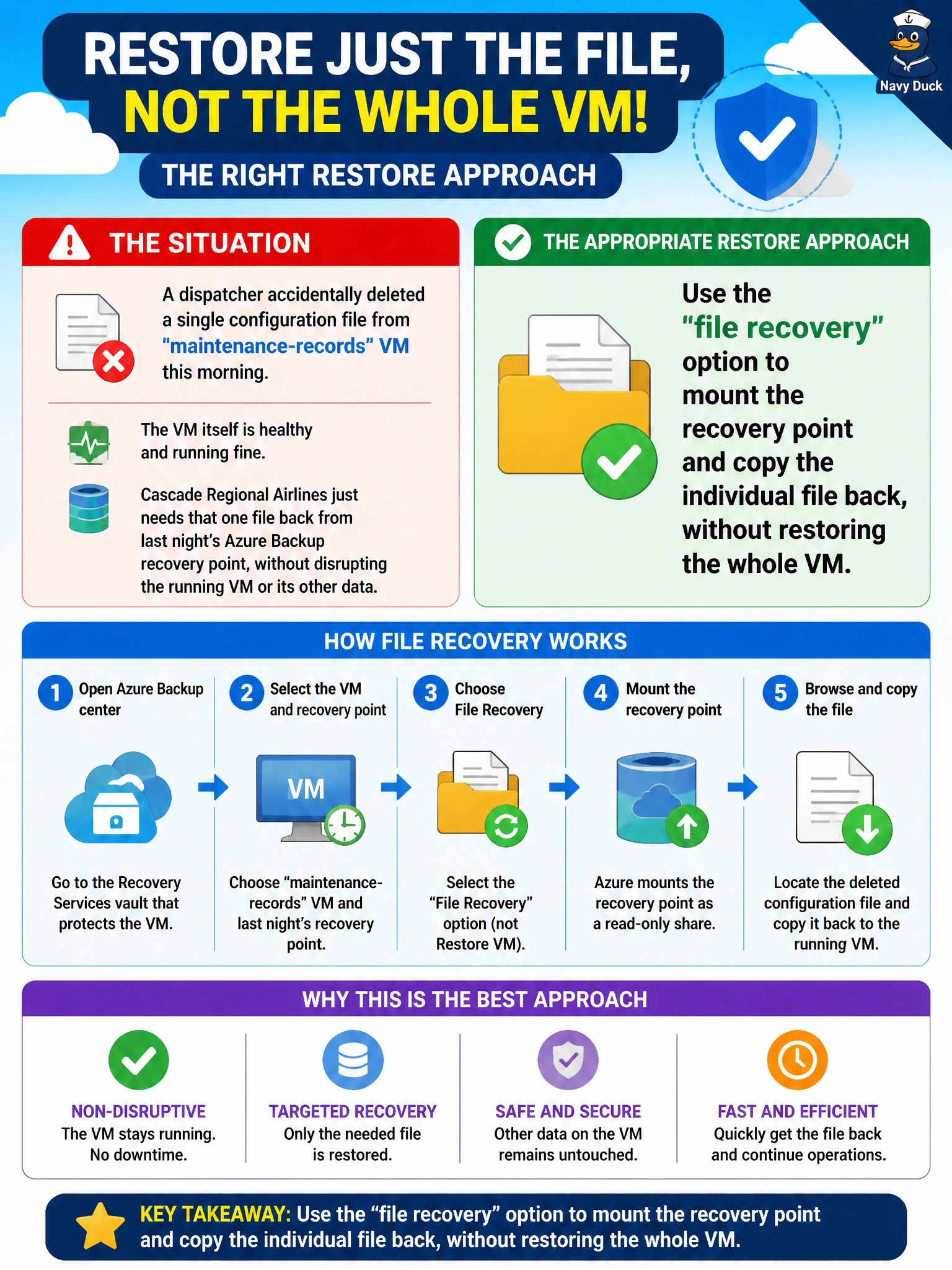
A dispatcher accidentally deleted a single configuration file from the maintenance-records VM this morning. The VM itself is healthy and running fine, and Cascade Regional Airlines just needs that one file back from last night's Azure Backup recovery point, without disrupting the running VM or its other data. What is the appropriate restore approach?
Select an answer to reveal the explanation.
Short Explanation
Losing one file doesn't call for rebuilding the whole VM, that's like tearing down a house to find one missing book. Azure Backup's file recovery feature mounts the recovery point so you can browse it and grab just the file you need. The running VM never has to be touched.
Full Explanation
Azure Backup provides a file-level recovery option that lets you mount a chosen recovery point as a set of volumes on a helper VM, browse the file system inside it, and copy out just the specific file or files needed, all without disturbing the actual production VM or requiring a full disk or VM restore. This precisely matches a scenario where only a single file was lost and the VM itself is otherwise healthy. Deleting the VM and restoring the whole recovery point as a new VM is wildly disproportionate to the problem: it disrupts a healthy running system, changes its resource identity, and risks losing any changes made since the backup, all to recover one file. Downgrading the backup policy to capture single files instead of the whole disk doesn't exist as a real Azure Backup configuration, and it also wouldn't help with a file already lost before such a change took effect. Waiting for a future backup misunderstands file recovery capability entirely — recovery points already support extracting individual files without needing to restore an entire disk, so there's no reason to wait. As an operational check, verify the recovered file's timestamp and content match what's expected from the recovery point used, since file recovery pulls from a specific point in time that may not include very recent changes made after that backup ran.