
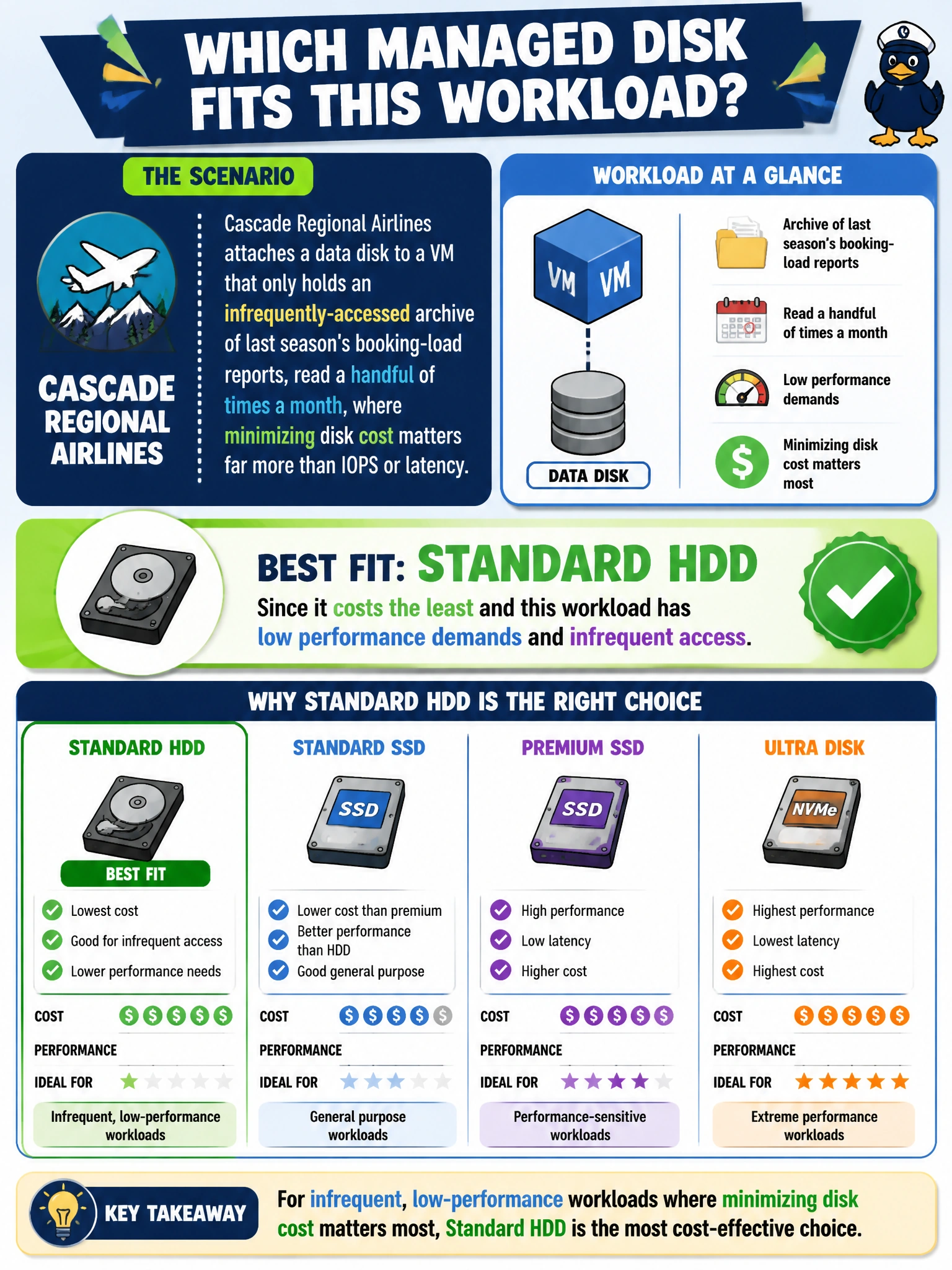
Cascade Regional Airlines attaches a data disk to a VM that only holds an infrequently-accessed archive of last season's booking-load reports, read a handful of times a month, where minimizing disk cost matters far more than IOPS or latency. Which managed disk type best fits this specific workload?
Select an answer to reveal the explanation.
Short Explanation
Not every disk needs to be fast, it just needs to fit the job. An archive that gets opened a handful of times a month is exactly the low-traffic, cost-sensitive case Standard HDD was built for. Paying for premium IOPS on a disk that mostly just sits there is money spent on performance nobody's using.
Full Explanation
Standard HDD is the lowest-cost managed disk tier, designed for workloads that are latency-tolerant and accessed infrequently, such as backups, archives, or rarely-read historical data — which is exactly what this seasonal booking-load archive is. Choosing it here minimizes cost without sacrificing anything the workload actually needs, since the archive isn't latency- or IOPS-sensitive. Defaulting to Premium SSD for every production workload ignores that disk tier selection should be driven by the workload's actual performance needs, not a blanket rule, and it means paying a meaningfully higher price for IOPS and latency this archive will never use. Reaching for Ultra Disk 'to be safe' makes the same mistake at an even higher cost and adds zonal deployment constraints that bring no benefit to an infrequently-touched archive. Ruling out HDD for anything touched more than once a month is an overcorrection — access frequency, not a binary 'touched or not' rule, is what should drive the tier choice, and this workload's low frequency is squarely within HDD's intended use case. As an operational check, review the disk's actual read/write metrics over a full season to confirm the access pattern really is as light as assumed before locking in the tier for the long term.