
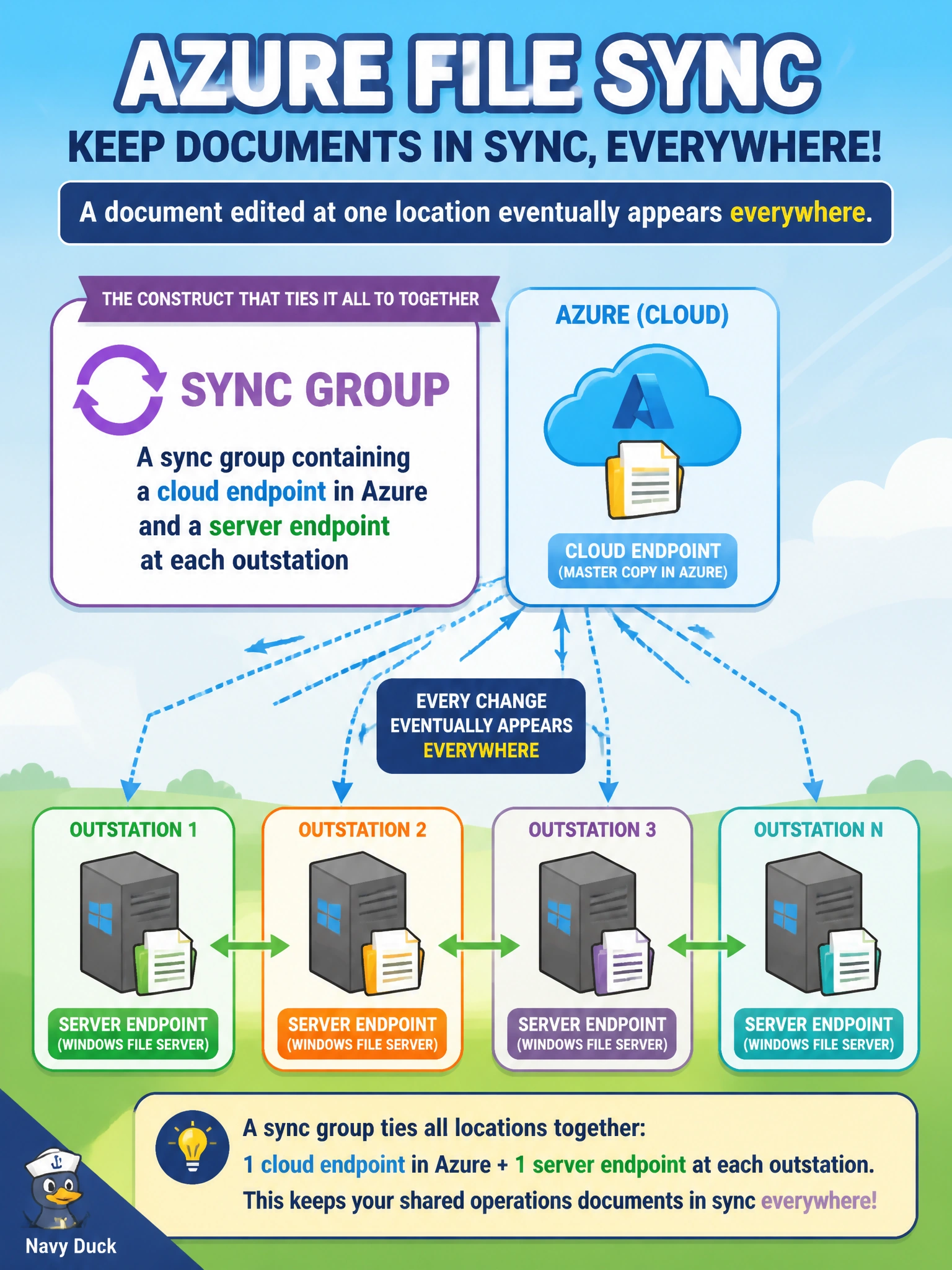
Cascade wants a Windows file server at each outstation to keep local copies of shared operations documents in sync with a master copy in Azure and with the servers at every other outstation, so a document edited at one location eventually appears everywhere. What Azure File Sync construct ties all of these locations together?
Select an answer to reveal the explanation.
Short Explanation
A sync group works like a shared bulletin board that every outstation's server endpoint pins into, with the Azure cloud endpoint acting as the central copy everyone else stays in sync with. Edit a document at one outstation, and Azure File Sync propagates the change out to the rest through that same group. One group, many locations, one master copy.
Full Explanation
A sync group is the Azure File Sync construct that links a single cloud endpoint (an Azure file share) with one or more server endpoints, each representing a folder on a specific on-premises or outstation server; changes made anywhere in the group synchronize through the cloud endpoint to every other member. Scheduling nightly robocopy jobs between server pairs is a manual, brittle approximation of this — it doesn't scale cleanly as outstations are added, has no built-in conflict resolution, and isn't a native Azure File Sync feature at all. Creating a separate, unconnected Azure file share per outstation solves storage but explicitly fails the requirement, since without a sync group nothing keeps those shares — or the local servers — in sync with each other. Blob object replication is the wrong service entirely: it replicates blob containers between storage accounts, not files between on-premises Windows servers, and it has no concept of a local server endpoint. A caveat worth noting: sync groups replicate file changes but do not by themselves guarantee near-real-time propagation — sync intervals and change detection add some latency. To confirm the setup, edit a test file at one outstation's server endpoint and verify it appears at another outstation's endpoint after the next sync cycle.