
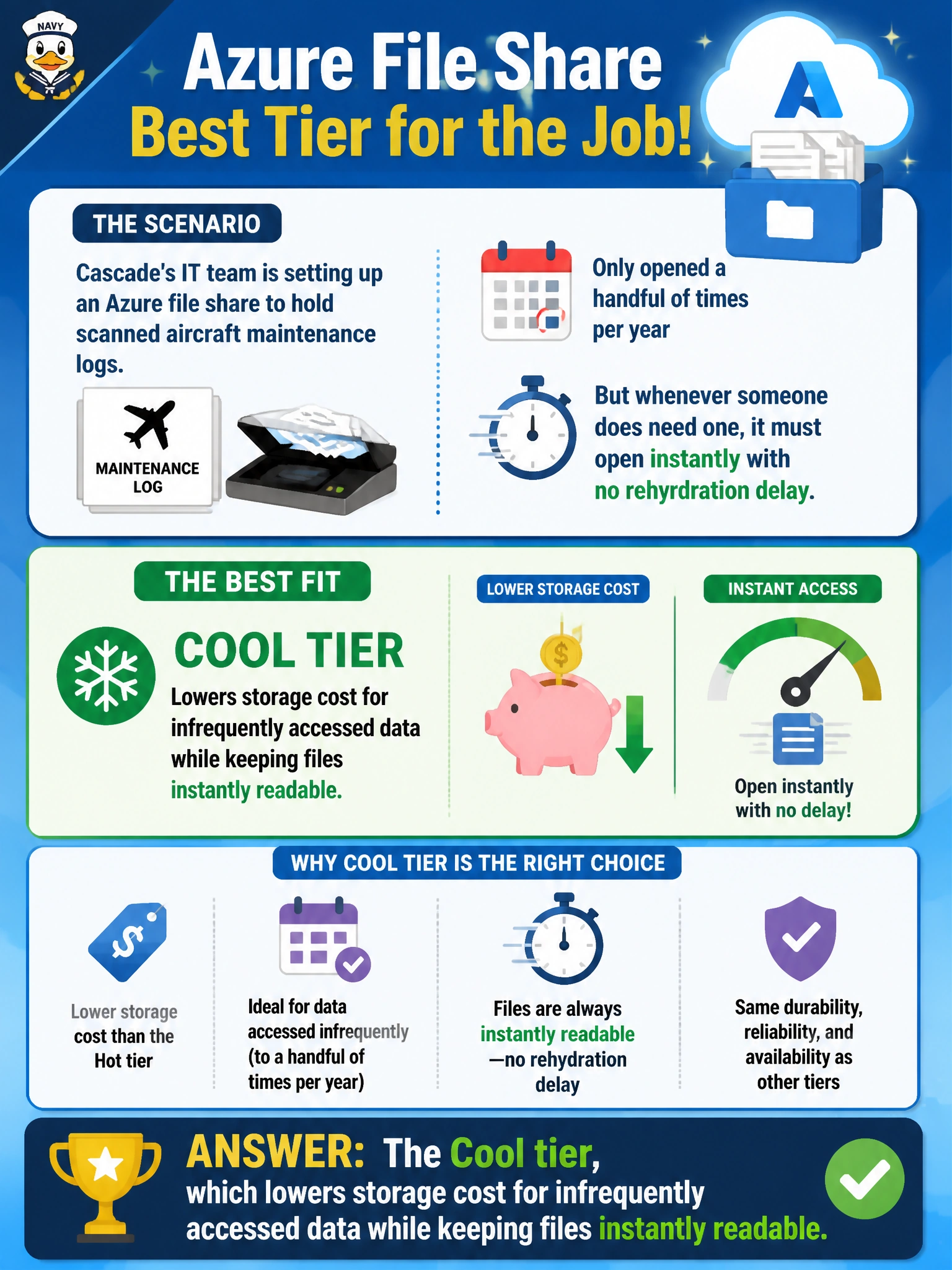
Cascade's IT team is setting up an Azure file share to hold scanned aircraft maintenance logs that are only opened a handful of times per year, but whenever someone does need one, it must open instantly with no rehydration delay. Which share tier best fits this pattern?
Select an answer to reveal the explanation.
Short Explanation
A Cool-tier file share is like keeping rarely-worn winter coats in a cheaper storage closet instead of the entryway — cheaper to store, but you can still grab the coat the moment you need it, no waiting. That's the balance for logs opened only a few times a year. Nothing has to thaw out before it's usable.
Full Explanation
The Cool tier is purpose-built for infrequently accessed file share data: it reduces storage cost compared to the default transaction-optimized tier while keeping every file immediately readable with no retrieval delay, which matches the 'opens instantly' requirement exactly. Transaction Optimized is actually the tier meant for shares with frequent, small-scale transactions — choosing it for rarely accessed logs applies the right concept to the wrong access pattern and leaves cost savings on the table. The Archive tier is a trap here because Azure Files does not offer an archive tier the way Blob storage does; there is no rehydration-delay option to reach for at the file-share level, so reasoning by analogy from Blob storage's archive tier leads to a wrong answer. Premium is the opposite direction entirely — it costs more and is optimized for high-performance, low-latency workloads, which is the reverse of what a rarely accessed archive of scanned logs needs. One caveat: transaction costs on the Cool tier are higher per-operation than on Transaction Optimized, so a share with unexpectedly frequent access could end up costing more overall. To verify tier choice was correct, review a few months of the share's access and transaction metrics against the projected cost.