
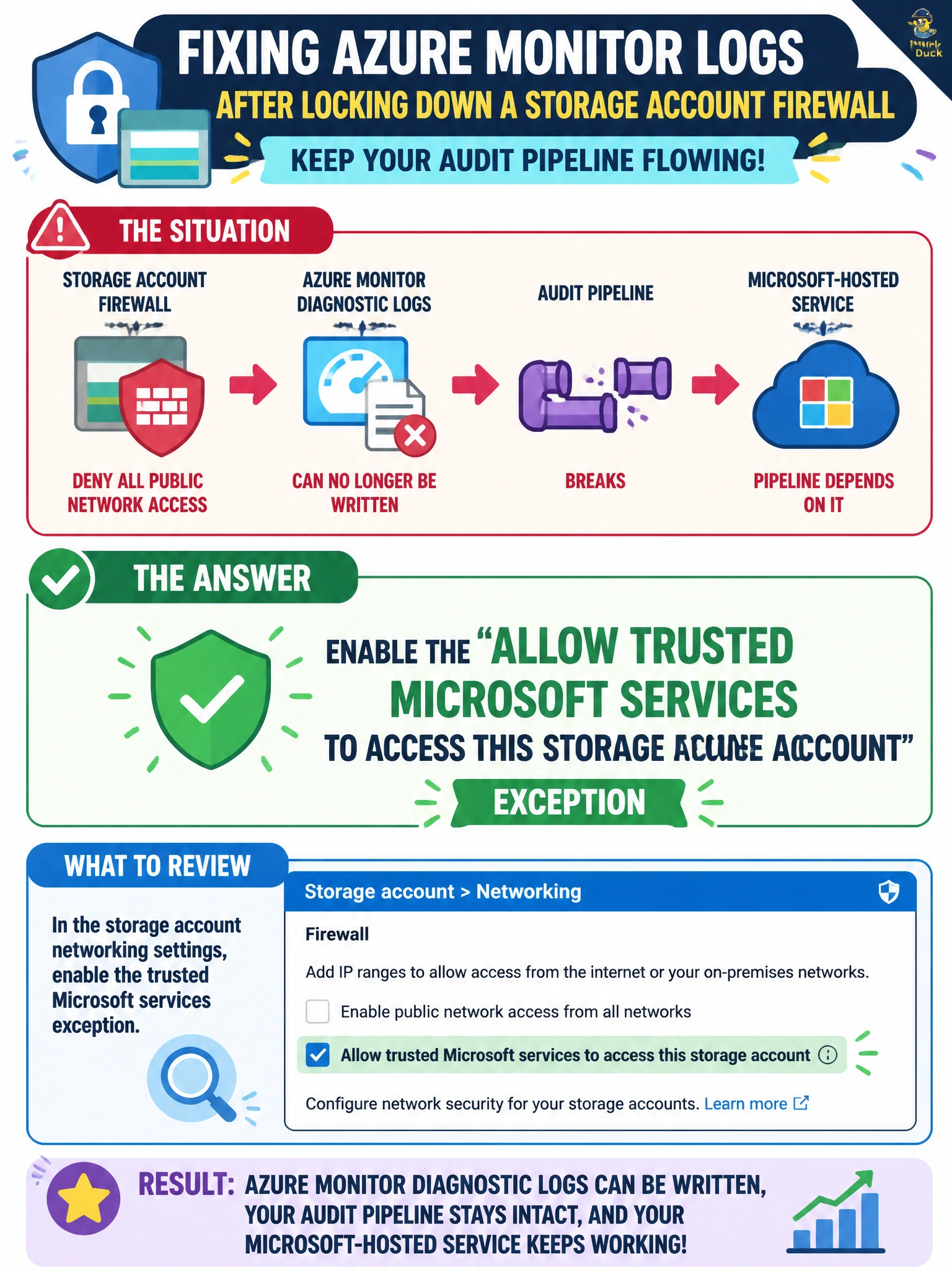
After locking down a storage account's firewall to deny all public network access, Cascade Regional Airlines' team notices that Azure Monitor diagnostic logs can no longer be written to the account, breaking an audit pipeline that a Microsoft-hosted service depends on? Which firewall setting should the team review?
Select an answer to reveal the explanation.
Short Explanation
Locking the firewall down to deny-by-default also blocks first-party Azure services that need to write into the account on your behalf, like a diagnostics pipeline, unless you carve out an exception for them. That exception is a named trusted-services toggle — flip it on, and those specific Microsoft services get through while everything else stays denied.
Full Explanation
The 'Allow trusted Microsoft services to access this storage account' exception on the storage firewall permits a defined set of first-party Azure services — including services like Azure Monitor diagnostic settings — to reach the account for their specific, resource-scoped operations even when public network access is otherwise denied, and enabling it restores the audit-logging pipeline without reopening the account to arbitrary internet traffic. Changing redundancy from LRS to GRS affects replication and disaster-recovery posture, not network reachability, so it would not fix a blocked write path. Switching from StorageV2 to a legacy v1 account is not even a supported in-place operation and, more fundamentally, account type has no bearing on firewall exceptions or trusted-service access. Disabling soft delete removes a data-recovery safety net entirely unrelated to why writes are being rejected at the network layer. A concrete operational check: after enabling the exception, re-run the diagnostic settings write or check the Azure Monitor activity log for the previously failing operation to confirm it now succeeds, since trusted-service access is still scoped and does not guarantee every failure mode is network-related.