
Cascade Regional Airlines wants a safety net so that if a support technician mistakenly deletes a crew document scan container, the deleted contents can be recovered within a defined window without needing versioning or a separate backup job? Which feature should be enabled?
Select an answer to reveal the explanation.
Short Explanation
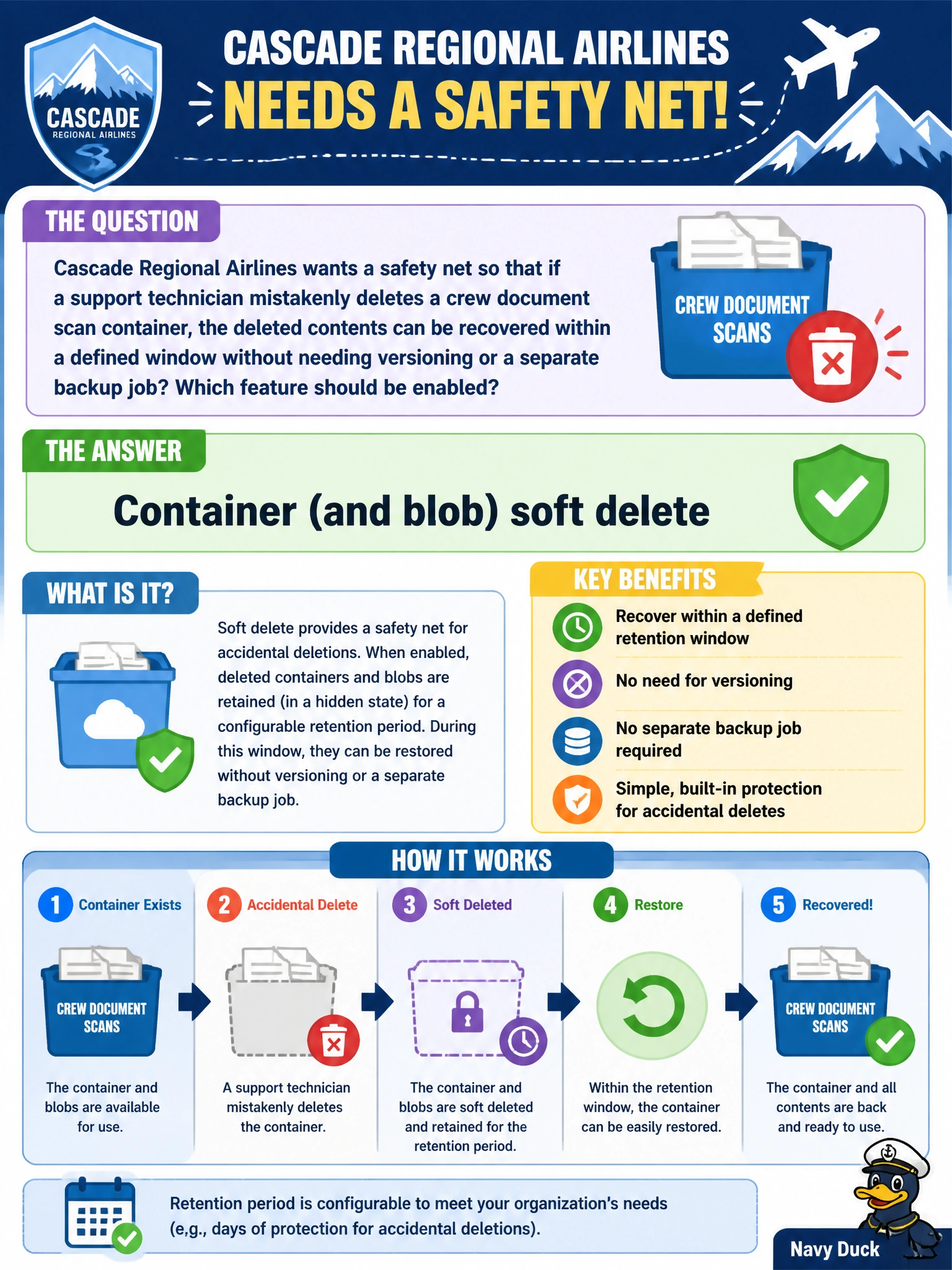
Soft delete is the recycle bin for your storage account: a deleted container or blob doesn't actually vanish, it just moves into a recoverable state for however many days you configure. Turn it on for containers as well as blobs, and an accidental delete becomes an undo button instead of a disaster.
Full Explanation
Container soft delete, paired with blob soft delete, retains deleted containers and their contents in a recoverable state for a configured retention period ranging from 1 to 365 days, allowing an administrator to undelete the container and get every blob back exactly as it was, without any separate backup infrastructure or versioning requirement. Blob object replication asynchronously copies blobs from a source container to a destination container or account, which is useful for redundancy or latency but does nothing to recover data an operator actively deleted from the source. Customer-managed key encryption controls who holds the encryption keys protecting data at rest; it is unrelated to deletion recovery and would not help retrieve a deleted container regardless of key ownership. A storage account firewall restricted to a private endpoint only controls network reachability, preventing or allowing connections based on source, but it has no data-recovery function once a delete request from an authorized, in-network client has already succeeded. A concrete operational check: after enabling soft delete, perform a test delete of a disposable container and confirm it appears in the 'Show deleted containers' view before relying on the feature during a real incident.