
A cloud administrator at Cascade Regional Airlines wants visibility into which outstation-office virtual machines are running on unapproved SKUs before deciding whether to fully enforce an approved-SKU standard, without disrupting any current operations. Which Azure Policy effect fits this goal?
Select an answer to reveal the explanation.
Short Explanation
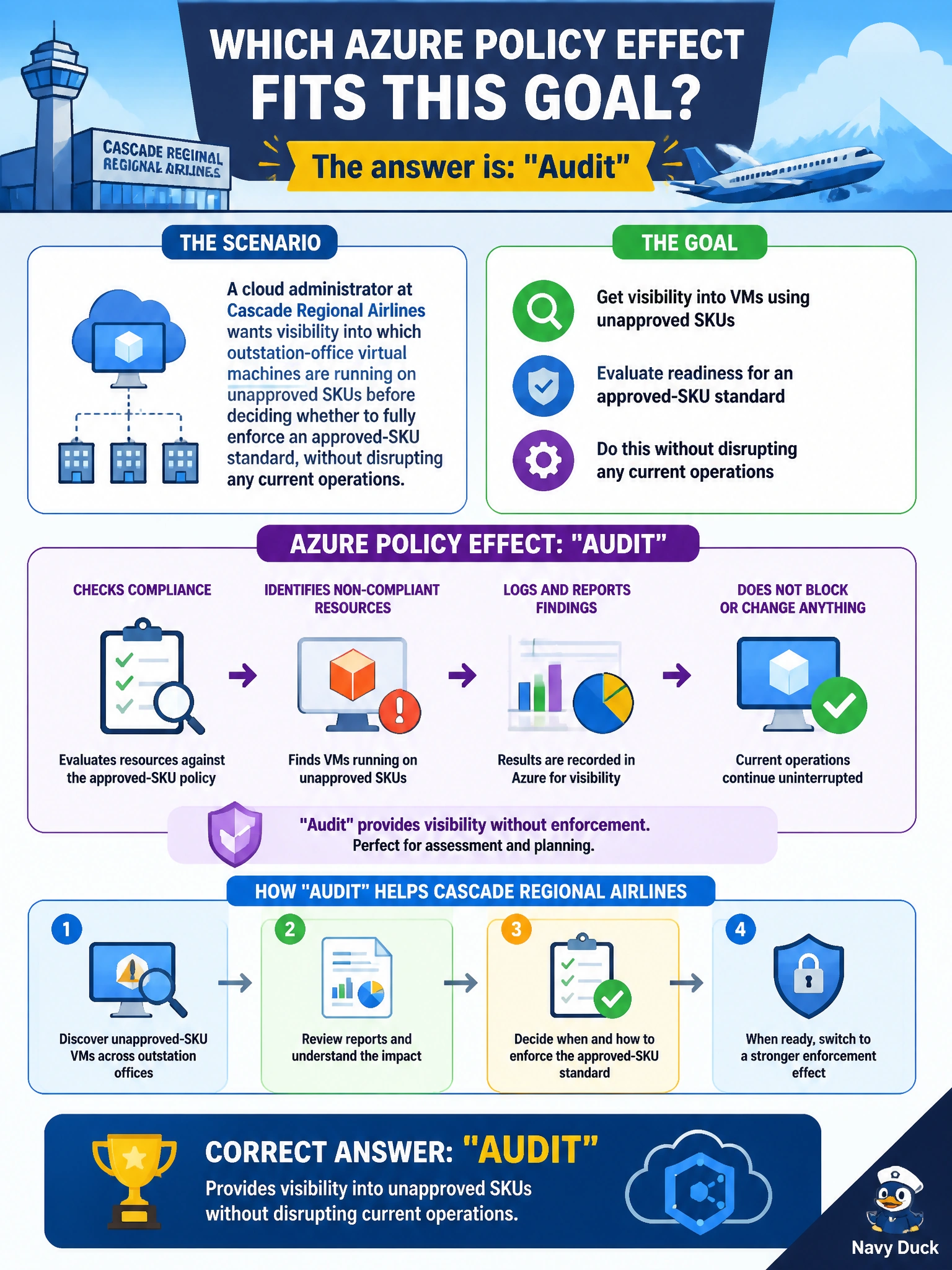
Before flipping on a hard rule, it helps to see how much of the fleet would actually break it. Audit is the reconnaissance pass: it flags every non-compliant VM in the compliance report but leaves every workload running exactly as it is.
Full Explanation
The Audit effect evaluates resources against a policy's conditions and logs a compliance result, compliant or non-compliant, in Azure Policy's compliance dashboard, but it takes no corrective or blocking action whatsoever. This makes it the standard first step for rolling out a new standard: an administrator can see the real-world blast radius, how many outstation VMs would actually be affected, before committing to something disruptive. Deny would immediately block any new non-compliant deployment and, depending on evaluation, can even affect updates to existing resources, which is exactly the disruption the administrator wants to avoid at this stage. DeployIfNotExists is designed to deploy a companion resource when one is missing, such as an extension or diagnostic setting; it has no mechanism for evaluating or reporting on something like SKU choice, and it does not fit a monitoring-only goal. Append is used to add or override specific property values on a request as it is being created, most often for tags, and again performs an active modification rather than passive reporting. As a caveat, many policies are authored with Audit as their default effect specifically so they can later be changed to Deny via a policy parameter once the organization is confident in the impact. Confirm the audit results by reviewing the policy's Compliance blade, filtering for non-compliant resources within the outstation-office resource groups.