
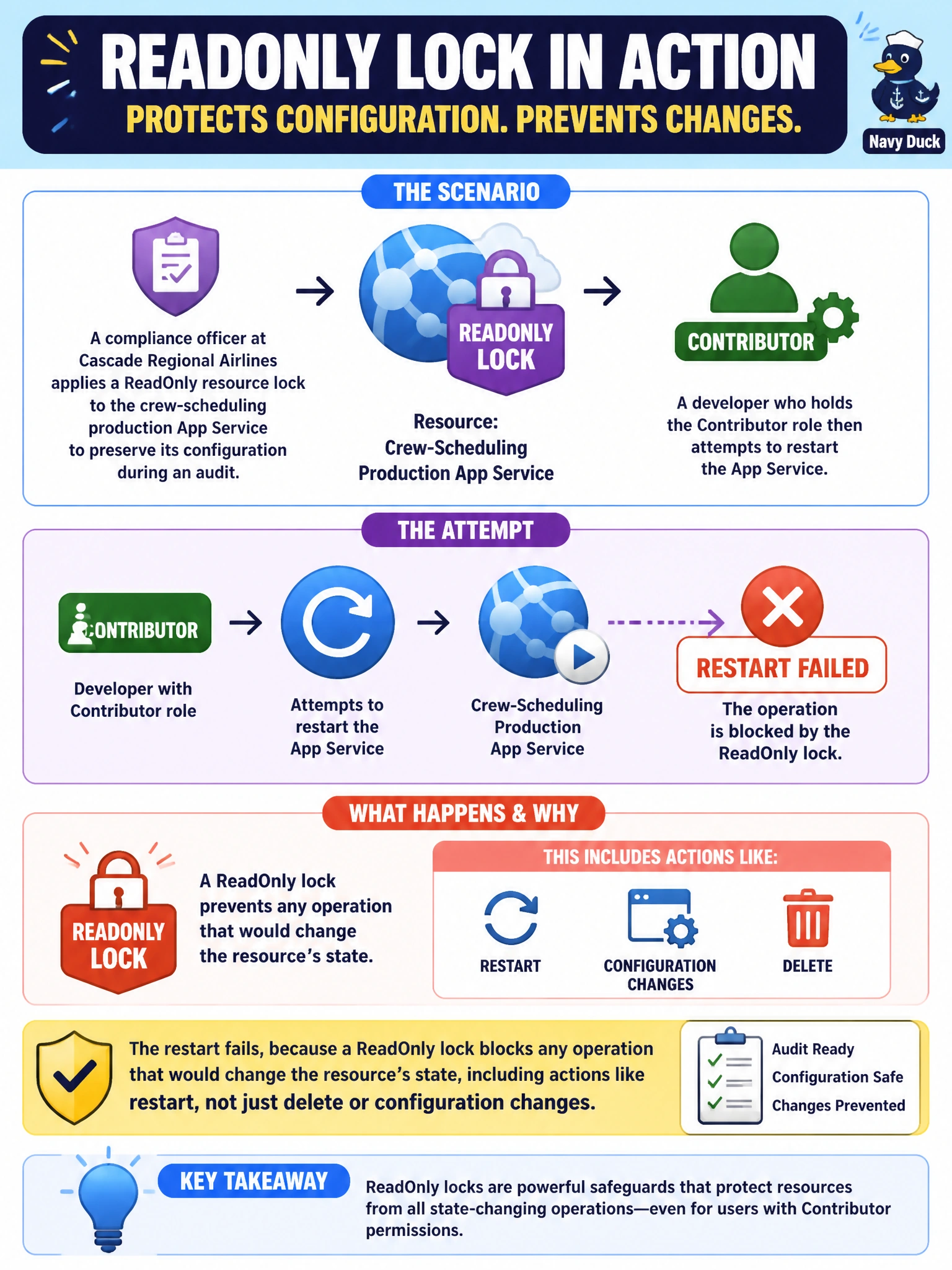
A compliance officer at Cascade Regional Airlines applies a ReadOnly resource lock to the crew-scheduling production App Service to preserve its configuration during an audit. A developer who holds the Contributor role then attempts to restart the App Service. What happens?
Select an answer to reveal the explanation.
Short Explanation
A ReadOnly lock isn't just a "don't delete" sign, it's closer to freezing the whole resource in place. Restarting an app still counts as changing its state, so the lock stops that too, no matter which role is trying it.
Full Explanation
A ReadOnly lock on a resource restricts all callers, regardless of their RBAC role, to operations that correspond to read actions, effectively blocking any write or action-type operation that would alter the resource, including start, stop, and restart operations on many resource types, not merely blocking delete or configuration-property changes. Because Contributor's write permissions are exactly what the lock intercepts, holding Contributor does not create an exception; the lock check happens independently of, and prior to, whatever RBAC would otherwise allow. The claim that the restart succeeds but later configuration changes are blocked misreads the scope of a ReadOnly lock, it does not selectively allow some write-type operations through while blocking others; it blocks essentially all of them uniformly. The lock also applies the same way regardless of which interface issues the request, portal, CLI, PowerShell, or an ARM template all go through Azure Resource Manager and are subject to the identical lock evaluation. One important caveat: ReadOnly locks can have surprising side effects on resource types with implicit background operations, for example some App Service and Storage operations fail unexpectedly because a supporting resource-provider call is itself blocked, so locks should be tested in a non-production slot first. To confirm before an audit window, attempt a benign restart against a lower-environment resource with the same lock applied and observe the error returned.