
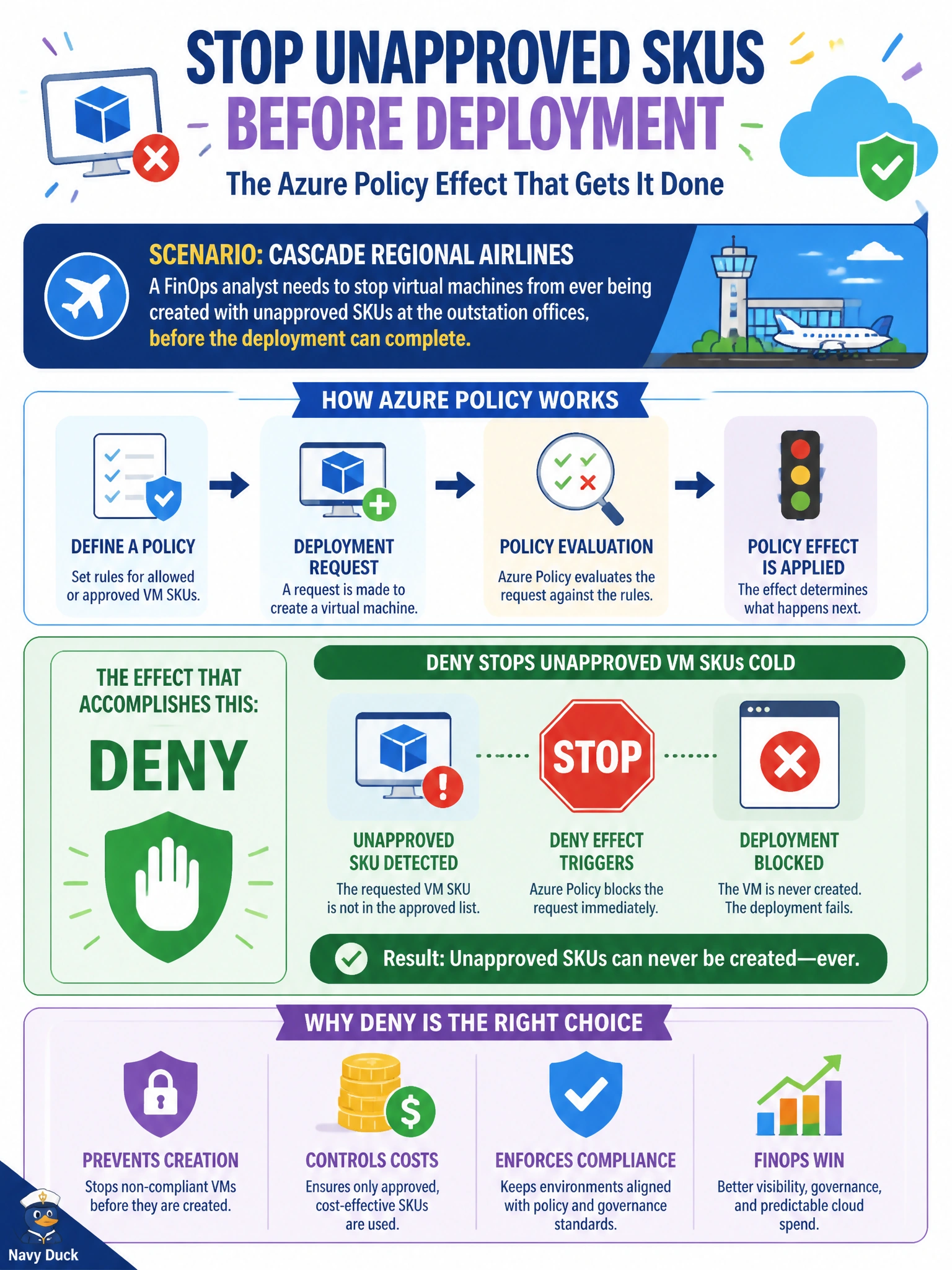
A FinOps analyst at Cascade Regional Airlines needs to stop virtual machines from ever being created with unapproved SKUs at the outstation offices, before the deployment can complete. Which Azure Policy effect accomplishes this?
Select an answer to reveal the explanation.
Short Explanation
Picture a bouncer checking IDs at the door versus a security guard writing up a report after the fact. Deny is the bouncer: the disallowed VM SKU never gets in, the deployment simply fails at request time.
Full Explanation
The Deny effect evaluates a resource against the policy's conditions at the moment of the create or update request and blocks the ARM operation outright if it does not comply, so a VM with an unapproved SKU never gets provisioned in the first place. Audit only records non-compliance in the compliance dashboard after the resource already exists, so it has no power to stop the deployment; it is a visibility tool, not a gate. DeployIfNotExists runs after a resource is created to deploy a related, complementary resource, such as a diagnostic setting, so it addresses missing configuration rather than preventing a disallowed choice up front. A resource lock protects existing resources from delete or modification operations, but it has no evaluation logic for SKU or other property values on brand-new resources, so it cannot enforce an approved-SKU list. One caveat worth remembering is that Deny policies only stop resources created after the assignment; anything already deployed with a non-compliant SKU stays until it is manually remediated or replaced. To confirm the effect is working, attempt to deploy a test VM with a disallowed SKU in a non-production resource group and confirm the deployment fails with a policy violation error.