
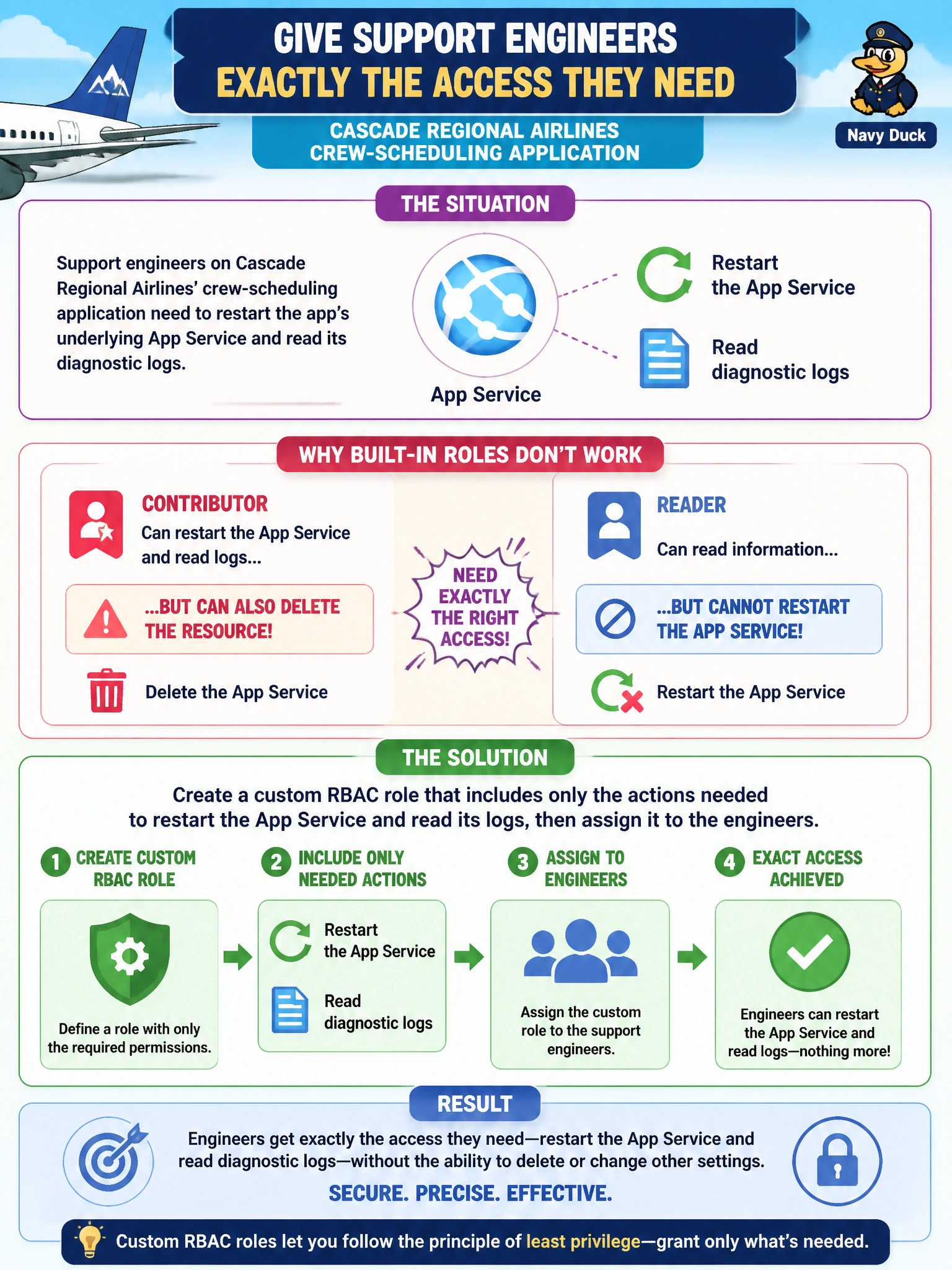
Support engineers on Cascade Regional Airlines' crew-scheduling application need to restart the app's underlying App Service and read its diagnostic logs, but the built-in Contributor role also lets them delete the resource, and the built-in Reader role cannot perform the restart. What should the subscription owner do to give the engineers exactly the access they need?
Select an answer to reveal the explanation.
Short Explanation
Built-in roles are off-the-rack sizes, and sometimes nothing on the rack fits. When Reader is too tight and Contributor is too loose, a custom role lets you tailor the exact set of actions, restart and read logs, without handing over the keys to delete anything.
Full Explanation
Azure RBAC custom roles are built from an actions list, an optional notActions exclusion list, and assignable scopes, letting an administrator grant a precise permission set that no built-in role expresses. Here the engineers need the App Service restart action and log-read actions, and nothing more, so a custom role defined with just those operations satisfies the requirement without granting write or delete rights. Owner is even broader than Contributor, since it also manages access, so it fails the same way for the opposite reason of being too permissive. Assigning Reader and routing restarts through a manual request process is an operational workaround, not a governance solution, and does not scale or show up in an access review. Pairing Contributor with a CanNotDelete lock still leaves engineers able to modify configuration, scale settings, and other properties they were never asked to touch, and a lock protects a resource from everyone, not just from one team's excess permissions. As a caveat, custom roles are billed per directory tenant and Azure caps how many can exist, so reuse a role across similar apps rather than authoring one per resource. Verify the definition by running Get-AzRoleDefinition or the equivalent Azure CLI command and reviewing the actions array before assigning it.