
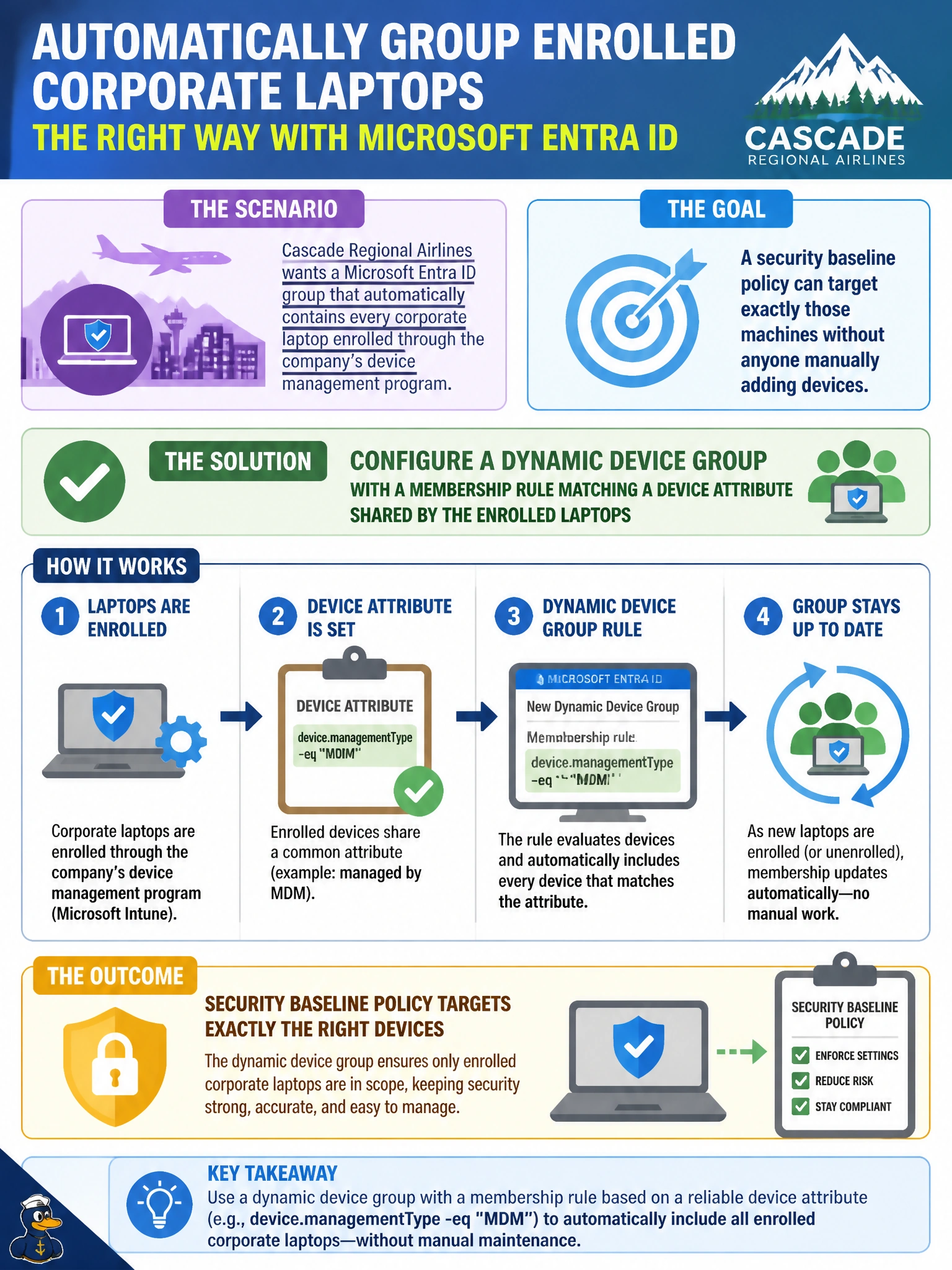
Cascade Regional Airlines wants a Microsoft Entra ID group that automatically contains every corporate laptop enrolled through the company's device management program, so a security baseline policy can target exactly those machines without anyone manually adding devices. What should the identity admin configure?
Select an answer to reveal the explanation.
Short Explanation
Dynamic groups aren't just for people — they work on devices too. Write a rule that matches an attribute every enrolled laptop shares, and Entra ID keeps the membership current automatically as machines get enrolled.
Full Explanation
Microsoft Entra ID supports dynamic membership rules for device objects, not just users, letting an admin write an expression against device attributes (such as management type or a naming/OS attribute shared across the enrolled fleet) so that any device matching the rule is automatically added to the group, and any device that stops matching is automatically removed. That rule-based, self-maintaining mechanism is exactly what's needed to target a security baseline policy at a moving fleet of laptops without manual upkeep. An assigned security group requires someone to manually add every device object, which doesn't scale and inevitably drifts out of date as new laptops are enrolled and old ones retired. A Microsoft 365 group scoped to IT department users targets people, not devices, and provides collaboration surfaces like a mailbox that are irrelevant to applying a device-targeted security policy. An administrative unit scopes administrative delegation over objects like users or devices for role assignment purposes — it isn't a mechanism for automatically maintaining a device group and doesn't get consumed by a security baseline policy the way a group does. An exam-relevant caveat: dynamic device groups require devices to be registered or joined to Entra ID so their attributes are visible for rule evaluation. An operational check is enrolling a test laptop and confirming it appears in the dynamic group within the expected processing time.