
A Foundry project lead wants to let a new data scientist run experiments and view results inside one specific Foundry project, but must prevent that person from changing the project's content filtering policies or deleting deployments. What should the lead do?
Select an answer to reveal the explanation.
Short Explanation
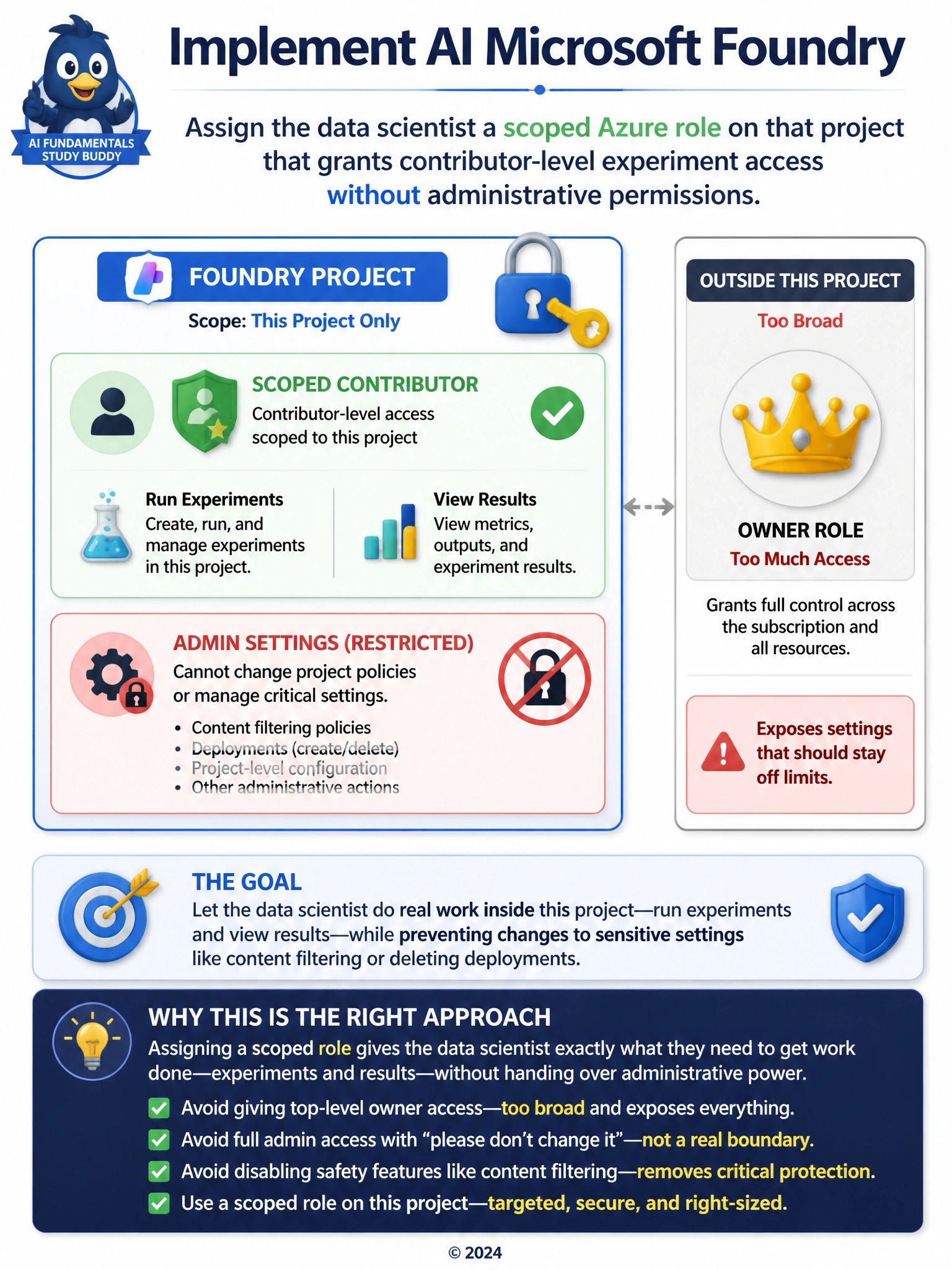
The goal here is to let someone in and get real work done, but without handing them the keys to settings they should not be touching, and Azure has a way to do exactly that: give them a role scoped to just this one project that covers running experiments and looking at results, but stops short of anything administrative. Handing over the top-level owner login blows way past what is needed and exposes everything else in the subscription too. Giving them full admin rights and just asking nicely not to touch certain settings is not really a boundary at all, it is an honor system that any mistake or bad day can break. And turning off the safety filtering altogether so there is nothing left to accidentally change removes a protection everyone relies on, just to sidestep a permissions problem that has a much more targeted fix.
Full Explanation
The correct answer is A. Assigning the data scientist a scoped Azure role limited to that single Foundry project, one that grants contributor-level access for running experiments and viewing results but withholds administrative actions, lets the person do their job while the project lead retains sole control over sensitive settings like content filtering policies and deployment deletion. Option B is incorrect because sharing subscription owner credentials grants unrestricted control over every resource in the subscription, far beyond the one project the data scientist needs, and violates the principle of least privilege. Option C is incorrect because giving someone the same administrative role as the lead and simply asking them not to use certain permissions relies on trust rather than an enforced boundary; nothing technically prevents an accidental or unauthorized change. Option D is incorrect because disabling content filtering entirely removes a safety control for everyone using the deployment just to avoid one person changing it, trading a real protection for a false sense of simplicity rather than restricting who can edit it.