
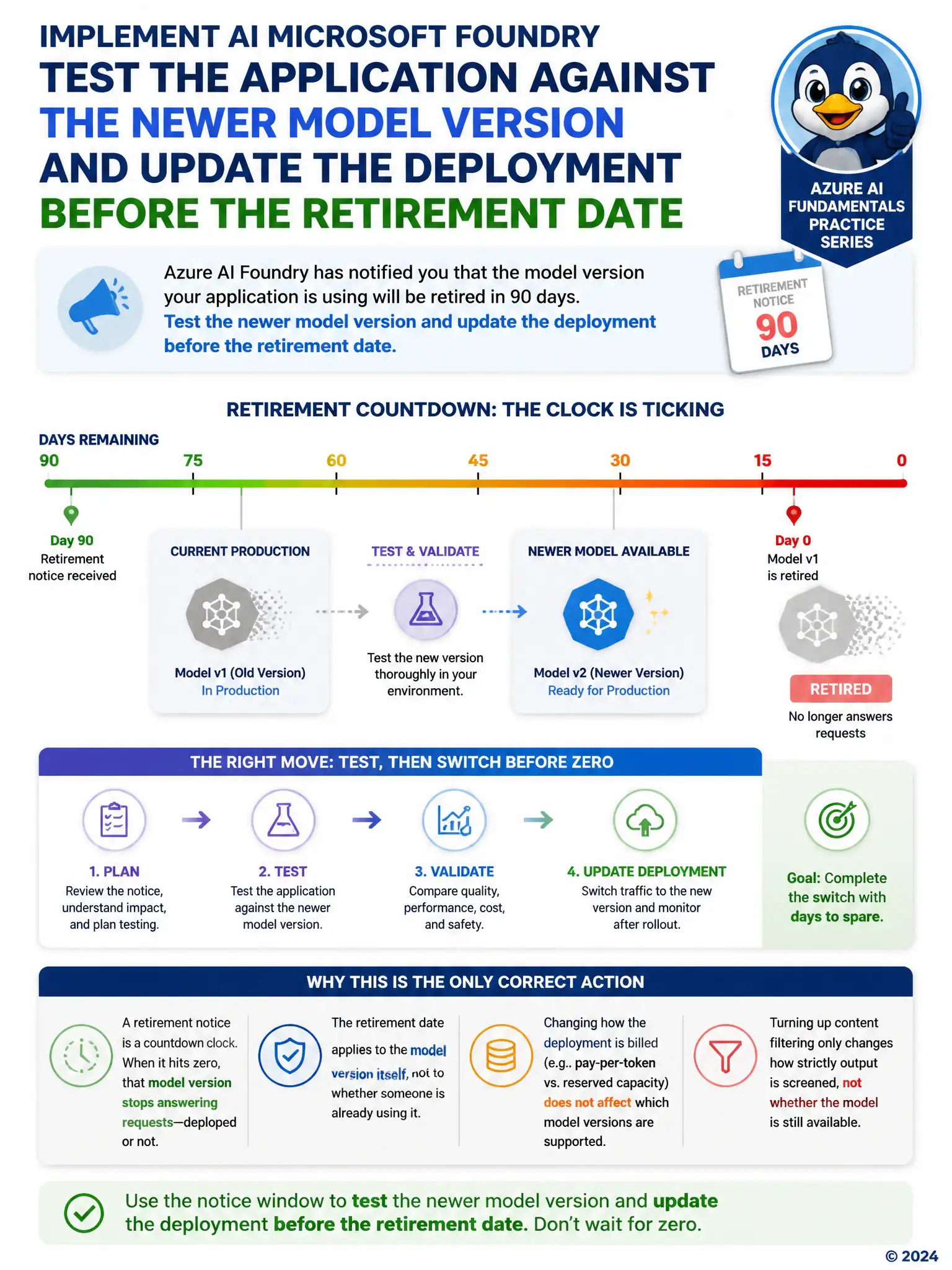
A team has a production Foundry deployment running a specific model version. Azure AI Foundry sends a notice that this model version will be retired in 90 days and that traffic will need to move to a newer version before then.
Select an answer to reveal the explanation.
Short Explanation
Retirement notices are countdown clocks: when the date hits, that model version stops answering requests, deployed or not. You use the 90-day window to test the newer version and switch the deployment before the old one goes dark. Thinking a deployed model runs forever, changing billing mode, or tightening content filters won't keep the retired version alive.
Full Explanation
The correct approach is to validate application behavior against the newer model version during the notice window and update the deployment before the old version stops serving requests, avoiding an unplanned outage. Ignoring the notice because deprecated model versions continue serving traffic indefinitely once deployed is incorrect because retired model versions do stop serving traffic once their retirement date passes, regardless of how long they have already been deployed; ignoring the notice risks the application failing outright when the cutoff arrives. Switching the deployment type from pay-as-you-go to provisioned throughput to avoid the retirement is incorrect because the deployment type, pay-as-you-go versus provisioned throughput, is a billing and capacity setting unrelated to model version lifecycle; changing it has no effect on whether a specific model version continues to be supported. Enabling stricter content safety filters so the retirement notice no longer applies is incorrect because content safety filter severity governs how content is screened for policy violations and has nothing to do with a model version's retirement schedule or availability.