
A call-center operator wants to build a workflow in Azure AI Foundry that takes recorded customer calls, converts the audio into text, and then has a language model summarize each call for the account notes. Which combination should the workflow use?
Select an answer to reveal the explanation.
Short Explanation
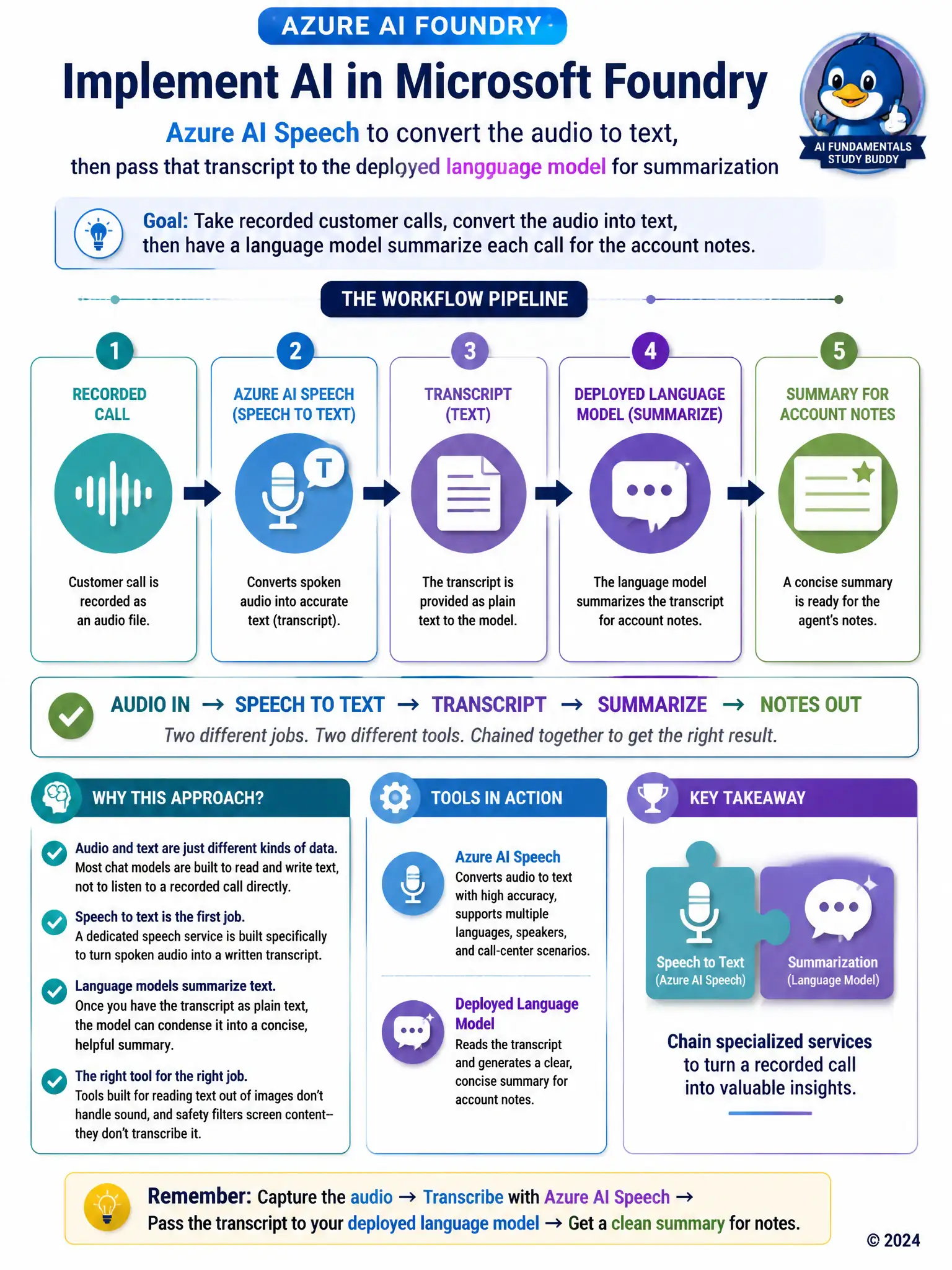
You need Azure AI Speech to convert the recorded call into text first, then pass that transcript to the deployed language model for summarization. Most chat models are built to read and write text, not to listen to raw audio, so chaining a speech service into a language model is what gets you from a call recording to account notes.
Full Explanation
The correct choice is the combination that uses Azure AI Speech to convert the recorded audio into a text transcript, then hands that transcript to the deployed language model to produce a concise summary. This matches the two distinct capabilities the workflow needs: speech recognition first, then text summarization. The proposal to use the language model directly is wrong because the chat models typically deployed for this kind of summarization task work on text input, not raw audio waveforms, so passing audio directly would not produce a usable transcript or summary. The proposal to use Azure AI Vision's OCR capability is wrong because OCR extracts text from images of printed or handwritten content, such as scanned documents or photos; it has no mechanism for processing audio signals. The proposal to use only the content safety filter is wrong because the content safety filter's job is to screen text for policy violations, not to transcribe audio into text, so it cannot produce the transcript this workflow depends on. Chaining a dedicated speech-to-text service into the language model is the combination that actually matches what audio-to-summary requires.