
A permits office wants each model experiment run to record parameters and metrics inside Azure Machine Learning for later comparison. Which capability should they configure?
Select an answer to reveal the explanation.
Short Explanation
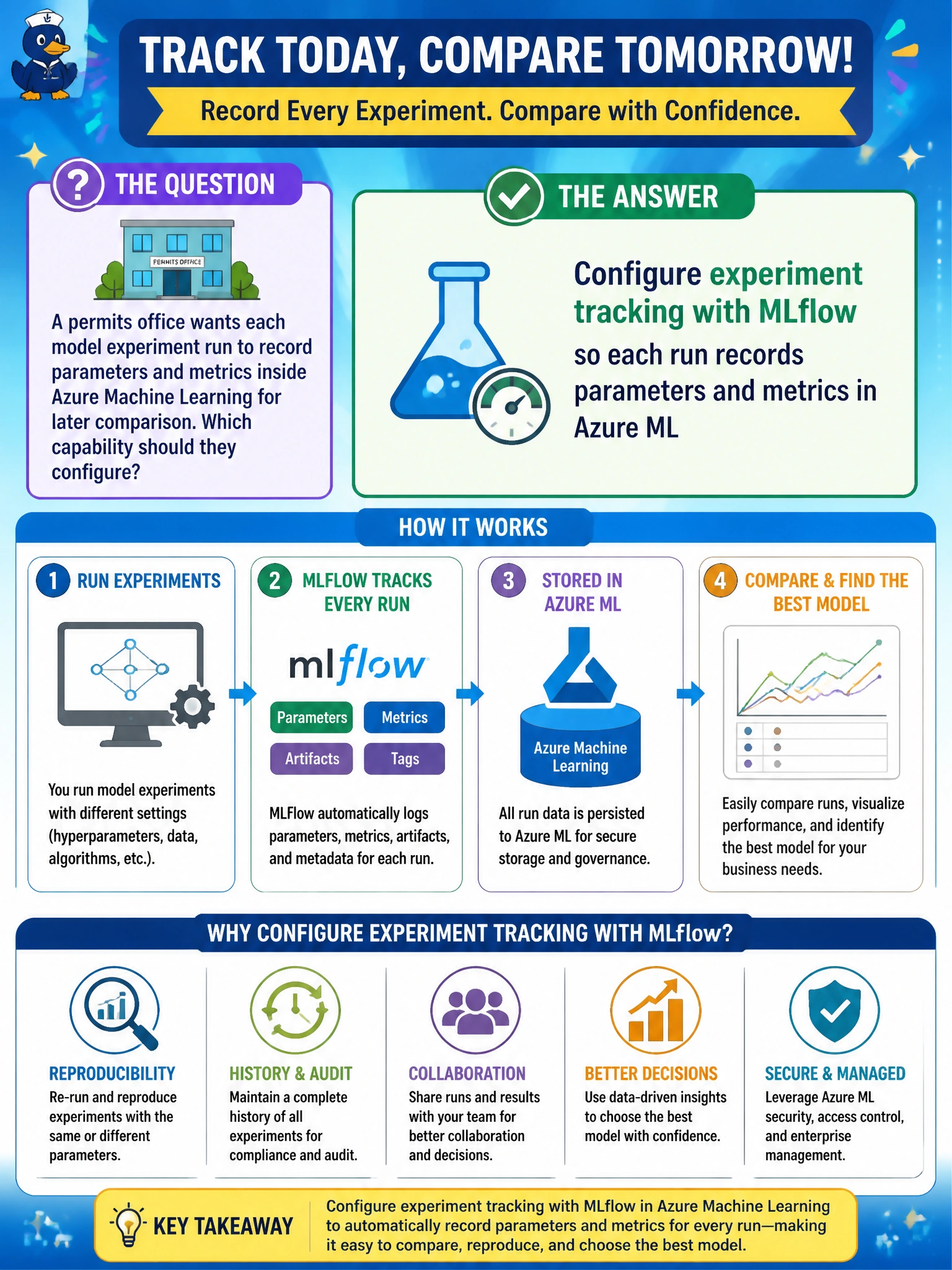
MLflow is the scoreboard that remembers every permits experiment — parameters, metrics, no model registry required. If you don't track it, you can't reproduce or compare runs later.
Full Explanation
Configuring experiment tracking with MLflow so each run records parameters and metrics in Azure Machine Learning gives the permits office a durable comparison surface for municipal model experiments. MLflow integration captures hyperparameters, metrics, and often artifacts against the run identity inside the workspace, so later selection is evidence-based rather than anecdotal. Domain 2 orchestration expectations assume that experiment history is queryable when teams decide which candidate advances to registration or deployment.
Configuring Azure ML datastores to version training datasets fails by concept: dataset versioning manages source data for reuse, but it does not capture run-level parameters and metrics or tie them to Azure ML run IDs for later comparison. Enabling Application Insights integration to monitor latency metrics from deployed permit scoring endpoints fails operationally—it watches live endpoint traffic rather than preserving the experiment audit trail the office needs when a model is challenged after go-live. Registering each trained model in the Azure ML model registry misses the requirement: the registry governs approved deployment versions, not the per-run parameters and metrics required to compare candidate experiments.
Exam caveat: When the stem asks how to record parameters and metrics inside Azure ML for later comparison, MLflow experiment tracking is the intended capability—dataset versioning, endpoint latency monitoring, and model registration are distractors. Operational check: submit two training runs with different hyperparameters, open the Azure ML experiment or MLflow UI, confirm both runs show parameters and metrics, and export or query metrics to pick a winner without opening notebooks.
Prefer to study offline? Printable PDF study book + test engine ($7.50, unofficial). These questions stay free here.