
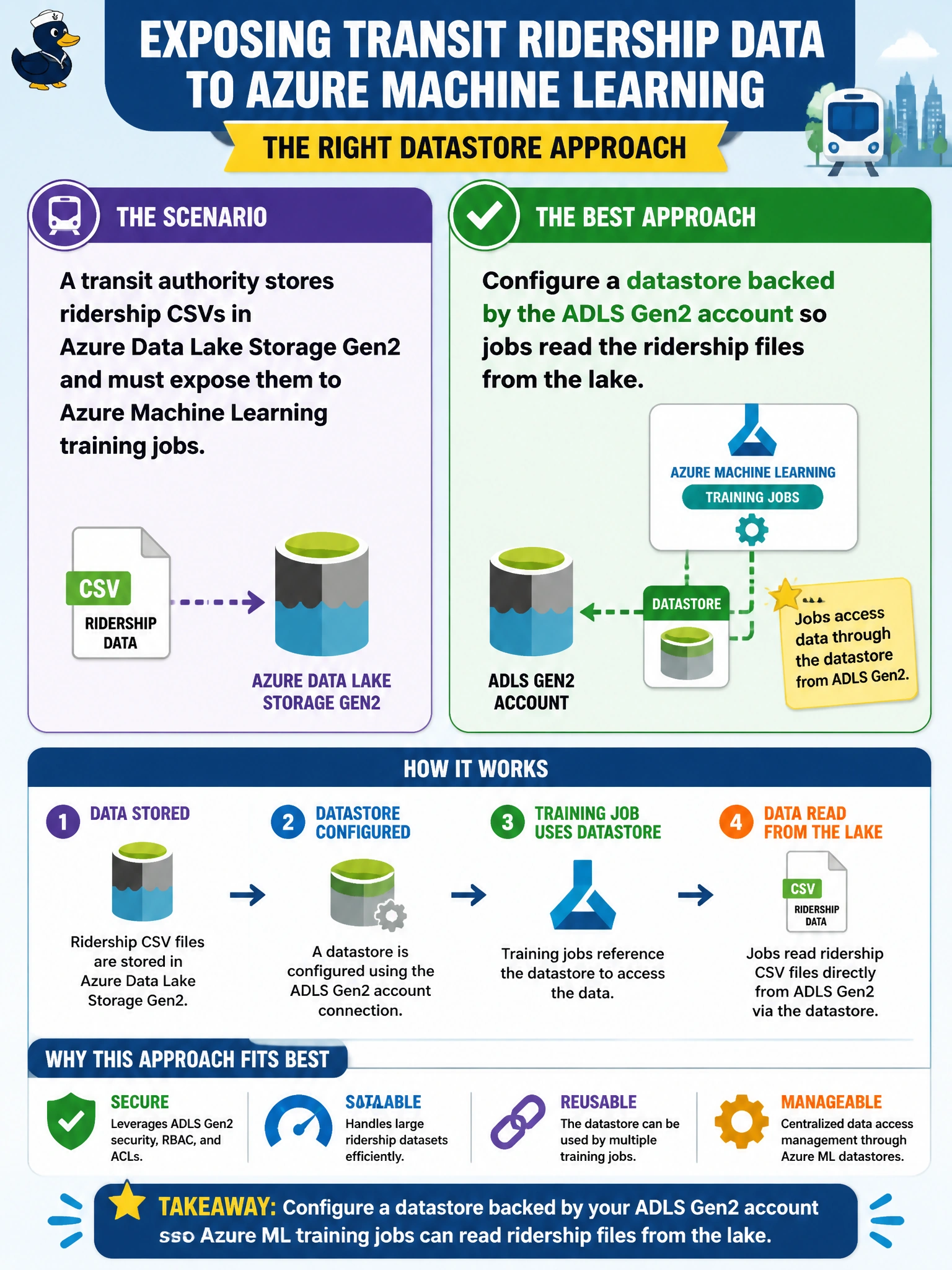
A transit authority stores ridership CSVs in Azure Data Lake Storage Gen2 and must expose them to Azure Machine Learning training jobs. Which datastore approach fits best?
Select an answer to reveal the explanation.
Short Explanation
Ridership lives in the lake already, so you point Azure ML at ADLS with a proper datastore instead of copying CSVs into an Azure Files share. That's how you keep one source of truth and let jobs pull files with controlled access. Moving the data to the default workspace blob container or attaching an ADLS Gen1 datastore just creates extra copies and points at the wrong store.
Full Explanation
Configuring a datastore backed by the ADLS Gen2 account so jobs read the ridership files from the lake is correct because Azure Data Lake Storage Gen2 is a first-class municipal analytics store, and Azure ML datastores are designed to mount or reference that lake under workspace governance. Transit ridership CSVs remain in the lake as the system of record; training jobs resolve them through the datastore with controlled credentials rather than proliferating copies. This approach supports hierarchical namespaces, existing lake IAM patterns, and reproducible path references for scheduled training.
Configuring a datastore backed by an Azure Files share holding copies of the ridership CSVs fails because it duplicates the system of record, adds unnecessary data movement, and stores municipal ridership outside the lake where governance and ACLs already exist. Registering a datastore backed by the default workspace blob container and moving ridership files there fails because it copies data out of the ADLS Gen2 lake, breaks the single source of record, and introduces a redundant copy that jobs must keep in sync. Attaching an Azure Data Lake Storage Gen1 datastore to the workspace fails because the ridership files live in ADLS Gen2, so a Gen1 datastore targets the wrong storage generation and would require another copy or migration instead of using the lake in place.
Exam caveat: ADLS Gen2-backed datastores and Blob-backed datastores are both valid; choose the backing that matches where the municipal data already lives. The wrong answer pattern is any approach that copies lake data into an Azure Files share or the default workspace blob container, or that attaches an ADLS Gen1 datastore instead of using the registered ADLS Gen2 datastore.
Operational check: validate that the datastore connection succeeds with the transit authority's preferred identity, that job runs can open a known ridership path, and that lake ACLs still deny anonymous or overly broad public access.
Prefer to study offline? Printable PDF study book + test engine ($7.50, unofficial). These questions stay free here.