
A new tool endpoint for library holds will roll out gradually. How should App Configuration and monitoring work together?
Select an answer to reveal the explanation.
Short Explanation
Feature flags plus metrics are like opening one library branch at a time while watching the wait-time board.
Full Explanation
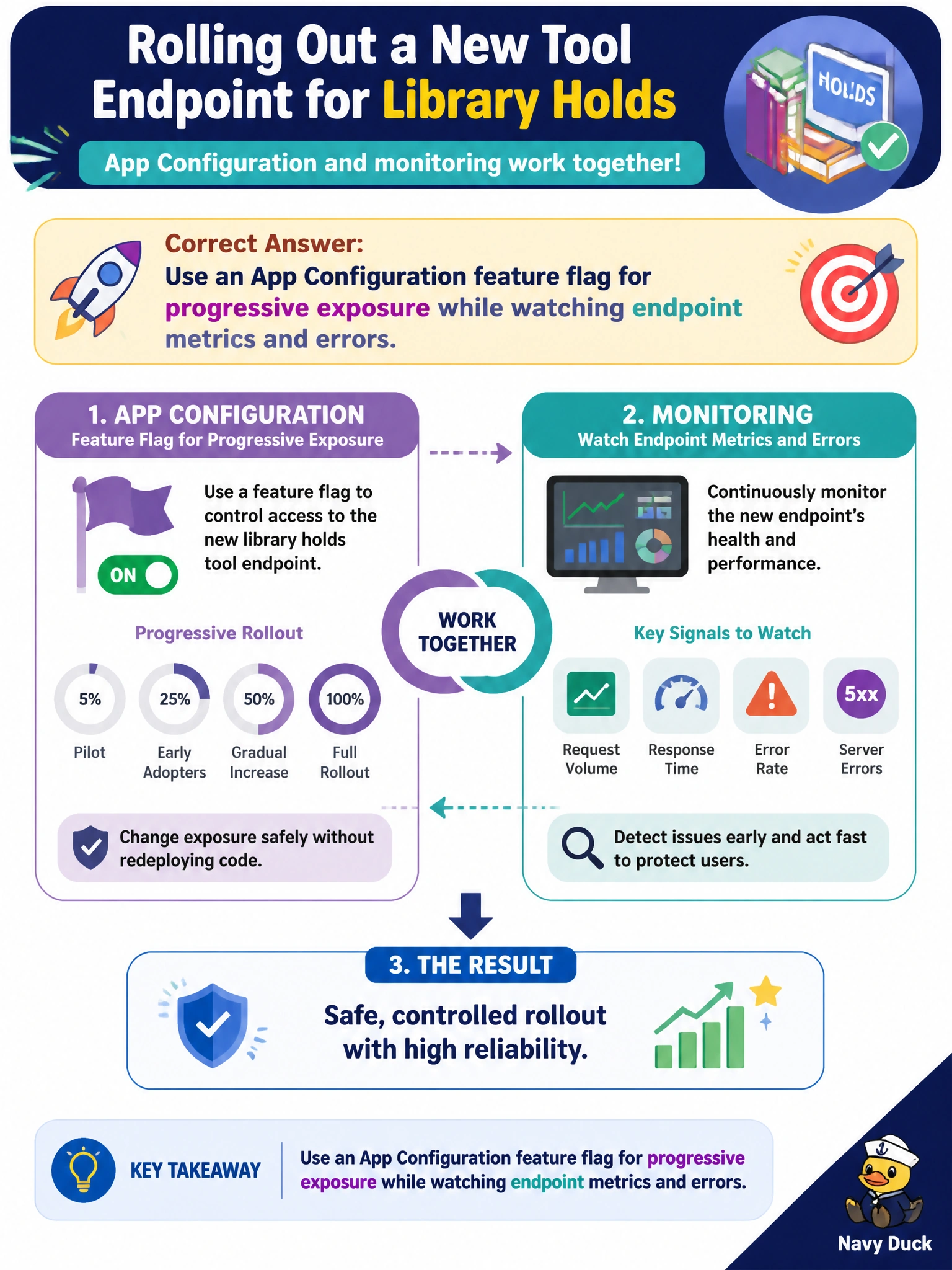
For a new tool endpoint for library holds rolling out gradually, use an App Configuration feature flag for progressive exposure while watching endpoint metrics and errors. The flag lets the city increase the percentage of traffic (or targeted user segments) that call the new holds tool without redeploying, while monitoring confirms error rate, latency, and success before wider exposure. That combination is controlled municipal change management for resident-facing library features.
Enabling the flag for 100% of traffic with no metrics watch window skips canary learning and can amplify a bad endpoint citywide immediately. Hard-coding the new endpoint and removing the flag store permanently eliminates progressive control and safe rollback via configuration. Disabling all monitoring during the rollout to reduce noise removes the very signals needed to decide whether to proceed, pause, or revert.
Exam caveat: Feature flags in App Configuration should be labeled per environment; production flags need RBAC and preferably private networking. Progressive exposure still requires compatible clients that honor the flag and telemetry that can slice metrics by flag state or cohort. A flag does not replace load testing or API contract checks.
Operational check: Start the library holds tool flag at a small percentage, watch error rate, latency, and dependency health for the new endpoint, increase exposure in steps only when metrics stay within budget, and keep an instant flag-off rollback path. Document each step and metric gate in the rollout checklist.