
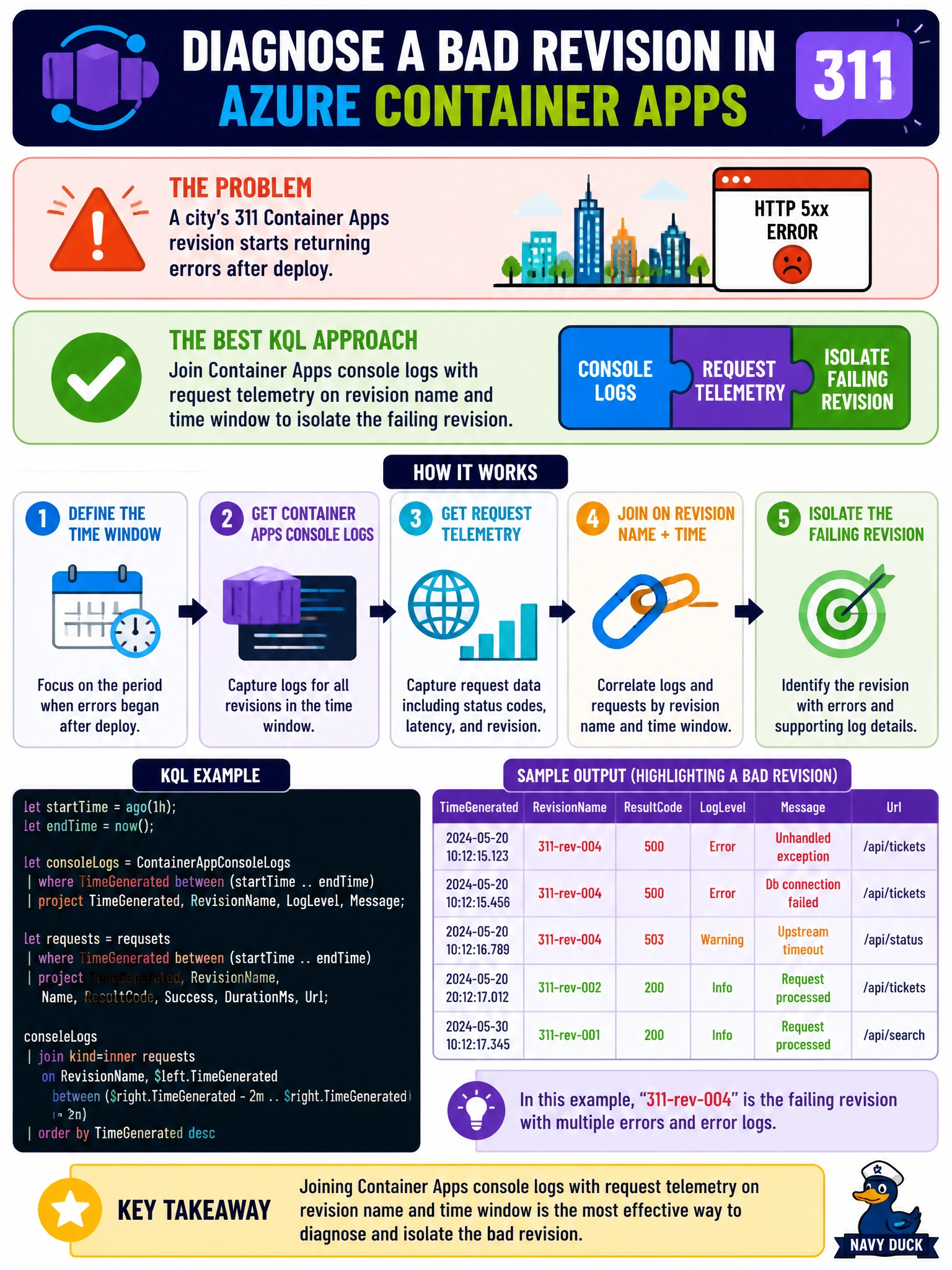
A city's 311 Container Apps revision starts returning errors after deploy. What KQL approach best diagnoses the bad revision?
Select an answer to reveal the explanation.
Short Explanation
Joining console logs to request telemetry is like matching the stamp on a ticket to the clerk who handled it—you see which revision actually broke.
Full Explanation
When a city's 311 Azure Container Apps revision begins returning errors after a deploy, the diagnostic goal is to isolate which revision is failing under live municipal traffic—not to thrash unrelated platform controls. The strongest KQL approach joins Container Apps console logs with request telemetry on revision name and a bounded time window. That join surfaces which revision identifier correlates with elevated failures, latency, or exception signatures during the post-deploy interval, letting ops roll back or traffic-shift only the bad revision while healthy revisions continue serving 311 callers.
Deleting the Log Analytics workspace and waiting for overnight retention destroys the evidence needed for revision isolation and adds recovery risk for every other civic workload sharing that workspace. Disabling Application Insights sampling permanently without correlating revision data may flood ingestion cost and still fails to attribute faults to a specific revision. Restarting every App Service plan in the subscription is conceptually wrong for Container Apps revision failures and creates broad blast radius across unrelated municipal apps.
Exam caveat: Container Apps revisions are versioned units of deployment; correlation must use revision identity (and often revision labels or traffic weights) alongside timestamps. A raw error count without the join can look like a platform outage when it is really one bad revision. Also distinguish console/stdout failures from dependency failures when framing the KQL.
Operational check: After the next 311 deploy, run a saved KQL workbook that joins console and request tables filtered to the deploy window, group by revision name, and compare failure rate and p95 latency against the prior stable revision. Confirm traffic splitting weights, verify the failing revision's image digest and environment diffs, and document the rollback decision with the revision correlation evidence attached to the incident ticket.