
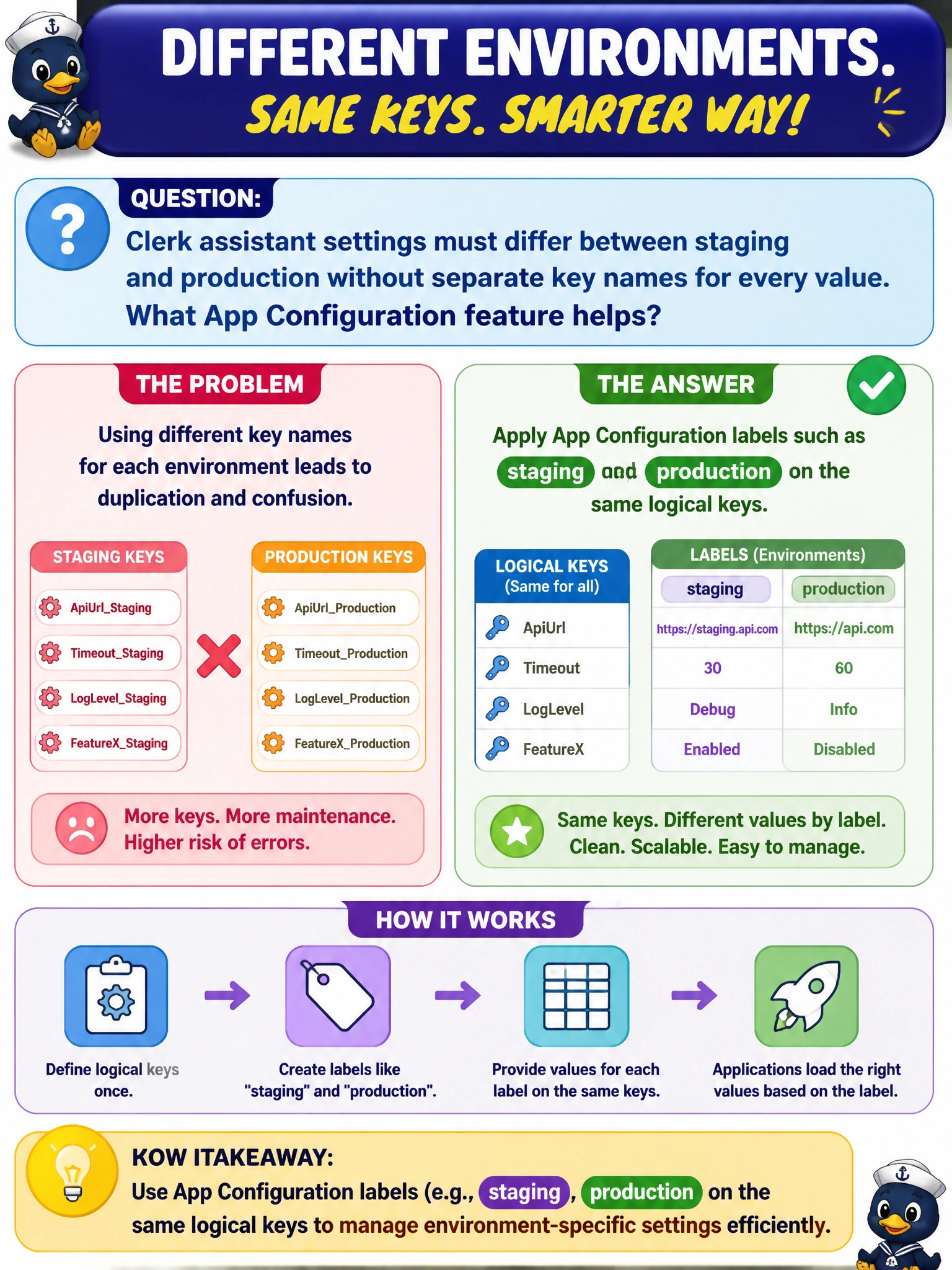
Clerk assistant settings must differ between staging and production without separate key names for every value. What App Configuration feature helps?
Select an answer to reveal the explanation.
Short Explanation
You can keep the same setting names in both environments and use labels to select the right values. Think of staging and production as folders containing their own sheets for the same settings.
Full Explanation
Clerk assistant settings that must differ between staging and production without inventing separate key names should use Azure App Configuration labels. The same logical keys, such as Clerk.Temperature or Clerk.Endpoint, can carry distinct values under staging and production labels. Each environment’s SDK or reference filters by label, letting municipal operators maintain one key vocabulary while preventing staging experiments from overwriting production. Labels also simplify promotion: compare values for the same key across labels instead of hunting renamed keys. A single unlabeled key that staging and production overwrite fails isolation: last writer wins, so a staging deploy can clobber production settings. Deleting App Configuration and keeping only production values in source control abandons central configuration and reintroduces per-repository drift; staging still needs its own values. Requiring operators to rename every key before each environment deploy scales poorly, breaks shared code paths that expect one key name, and invites missed renames during hotfixes. Exam caveat: labels organize configuration retrieval but do not provide a security boundary as strong as environment-isolated Key Vaults for secrets. If a client omits the label filter, it may not see the intended environment’s values. Operational check: create identical key names with staging and production labels, configure staging to request only the staging label, change a staging value, and confirm production reads remain unchanged; then verify that production label updates do not appear in staging.