
Sensitive resident-notice drafts must wait for human review before the distribution agent runs. Which Service Bus feature fits?
Select an answer to reveal the explanation.
Short Explanation
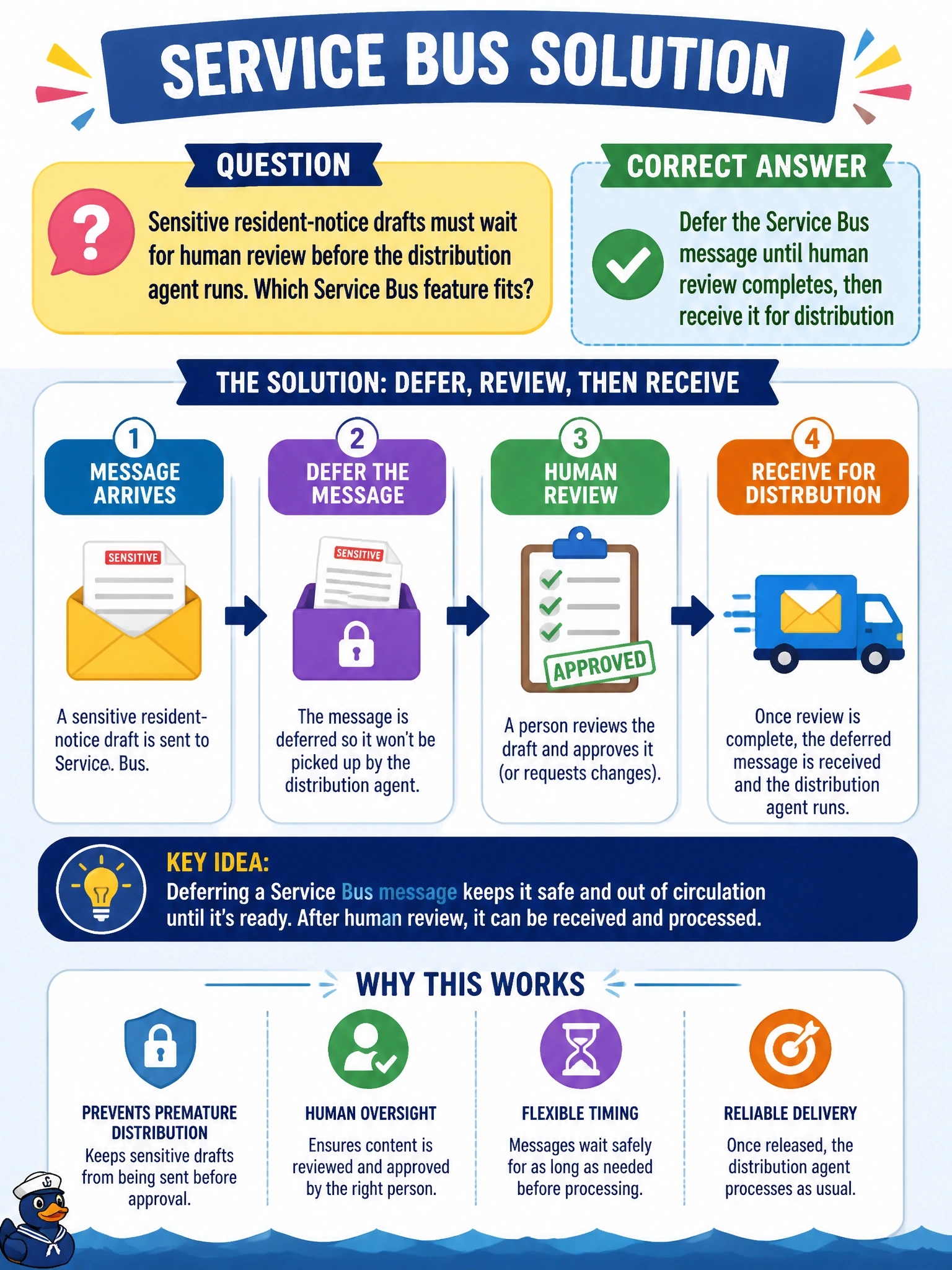
You can use deferral to set the sensitive notice aside until a person reviews it. After approval, the distribution agent can receive it and continue the workflow.
Full Explanation
Sensitive resident-notice drafts that must wait for human review fit Service Bus message deferral: the message remains in the queue but is set aside until review is complete, then can be received by sequence number for distribution. This preserves the intended workflow without completing the message before the reviewer can see it. Completing and deleting the message immediately removes the distribution trigger, so the reviewer cannot approve the notice through this flow. Moving each notice to the dead-letter queue treats routine approval as poison-message handling and makes recovery more complicated; dead-lettering is not a normal approval shelf. Abandoning the message does not create a deliberate hold: it makes the message eligible for delivery again and can lead to repeated retries rather than a controlled review pause. Exam caveat: distinguish deferral, which holds a message for later retrieval, from completion, which removes it, dead-lettering, which isolates it for exceptional handling, and abandonment, which makes it available for redelivery. For a practical check, enqueue a resident-notice message, defer it from the review Function, approve it in the clerk UI, receive the deferred message by sequence number, and verify that the distribution agent runs only after approval and that the audit trail remains intact.