
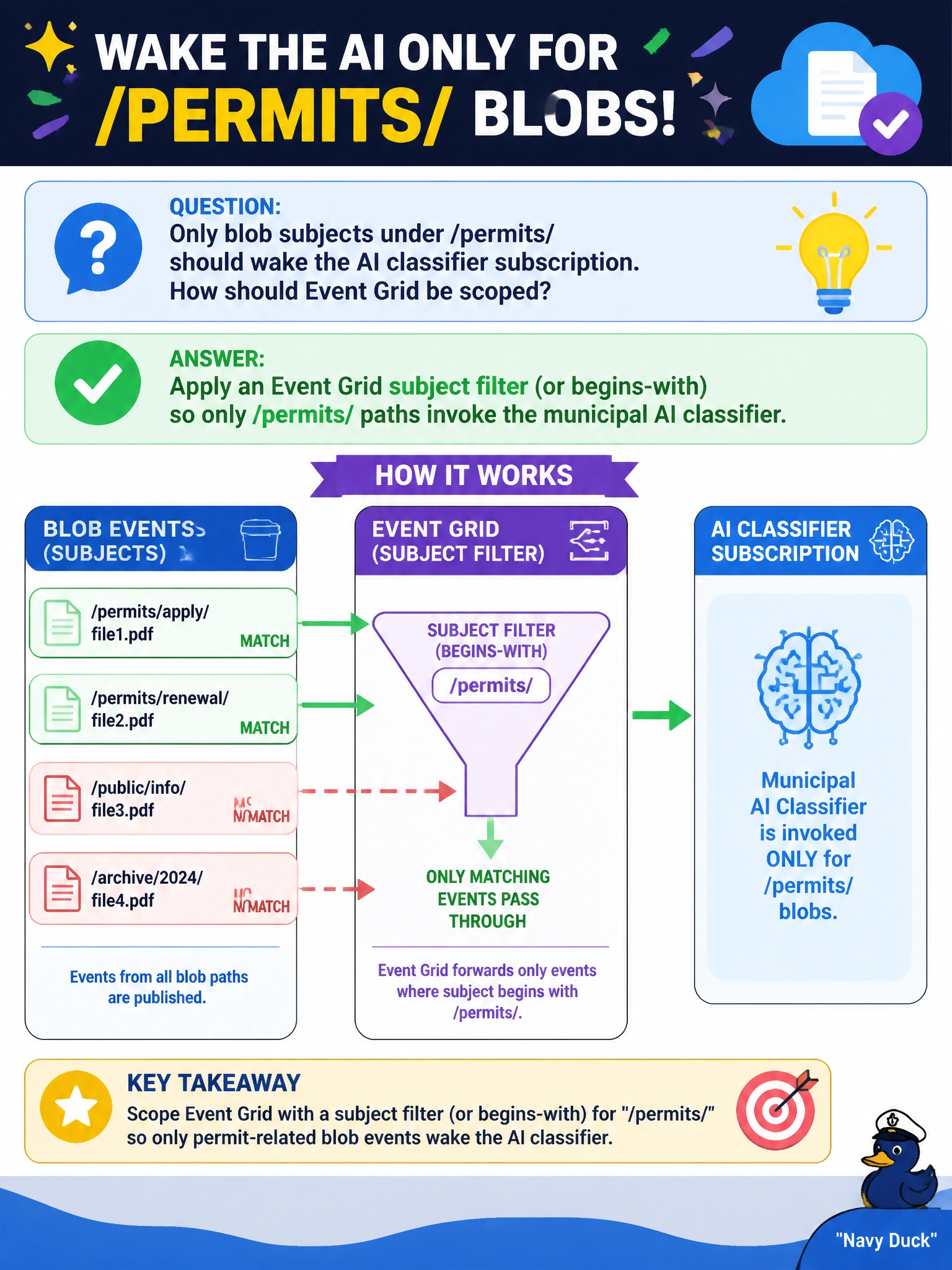
Only blob subjects under /permits/ should wake the AI classifier subscription. How should Event Grid be scoped?
Select an answer to reveal the explanation.
Short Explanation
Subject filters are the “Permits hallway only” sign—parks noise stays out of the classifier’s doorway.
Full Explanation
When only blob subjects under /permits/ should wake the AI classifier, configure an Event Grid subscription subject filter (equals or begins-with) so parks, payroll, and other storage noise never invokes the municipal classifier. Filtering at the event fabric saves Function executions, model spend, and false classifications on irrelevant uploads.
Subscribing to every subject and filtering only inside free-form model prompts still pays for every invocation and trusts the model as a security/routing control. Disabling subject filters so parks and payroll also invoke the classifier wastes capacity. Replacing Event Grid with nightly full-account crawls reintroduces polling latency and ignores subject prefixes as a first-class scoping tool.
Exam caveat: Event Grid advanced filters (subject begins-with, event type, data key filters) are the correct place to scope Azure Storage system events to an AI handler. Prompt-side filtering is not a substitute for subscription design.
Operational check: set a begins-with filter on /permits/, upload blobs under /permits/ and /parks/, and confirm only permit uploads trigger the classifier Function while parks uploads produce no delivery to that subscription.