
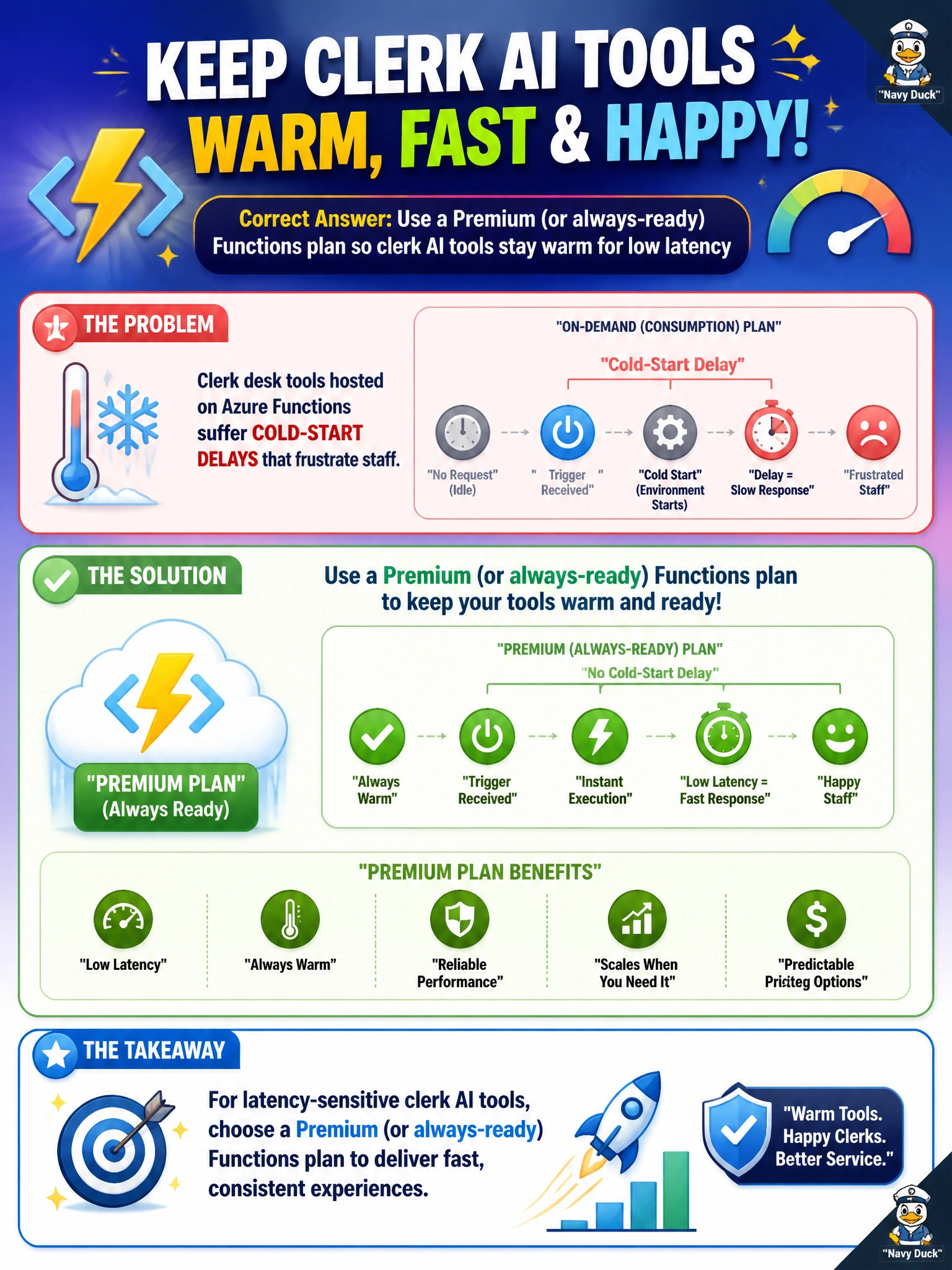
Clerk desk tools hosted on Azure Functions suffer cold-start delays that frustrate staff. What hosting mitigation fits latency-sensitive tools?
Select an answer to reveal the explanation.
Short Explanation
You can keep clerk AI tools warm with a Premium or always-ready Functions plan, helping staff avoid frustrating cold starts. That keeps latency-sensitive help ready when someone needs it at the desk.
Full Explanation
Clerk desk AI tools on Azure Functions that frustrate staff with cold starts should use a Premium plan or always-ready instances so latency-sensitive municipal tools stay warm during business hours. Warm instances avoid the multi-second initialization penalty when a clerk opens a case assist or redaction helper at the counter. Keeping the tools on a Consumption plan without prewarmed instances accepts cold starts, which can damage the desk experience during busy workflows. Moving the tools to overnight batch abandons interactive clerk workflows rather than making them responsive. Disabling HTTPS does not meaningfully fix cold starts and weakens the municipal portal’s transport security. Exam caveat: hosting plan choice is an Azure Functions performance lever: Consumption can suit spiky asynchronous jobs, while Premium or always-ready capacity addresses predictable, low-latency interactive needs. Cold-start mitigation is not achieved by weakening TLS or expecting daytime clerks to wait for batch processing. Practical check: run the clerk tool Function app on Premium with minimum always-ready instances, measure p95 latency for the first request after idle against the unprewarmed Consumption setup, and confirm staff-facing case-assist SLAs improve without changing application code.