
A multi-tenant civic Cosmos DB AI store must understand which department partitions consume the most RU. What should ops monitor?
Select an answer to reveal the explanation.
Short Explanation
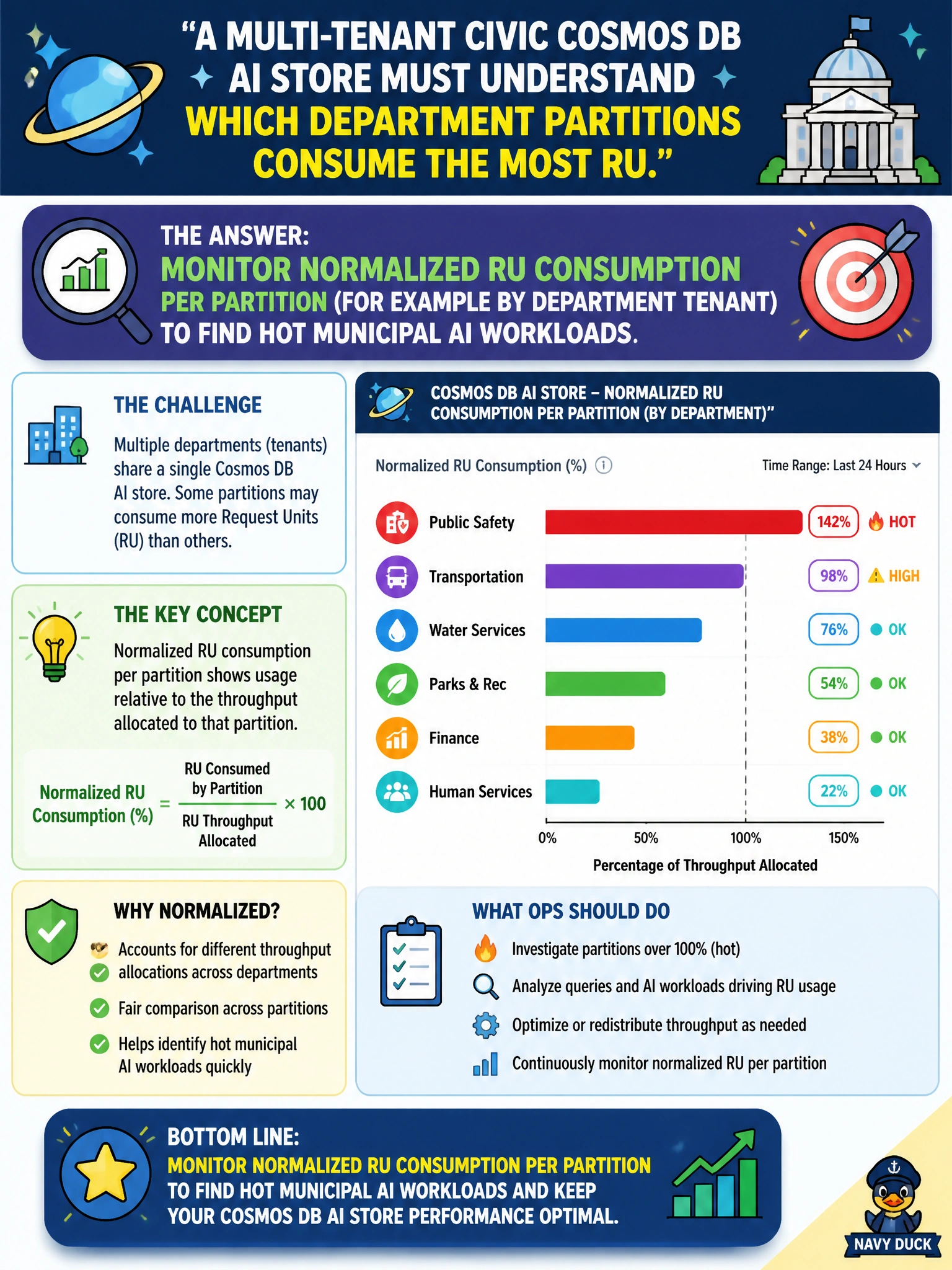
Monitor normalized RU consumption per department partition, and you can spot a hot tenant before it affects shared workloads. It’s like checking which office keeps emptying the shared coffee pot before the whole floor feels the shortage.
Full Explanation
Operators of a multi-tenant municipal Cosmos AI store should monitor normalized RU consumption per partition to find hot departments before citywide throttling harms shared RAG and ingest paths. Per-partition metrics reveal which tenant or department key is driving 429s, so you can correct capacity, caching, or partition-key design using evidence rather than guesswork. Watching only the office thermostat ignores partition-level metrics and hides which department is heating a partition during ordinance uploads or event FAQs. Assuming RU use is even across departments without measurement is wishful thinking: one office may spike ingest or retrieval traffic. Disabling Cosmos diagnostic logging during routine operations removes the telemetry needed to diagnose throttling causes when residents and staff are affected. Exam caveat: normalized RU per partition is the heat signal; addressing a hot partition may require repartitioning, rate limits, or caching—not just blindly raising provisioned throughput for the whole account. Practical check: enable Cosmos diagnostics and metrics, alert on hot partitions by department key, and correlate spikes with municipal event calendars and deployer changes.