
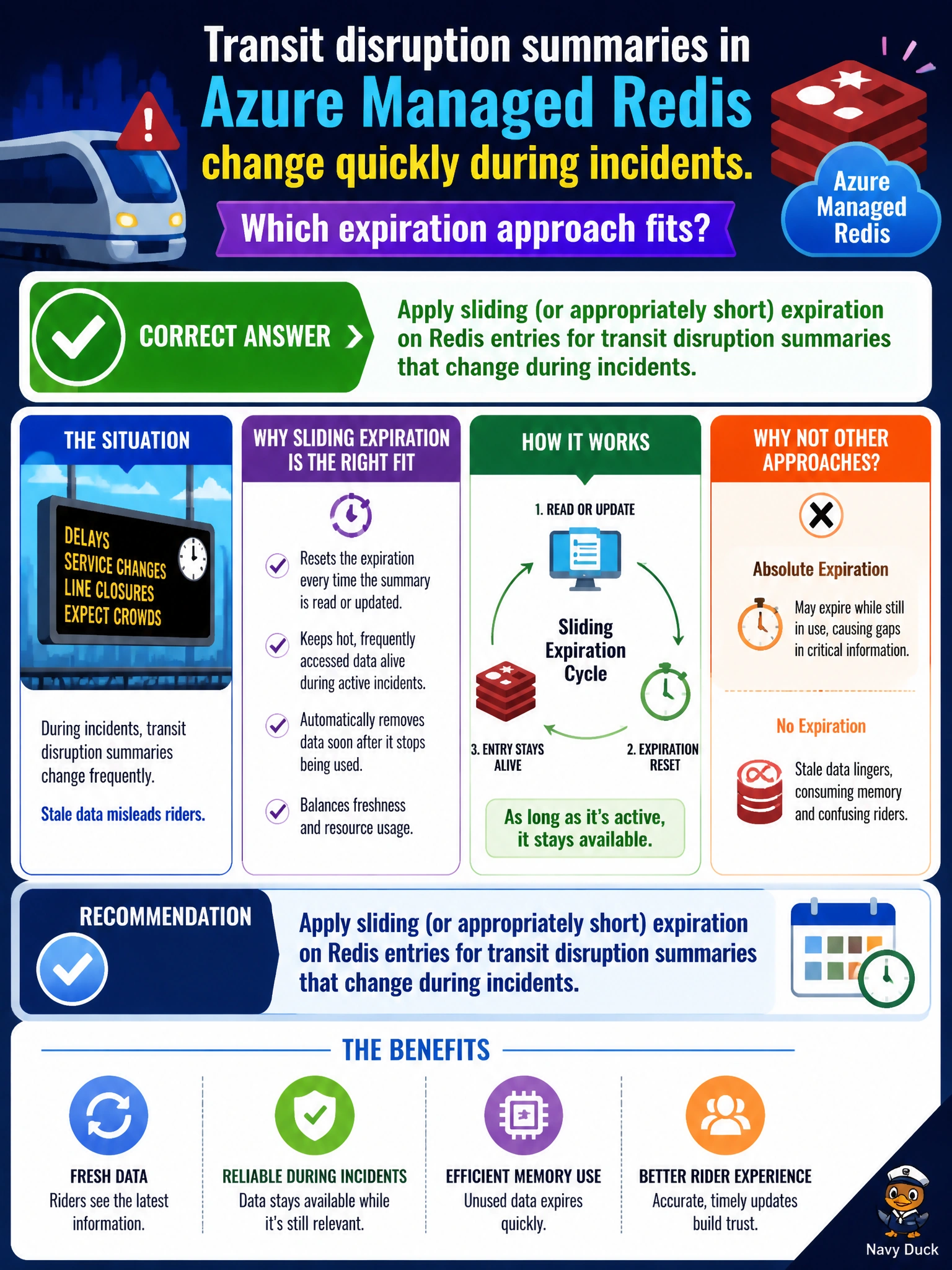
Transit disruption summaries in Azure Managed Redis change quickly during incidents. Which expiration approach fits?
Select an answer to reveal the explanation.
Short Explanation
Incident summaries go stale like traffic—short or sliding Redis expiration keeps the rider bot from quoting last hour’s blockage as if it were still gospel.
Full Explanation
Transit disruption summaries change rapidly during incidents, so Azure Managed Redis entries for that content should use sliding or otherwise short expiration. Short TTLs limit how long a rider-facing bot can serve outdated blockage or delay text after the operational picture changes. Sliding expiration can keep frequently read live summaries warm while still bounding maximum staleness when updates stop, which matches how municipal incident desks revise messages throughout an event.
Setting keys to never expire leaves stale disruption text indefinitely—dangerous for riders acting on old closures. Expiring keys only after the next fiscal year closes is far too long for incident data. Disabling Redis entirely whenever any transit incident is declared removes a useful acceleration layer exactly when traffic to the rider channels spikes.
Exam caveat: choose TTL relative to the business freshness SLA for incident messaging; static policy pages may use longer TTLs than disruption summaries, and stems that stress fast-changing incident text point to short or sliding expiry. Operational check: during a drill, publish a disruption summary, update it, and confirm Redis ceases serving the prior text within the configured expiration window; alert if incident keys lack TTL or exceed the agency’s staleness budget.