
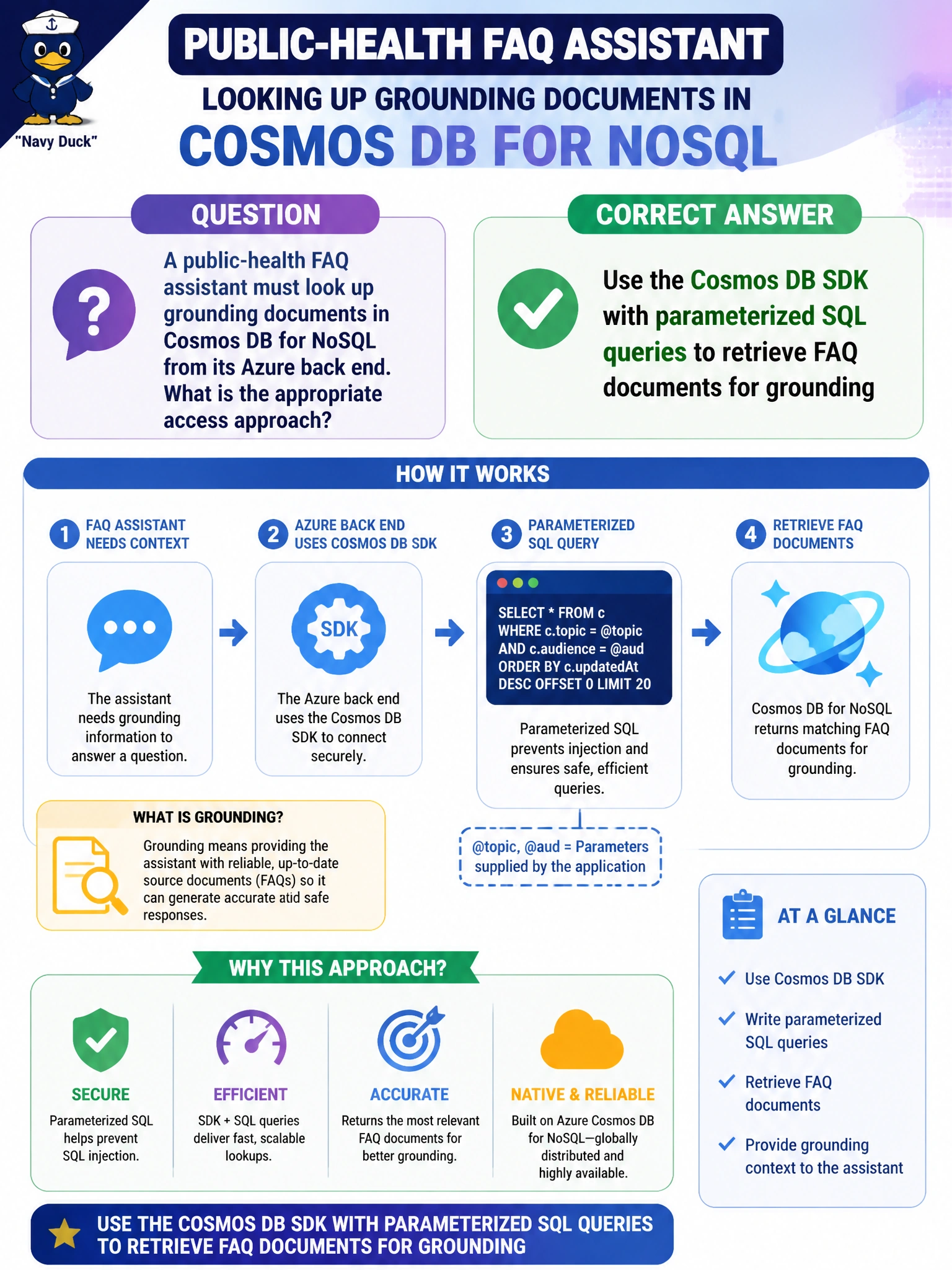
A public-health FAQ assistant must look up grounding documents in Cosmos DB for NoSQL from its Azure back end. What is the appropriate access approach?
Select an answer to reveal the explanation.
Short Explanation
You should have the FAQ assistant retrieve grounding documents from its Azure back end through the Cosmos DB SDK with parameterized SQL queries. This server-side approach avoids exposing account keys in residents’ browsers and supports programmatic lookups rather than manual portal work or screenshots.
Full Explanation
A public-health FAQ assistant should retrieve Cosmos DB for NoSQL grounding documents from its Azure back end using the Cosmos SDK with parameterized SQL queries. The SDK handles connections, serialization, and safe query parameterization, helping municipal services avoid injection risks and ad-hoc portal workflows. Server-side data access with parameterized queries is the appropriate production pattern for grounding lookups. Copying the Cosmos account key into every resident’s browser localStorage fails because it exposes master credentials to clients, enabling direct data exfiltration and abuse. Querying only by SSHing into a portal VM and pasting results manually fails because it is not an API integration path and cannot meet interactive FAQ latency or scale needs. Disabling the SDK and relying on Azure portal Data Explorer screenshots fails because screenshots are not query results the assistant can use programmatically for grounding. Exam caveat: Prefer Microsoft Entra ID or managed identity over account keys where possible; parameterized queries still matter with RBAC. Distinguish data-plane SDK access from control-plane portal clicks. Practical check: Grant the FAQ back-end identity least-privilege data access, implement SDK lookups with parameters, verify that grounding returns expected public-health items, and confirm browsers never receive Cosmos account keys. Run a quick injection test to ensure parameters are not concatenated unsafely.