
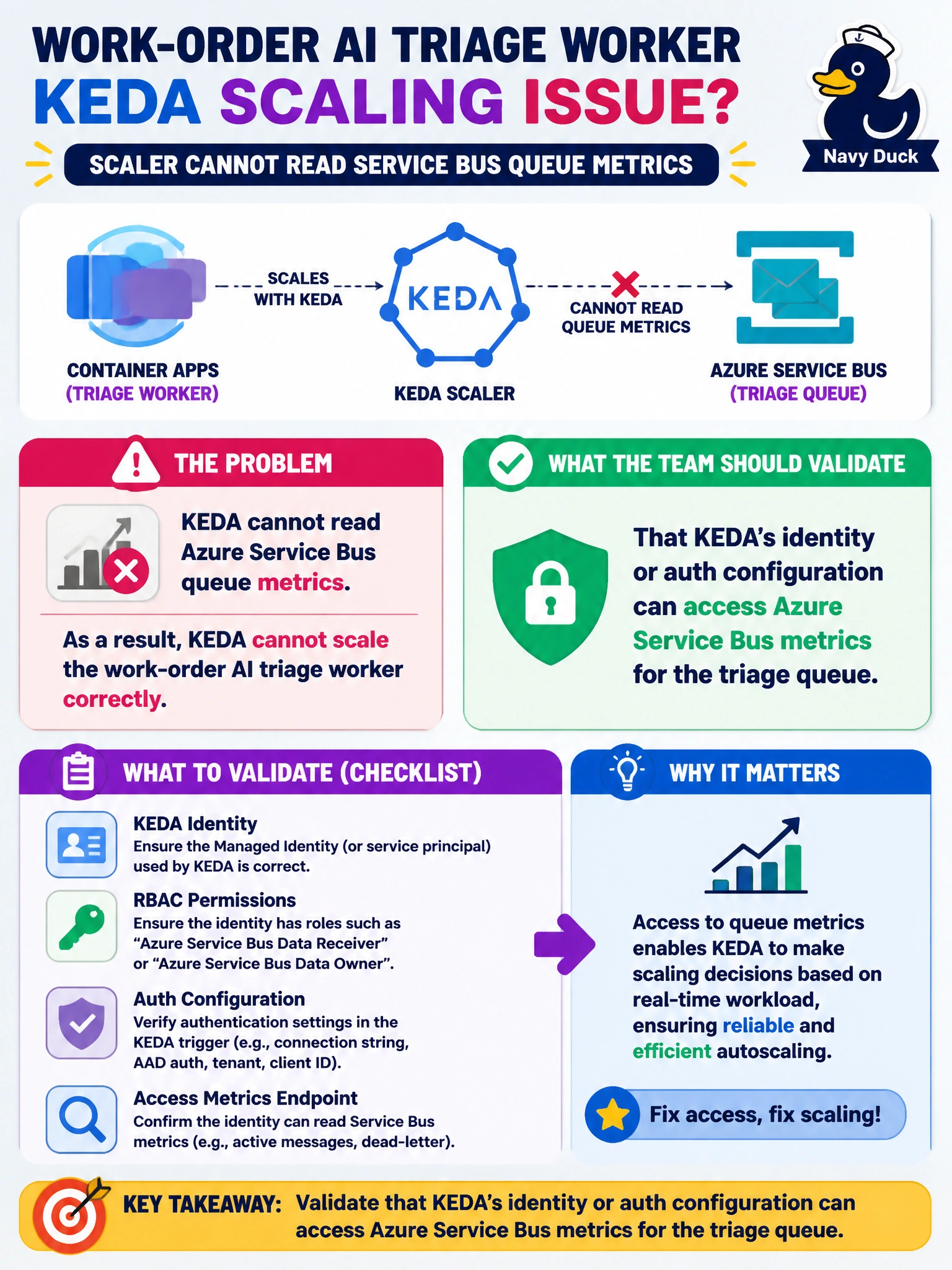
A work-order AI triage worker on Container Apps scales with KEDA against Service Bus, but the scaler cannot read queue metrics. What should the team validate?
Select an answer to reveal the explanation.
Short Explanation
KEDA can’t count the work-order queue if its badge won’t open the Service Bus door—fix the scaler identity and auth before guessing peak hours or moving tickets into Excel.
Full Explanation
KEDA scalers that target Azure Service Bus must authenticate with an identity or connection configuration that can read queue metrics for the work-order AI triage queue. If auth is wrong, the scaler cannot observe depth and event-driven scale fails even when the queue is backed up. Validating scaler identity and Service Bus permissions is therefore the correct first focus when metrics are unreadable.
Disabling KEDA and guessing peak hours fails by concept because it replaces metric-driven automation with human estimation and leaves backlog unaddressed when guesses are wrong. Replacing Service Bus with a shared Excel workbook fails because spreadsheets are not a durable municipal queue with KEDA metrics. Publishing queue depth to a public anonymous HTTP endpoint without authentication fails because it exposes operational data and is not the supported Service Bus auth pattern for KEDA.
Exam caveat: Managed identity or connection strings must match what the scaler expects; RBAC roles for reading Service Bus metrics/data differ from app consume permissions. A working app identity does not automatically grant the scaler identity the same rights—check both. Firewall and private endpoint rules can also block metric reads.
Operational check: Confirm the KEDA auth setting (identity or connection), grant the scaler permission to read the triage queue's metrics, restart or refresh the scaled object, and verify queue depth appears and replicas move with backlog. Test with a controlled message surge in the municipal work-order path.