
Housing RAG indexer pods on AKS fail intermittently. What should ops inspect first to diagnose the failures?
Select an answer to reveal the explanation.
Short Explanation
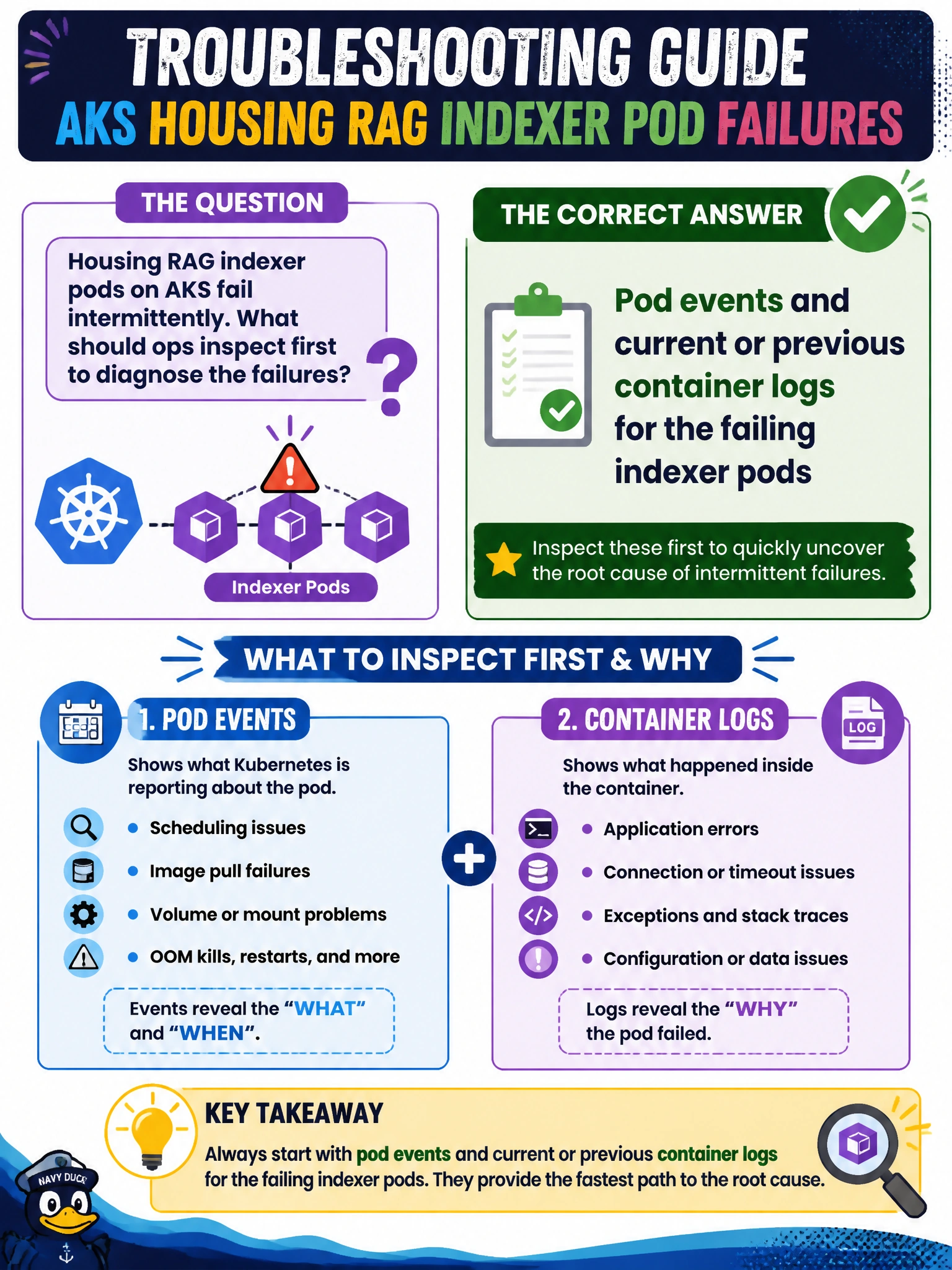
When your indexer pods hiccup, start with the pod events and current or previous container logs; they give you direct evidence, including after restarts. That usually beats guessing from changes to the housing authority’s public marketing site HTML, unrelated DNS records in a different subscription, or the Azure portal dashboard’s color theme.
Full Explanation
Intermittent AKS pod failures are diagnosed first from pod events and container logs, including previous container logs after restarts. For housing RAG indexer pods, kubectl describe or portal equivalents can surface OOMKills, image pull errors, probe failures, and scheduling events; logs show application exceptions and crash loops. This evidence helps you localize whether the fault is configuration, resource limits, dependencies, or application code before expanding the search. Reviewing the housing authority’s public marketing site HTML for wording changes does not explain indexer pod runtime errors. Unrelated DNS records in a different subscription are not relevant to the failing pods’ namespace and cluster. The Azure portal dashboard’s color theme provides no diagnostic signal. Exam caveat: previous logs matter after CrashLoopBackOff because the current container may have just started empty. If pod events indicate scheduling issues, also check deployment events, node conditions, and resource quotas—but still start with the failing pods’ events and logs. Practical check: identify failing indexer pods, capture their events and current and previous logs, note exit codes and probe failures, then correlate the evidence with recent config changes. Only after local evidence is exhausted should you expand the search to node networking or cross-subscription DNS; marketing HTML and portal cosmetics do not diagnose the failures.