
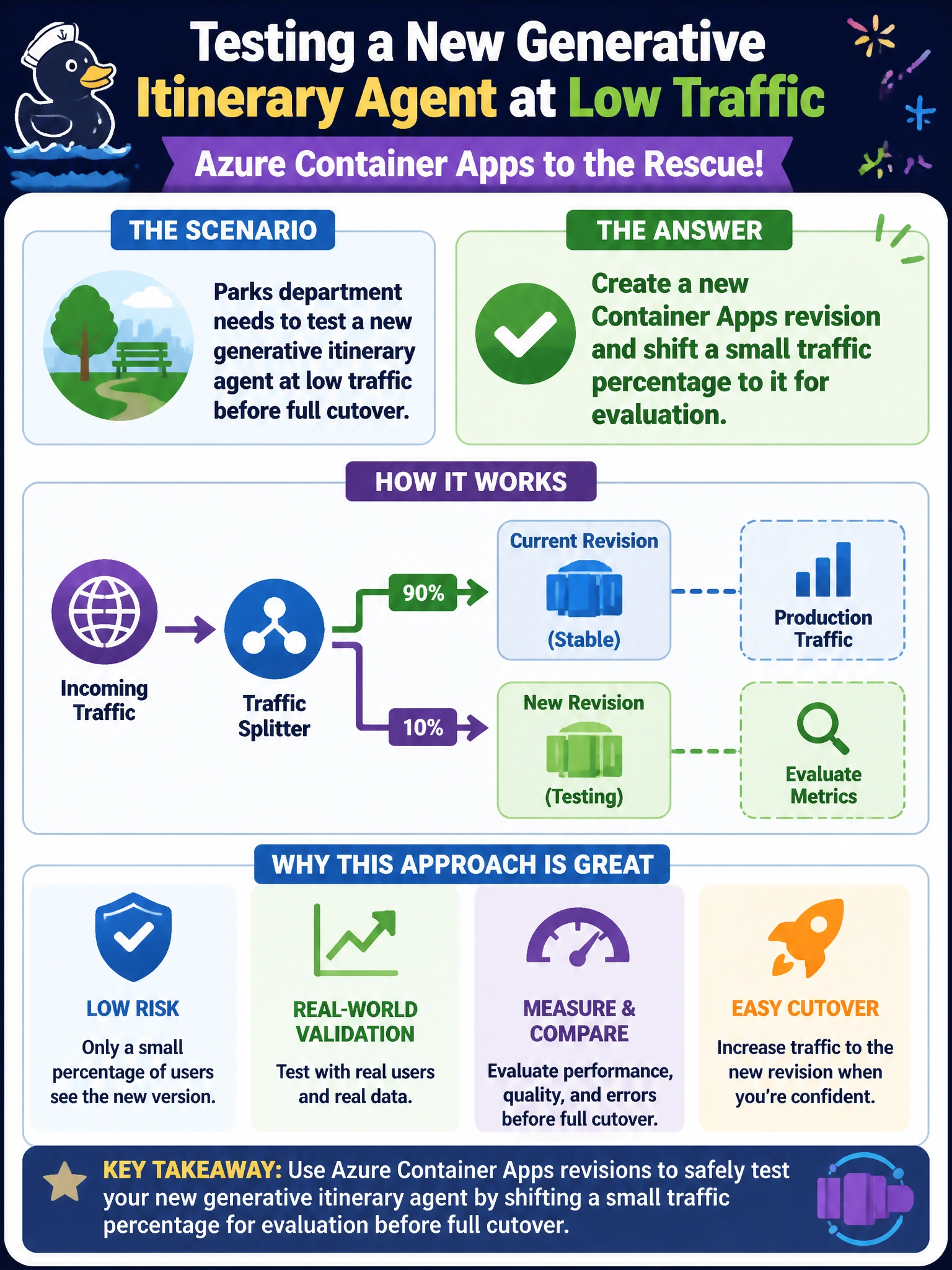
Parks department needs to test a new generative itinerary agent at low traffic before full cutover. Which Azure Container Apps feature should they use?
Select an answer to reveal the explanation.
Short Explanation
Revisions are like soft-opening a new park trail with a few hikers before you close the old path. Spin up the new itinerary-agent revision on Container Apps and send a slice of traffic there while the stable revision still handles most residents.
Full Explanation
Azure Container Apps revisions enable progressive delivery: create a new revision of the parks generative itinerary agent and shift a small traffic percentage to it while the prior revision continues to serve most residents. That pattern supports low-traffic evaluation before full cutover without deleting the stable path. Operators observe errors, latency, and answer quality on the canary slice, then increase traffic or deactivate the new revision if needed. Revisions plus traffic splitting are the Container Apps feature set aligned with soft municipal rollouts.
Deleting the old revision immediately and forcing 100% of residents onto the new build fails gradual evaluation and removes an easy rollback path during the riskiest moment. Running the new agent only as an unmanaged process on a single park ranger laptop fails cloud hosting, HA, and shared ingress entirely. Disabling ingress and relying on SSH tunnels from the public internet fails secure, supported public access patterns for Container Apps.
Exam caveat: Multiple revisions can coexist; traffic weights control distribution. A new revision does not automatically imply instantaneous full cutover unless you set 100% traffic. Labels and revision modes (single vs. multiple) affect how you manage active revisions—focus on traffic-split canary behavior for this stem.
Operational check: Deploy the new itinerary-agent revision, set a small traffic percentage (for example 5–10%), monitor revision metrics and logs for the parks workload, and confirm the stable revision still receives the majority. Document the rollback step: set traffic back to the previous revision before deactivating the canary.