
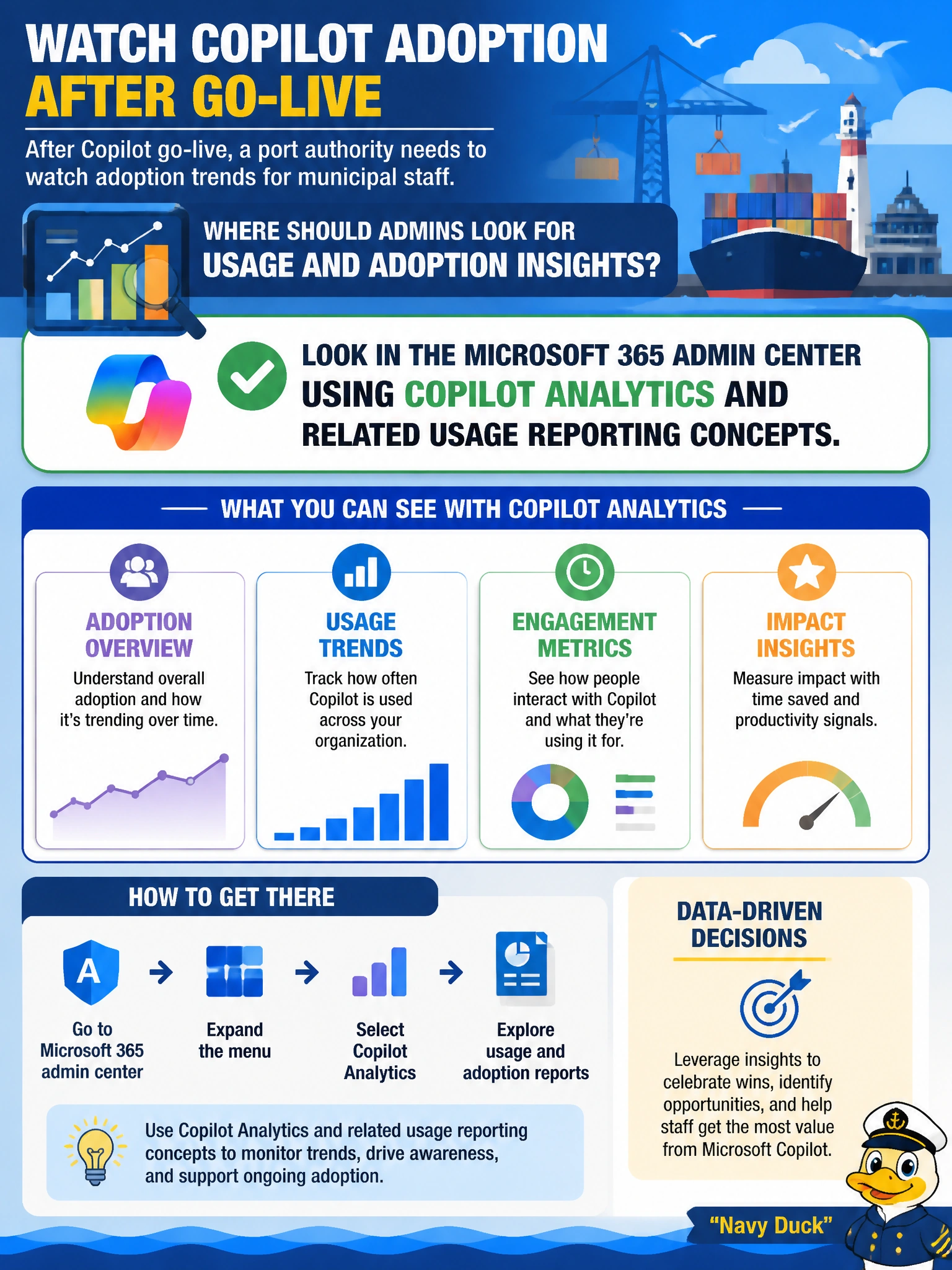
After Copilot go-live, a port authority needs to watch adoption trends for municipal staff. Where should admins look for usage and adoption insights?
Select an answer to reveal the explanation.
Short Explanation
Go-live without adoption numbers is flying blind. Port IT should check Copilot usage and adoption in the Microsoft 365 admin center—that's where Copilot Analytics-style reporting lives. Purview compliance audit logs, SharePoint data readiness and content permissions, and custom Power BI reports from usage analytics aren't where you'll track adoption.
Full Explanation
After Copilot go-live, port authority administrators should look for usage and adoption insights in the Microsoft 365 admin center using Copilot Analytics and related usage reporting concepts. That is the correct operational home for municipal staff adoption trends: licensed versus active use, product engagement patterns, and reporting that helps leadership see whether Copilot is actually being used after rollout rather than merely assigned. Anchoring monitoring in the Microsoft 365 admin center keeps port IT inside the same governance and reporting estate used for other Microsoft 365 workload insights.
Reviewing Copilot activity in Microsoft Purview compliance portal audit logs fails by concept. Purview audit logs are built for compliance investigation, not Copilot adoption analytics, and do not replace admin-center usage reporting. Checking the SharePoint admin center for data readiness insights and content permissions for Copilot fails because those controls cover data readiness and permission governance for Copilot content, not Copilot usage and adoption; they do not substitute for Copilot Analytics-style adoption insights. Building custom Power BI reports from Microsoft 365 usage analytics for Copilot users fails because that is custom-built reporting on exported usage datasets, not the built-in admin-center Copilot Analytics adoption reporting meant for municipal staff.
Exam caveat: AB-900 Domain 3 tests that you know Copilot usage and adoption monitoring lives conceptually with Microsoft 365 admin center reporting (including Copilot Analytics), not with Purview compliance portal audit logs, SharePoint data readiness insights and content permissions, or custom Power BI reports built from Microsoft 365 usage analytics. Do not equate "any log somewhere" with the product's intended adoption reporting path.
Operational check: After go-live, open Microsoft 365 admin center usage reporting for Copilot, verify the port authority's licensed populations appear, compare active use versus assigned licenses for key municipal roles, export or screenshot trend evidence for leadership, and schedule a recurring review so adoption dips are caught before the next licensing or training decision.
Prefer to study offline? Printable PDF study book + test engine ($7.50, unofficial). These questions stay free here.