
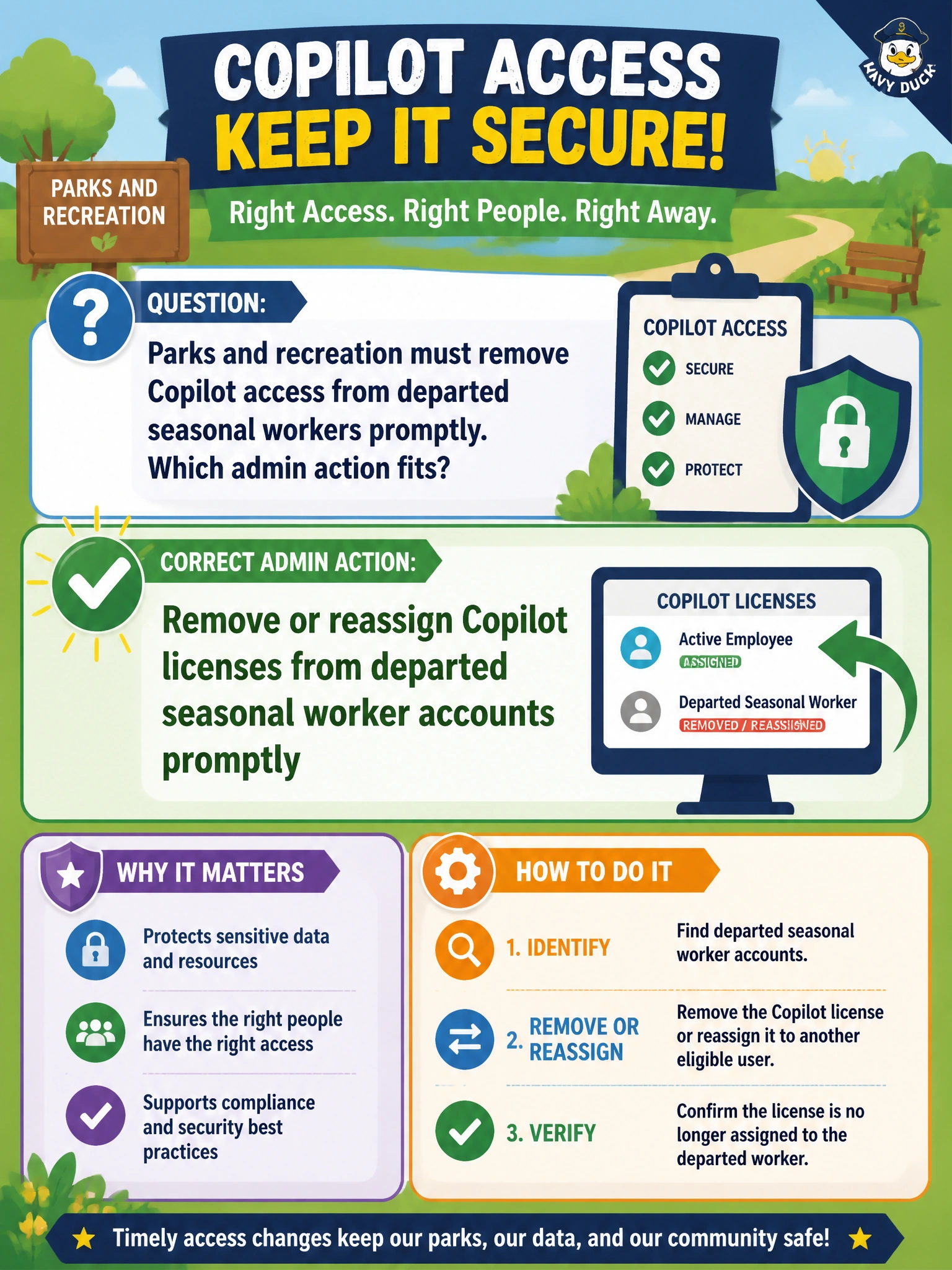
Parks and recreation must remove Copilot access from departed seasonal workers promptly. Which admin action fits?
Select an answer to reveal the explanation.
Short Explanation
Season ended and workers left? Pull their Copilot licenses promptly—you'll still leave access open if you just unpin Copilot from the app launcher. Offboarding includes license cleanup.
Full Explanation
Parks and recreation must remove or reassign Copilot licenses from departed seasonal worker accounts promptly as part of offboarding. Prompt license cleanup stops departed workers from retaining Copilot access, returns seats to the pool for the next cohort, and aligns with identity disablement and group removal. License lifecycle is a basic Domain 3 administration expectation alongside assignment.
Unpinning Copilot from the app launcher for departed seasonal worker accounts promptly does not truly remove access—departed users can still reach Copilot through direct links while the seats stay consumed. Transferring Copilot licenses from departed seasonal workers to shared mailboxes promptly does not fit because shared mailboxes cannot use Copilot, so this wastes seats instead of returning them to the pool for the next cohort. Placing Copilot data of departed seasonal worker accounts on retention hold promptly only preserves data for compliance and does not remove licenses or block sign-in, so it is not an access-removal action.
Exam caveat: Coordinate license removal with account disablement, group membership removal, and device recovery. Soft-deleted accounts and delayed license reclamation timing can vary—still treat prompt removal as the operational standard.
Operational check: On season end, run a report of seasonal accounts still licensed for Copilot, remove or reassign those licenses the same day accounts are disabled, and verify departed users can no longer sign in to Copilot experiences.
Prefer to study offline? Printable PDF study book + test engine ($7.50, unofficial). These questions stay free here.