
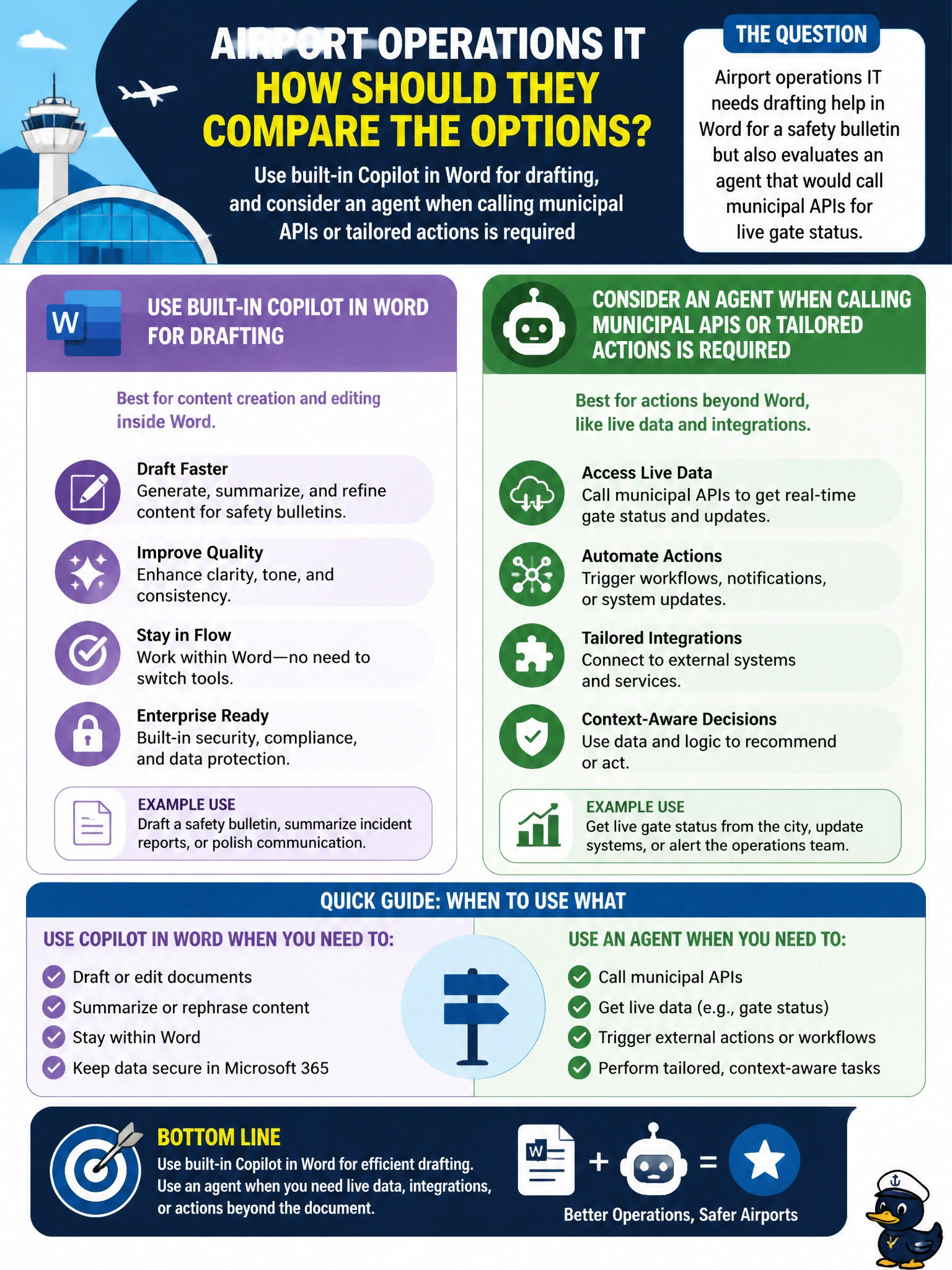
Airport operations IT needs drafting help in Word for a safety bulletin but also evaluates an agent that would call municipal APIs for live gate status. How should they compare the options?
Select an answer to reveal the explanation.
Short Explanation
Drafting the safety bulletin? That's Copilot in Word. Calling live gate-status APIs? That's agent territory. Airport IT shouldn't force one tool to do the other's job. Match the need to Copilot versus agent.
Full Explanation
Airport operations IT should use built-in Copilot in Word for drafting the safety bulletin and consider an agent when calling municipal APIs or other tailored actions (such as live gate status) is required. Drafting inside Word is a core built-in Copilot skill; invoking live operational APIs is classic agent extensibility beyond out-of-the-box Copilot chat help.
Using a Copilot Studio agent grounded in SharePoint bulletins for drafting, and Copilot in Word for live gate status Q&A reverses the correct split—Word Copilot drafts the bulletin, while an agent handles live gate-status API calls. Building a custom Copilot Studio agent for bulletin formatting, and using Word Copilot grounded on PDFs for live gate updates misassigns both jobs—formatting belongs to Word Copilot, and live gate status needs an agent calling municipal APIs, not Word Copilot reading static PDFs. Using Copilot in Word to summarize past bulletins for style, and using Microsoft 365 Copilot Chat with file search for live gate Q&A misses the point—the new bulletin should be drafted with Word Copilot, and live municipal gate-status calls are the agent use case, not archived summaries or file search. Each option fails by misassigning Word drafting to an agent, handing live API status to Word Copilot on static PDFs, or swapping API integration for archived summaries and file search.
Exam caveat: Match the tool to the job: Word drafting → built-in Copilot; LOB/API actions → agent. Do not build an agent solely for tasks Copilot already covers in Office. AB-900 tests that decision boundary for municipal scenarios.
Operational check: Draft the safety bulletin with Copilot in Word under the airport’s Copilot license, separately design an agent proof-of-concept only if gate-status API calls are in scope, secure API credentials in an approved store, review AI posture for data the agent can reach, and keep the Word drafting path independent of the API agent path.
Prefer to study offline? Printable PDF study book + test engine ($7.50, unofficial). These questions stay free here.