
A port authority compares built-in Microsoft 365 Copilot chat help with a custom permitting agent that can call line-of-business actions. What contrast should leaders draw?
Select an answer to reveal the explanation.
Short Explanation
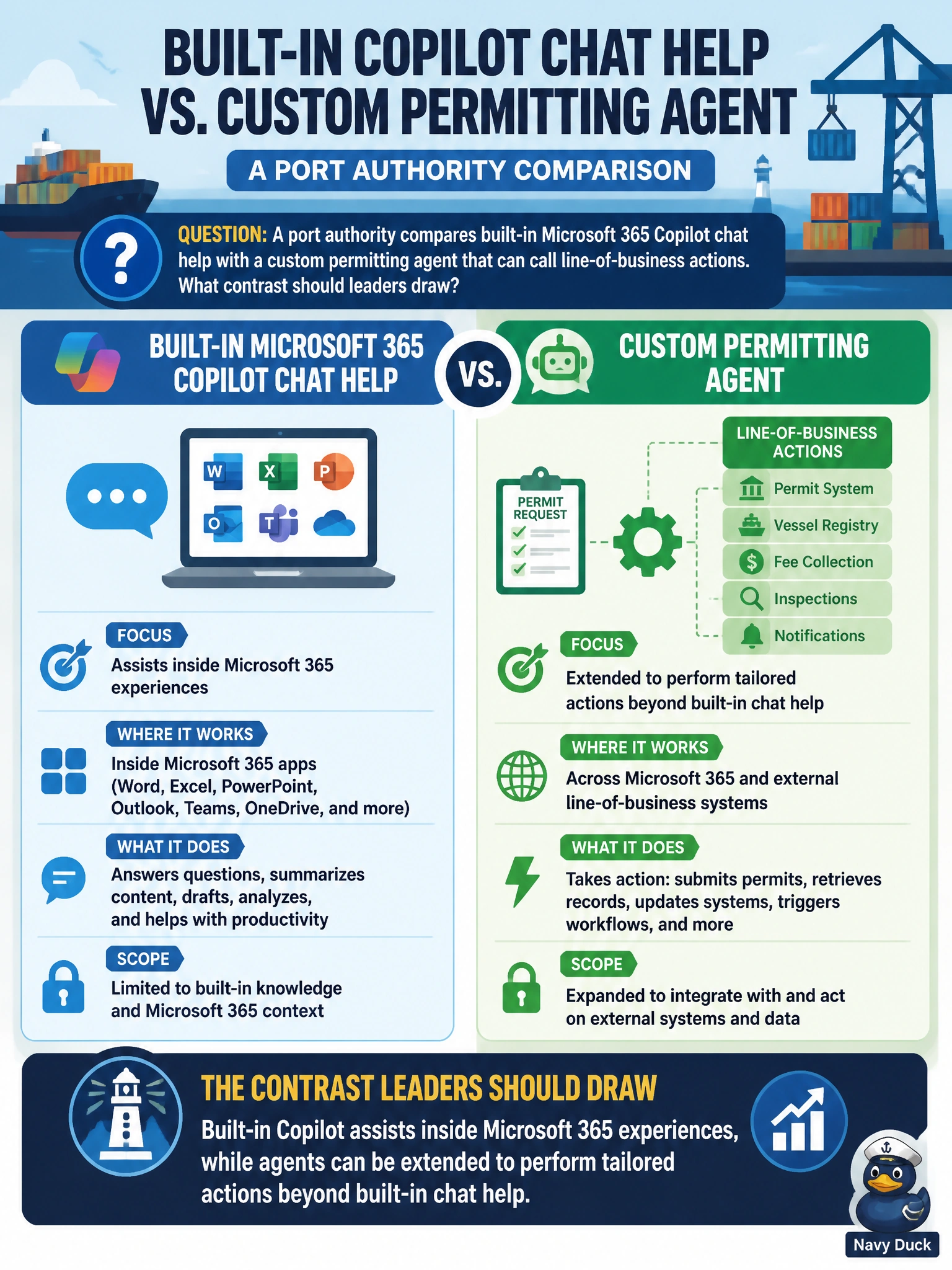
Built-in Copilot is your helpful coworker inside Word, Teams, and chat; a custom permitting agent is the specialist that can take tailored actions. You'll go wrong if you think those tailored actions mean Power BI dashboard pinning, OneDrive version history restores, or Forms survey theme styling, since they're M365 features, not ways agents call permitting systems. You should pick based on assist-versus-act needs.
Full Explanation
Port-authority leaders should contrast built-in Microsoft 365 Copilot chat help—which assists inside Microsoft 365 experiences—with custom agents that can be extended to perform tailored actions beyond built-in chat help, including line-of-business permitting actions. Built-in Copilot accelerates work in Word, Teams, and related M365 surfaces; agents add extensibility when the port needs specialized tools or business-system calls. Describing agents as extended to perform tailored actions through Power BI dashboard pinning is inaccurate, because dashboard pinning is a Power BI reporting feature for surfacing visuals, not agent extensibility to call line-of-business permitting actions via connectors or APIs. Describing agents as extended to perform tailored actions via OneDrive version history restores is inaccurate, because version history restores are a OneDrive file-recovery capability, not a mechanism for agents to perform tailored permitting business actions. Describing agents as extended to perform tailored actions with Forms survey theme styling is inaccurate, because survey theme styling is a Forms cosmetic setting, not agent extensibility to line-of-business permitting systems. Those distractors fail by collapsing product differences or inventing false constraints. Exam caveat: Choose built-in Copilot for in-app M365 assistance; choose or build agents when tailored actions beyond built-in help are required. AB-900 expects that contrast, not claims that tailored agent actions mean Power BI dashboard pinning, OneDrive version history restores, or Forms survey theme styling. Operational check: Map port use cases: drafting and summarization in M365 → built-in Copilot; calling permitting LOB actions → evaluate a custom agent with approved connectors, data boundaries, and DSPM for AI posture review. Pilot each path separately and measure whether built-in Copilot already satisfies a scenario before funding agent development.
Prefer to study offline? Printable PDF study book + test engine ($7.50, unofficial). These questions stay free here.