
A transit authority expects that legal holds may follow an investigation and needs to search relevant Microsoft 365 content first. What should administrators understand about Content search?
Select an answer to reveal the explanation.
Short Explanation
Content search finds the stuff first—emails and files that investigations (and possible holds) will care about. It doesn't apply retention labels, create communication compliance policies, or configure audit log retention. Transit IT searches, then legal decides on holds.
Full Explanation
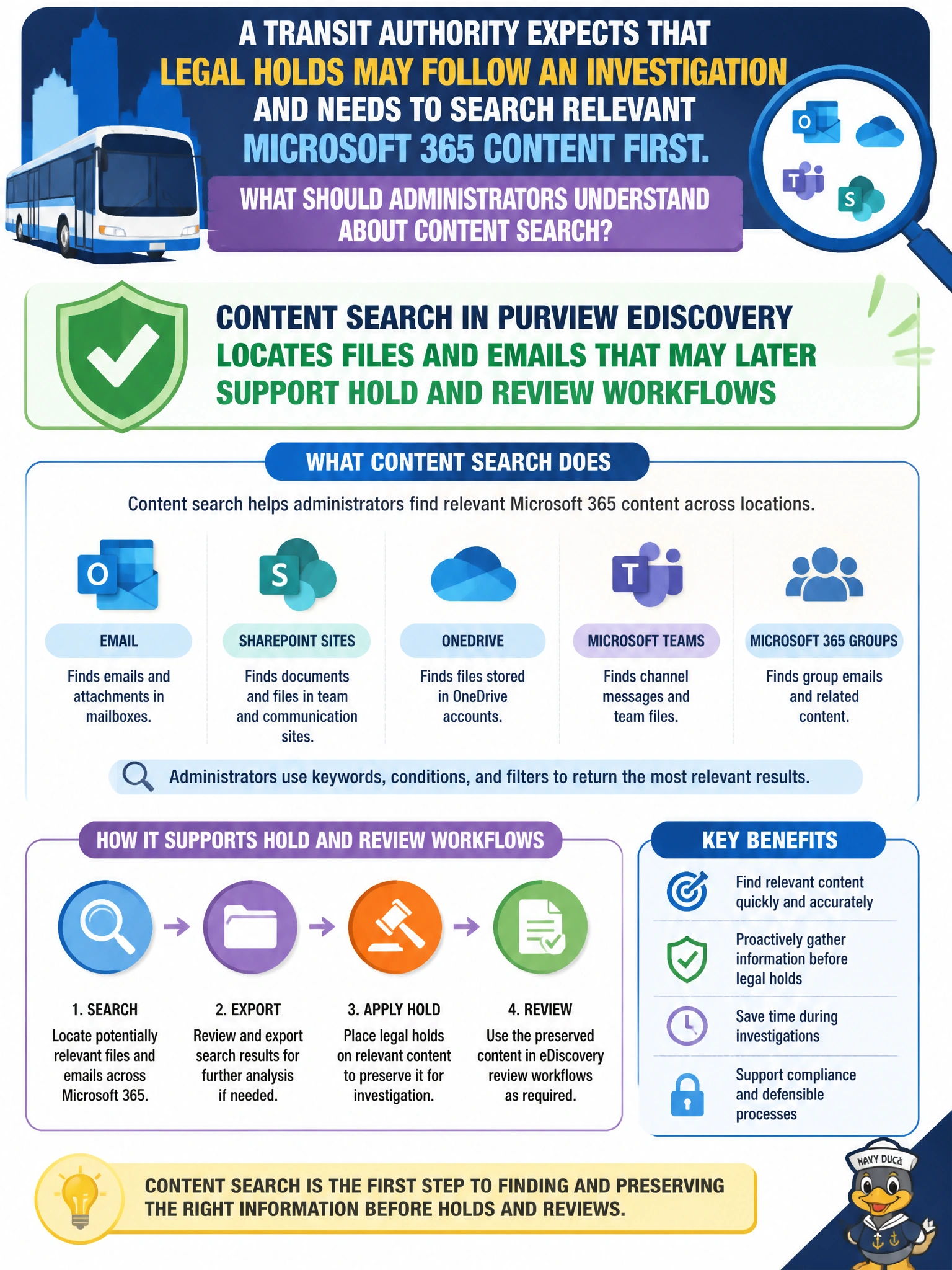
Administrators at a transit authority should understand that Content search in Purview eDiscovery locates files and emails that may later support hold and review workflows. The search surfaces relevant Microsoft 365 content so legal or compliance teams can decide what to preserve, review, or produce if an investigation proceeds to holds. Finding content first is the prerequisite to any defensible hold strategy.
Content search does not apply retention labels to files and emails to enforce preservation; it only locates content, and retention labels are applied through retention policies or manual label application. Content search does not create communication compliance policies for review of flagged messages; those policies are set up in Communication compliance, while Content search only returns matching messages and files. Content search does not configure audit log retention duration to support extended case investigations; audit log retention is managed through audit log retention settings, not Content search. Each wrong option invents a dangerous or unrelated function.
Exam caveat: Sequence matters on the exam and in operations: search and identify relevant content, then apply holds/review as the case requires. Content search does not apply retention labels to enforce preservation, and it does not configure audit log retention duration. AB-900 links Content search to locating files and emails across Microsoft 365 in support of investigation workflows.
Operational check: Before expecting holds, run a scoped Content search for the investigation keywords and custodians, review sample hits with legal, document locations in scope, and only then configure holds on the confirmed sources. Verify eDiscovery managers—not every helpdesk account—own the case actions, and log search criteria for auditability.
Prefer to study offline? Printable PDF study book + test engine ($7.50, unofficial). These questions stay free here.