
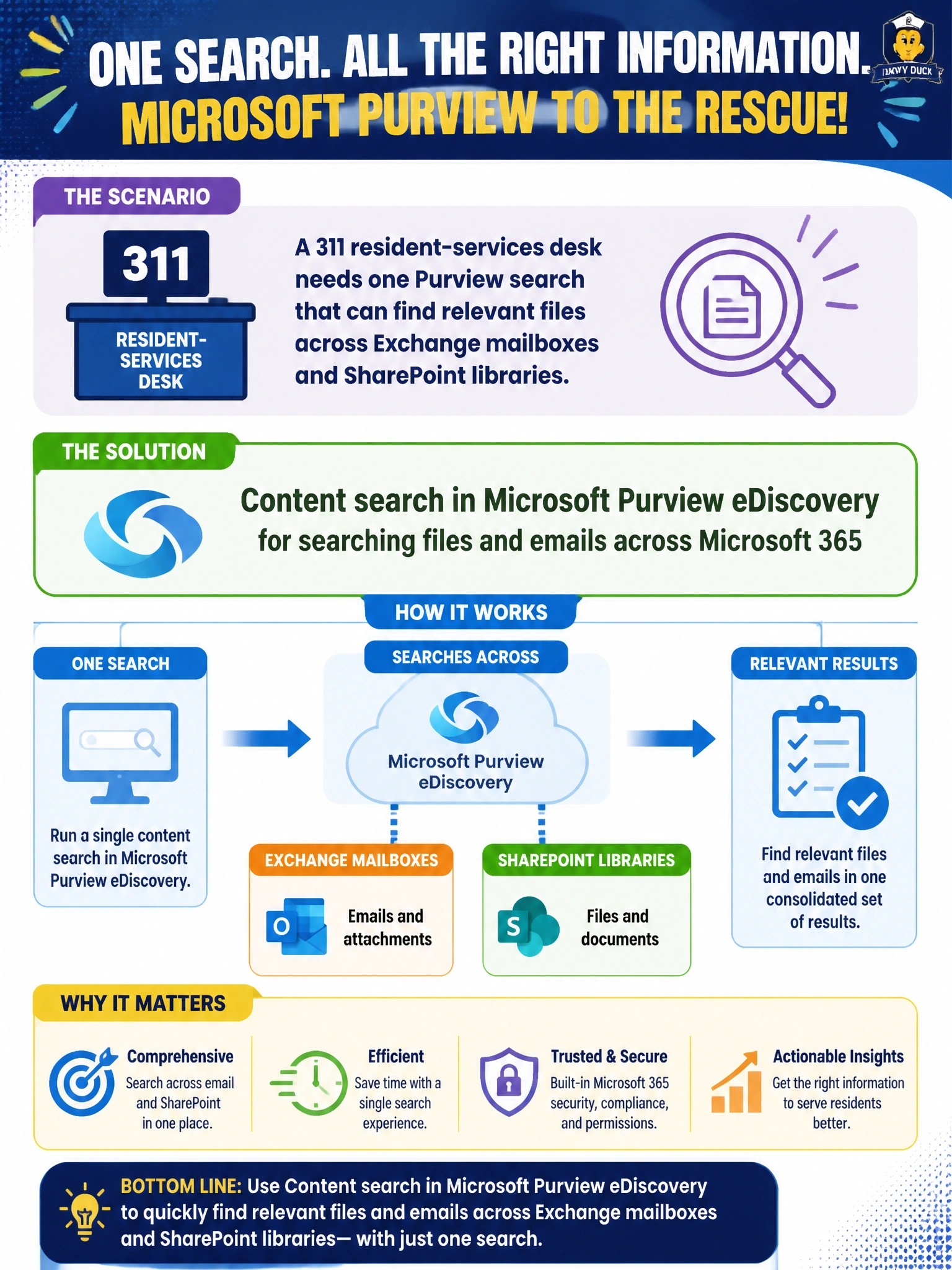
A 311 resident-services desk needs one Purview search that can find relevant files across Exchange mailboxes and SharePoint libraries. Which capability fits?
Select an answer to reveal the explanation.
Short Explanation
You need one search across mailboxes and libraries? That's Content search in Purview eDiscovery—you'll get files and emails in one hunt. Don't trust audit, DLP, or retention labeled as eDiscovery search—they're for tracking activity, blocking sharing, and preserving content, not finding it.
Full Explanation
A 311 resident-services desk that needs one Purview search across Exchange mailboxes and SharePoint libraries should use Content search in Microsoft Purview eDiscovery. Content search is built to query files and emails across Microsoft 365 locations in a single investigation-oriented search experience, which is exactly the cross-workload find operation the desk requires for resident-service records. Audit search in Microsoft Purview eDiscovery for searching files and emails across Microsoft 365 is still an activity-log search, not a content search, because it queries the unified audit log for user activities rather than locating resident-service files and emails in mailboxes and libraries. Data Loss Prevention in Microsoft Purview eDiscovery for searching files and emails across Microsoft 365 is still a protection control, not a discovery search, because it detects and blocks sensitive content shared from Exchange and SharePoint rather than finding relevant records. Retention policies in Microsoft Purview eDiscovery for searching files and emails across Microsoft 365 are still preservation controls, not a search tool, because they preserve mailbox and SharePoint content for compliance periods rather than locating content. Those options fail even with eDiscovery search wording because they attach the search label to activity logging, data protection, or preservation capabilities—none of which performs Content search across Exchange and SharePoint. Exam caveat: Content search is the locate step; it does not by itself equal a full legal hold case or replace retention policies. On AB-900, “search files and emails across Microsoft 365” maps to Content search. Do not pick audit search, data loss prevention, or retention policies even when labeled in Microsoft Purview eDiscovery for searching files and emails, because only Content search performs tenant-wide discovery of files and emails. Operational check: From Purview eDiscovery Content search, select the 311-related mailboxes and SharePoint sites, enter topic keywords and custodians, run the search, verify hit counts against expected locations, and export or hand off results to the records liaison. Confirm operators have eDiscovery roles without unnecessary Global Administrator rights.
Prefer to study offline? Printable PDF study book + test engine ($7.50, unofficial). These questions stay free here.