
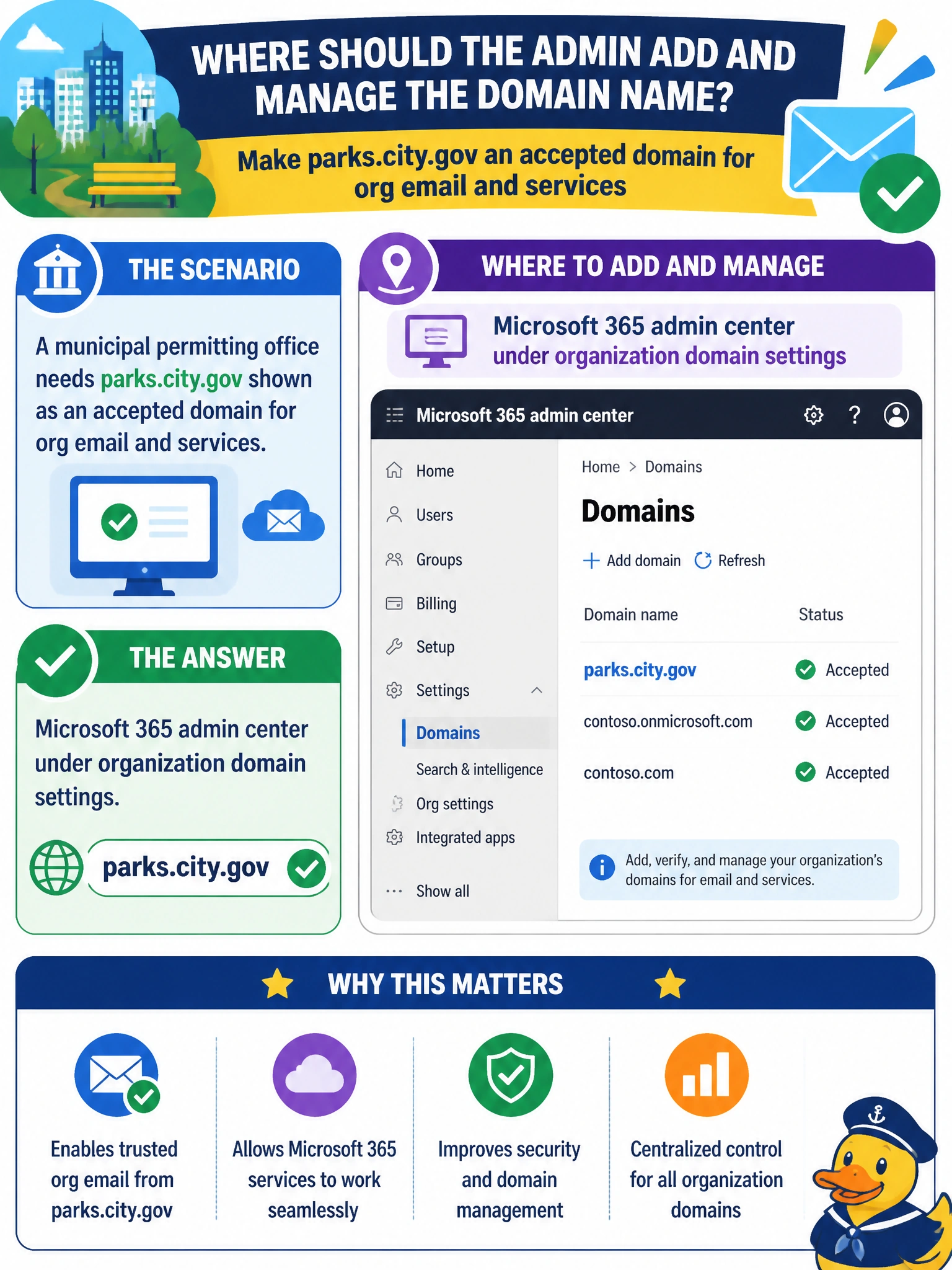
A municipal permitting office needs parks.city.gov shown as an accepted domain for org email and services. Where should the admin add and manage that domain name?
Select an answer to reveal the explanation.
Short Explanation
Domains are tenant-wide nameplates — like putting the city's official letterhead on the whole Microsoft 365 org. You hang that name in Microsoft 365 admin center org settings; Teams organization domain federation settings and SharePoint organization domain sharing settings don't register your own accepted domain. Exchange accepted domain routing settings handle mail flow for domains you've already added; they don't verify the domain for the whole org.
Full Explanation
When a municipal permitting office needs parks.city.gov available as an accepted domain for organizational email and services, the admin adds and manages that domain in Microsoft 365 admin center under organization domain settings. Domain registration and verification are tenant-wide organization properties so Exchange, SharePoint, Teams, and other workloads can use the verified name for addresses and service endpoints. DNS verification records prove the city controls parks.city.gov before Microsoft 365 trusts it as an accepted domain. Teams admin center organization domain federation settings fail by concept: federation settings control external chat and meeting access with other organizations’ domains; they do not register or verify a tenant’s accepted email domain. SharePoint admin center organization domain sharing settings fail because sharing settings allow or block external sharing with other domains; SharePoint is not the primary place to add parks.city.gov as an accepted org domain. Exchange admin center accepted domain routing settings fail because routing settings manage mail flow for domains already in the tenant; they are not the authoritative surface to add and verify the organization’s domain list. Exam caveat: AB-900 tests whether you know that domains are Microsoft 365 organization settings, not workload-specific policies. Candidates often jump to Exchange because email is involved; remember that domain ownership starts in the Microsoft 365 admin center, then mail and other services consume the verified name. Operational check: in Microsoft 365 admin center, add parks.city.gov, publish the required DNS verification records with the city’s DNS operator, wait for verification success, confirm the domain shows as healthy/verified, then create or update mailboxes and aliases that use that domain. Validate a test message to a parks.city.gov address before printing the domain on public permitting materials.
Prefer to study offline? Printable PDF study book + test engine ($7.50, unofficial). These questions stay free here.