
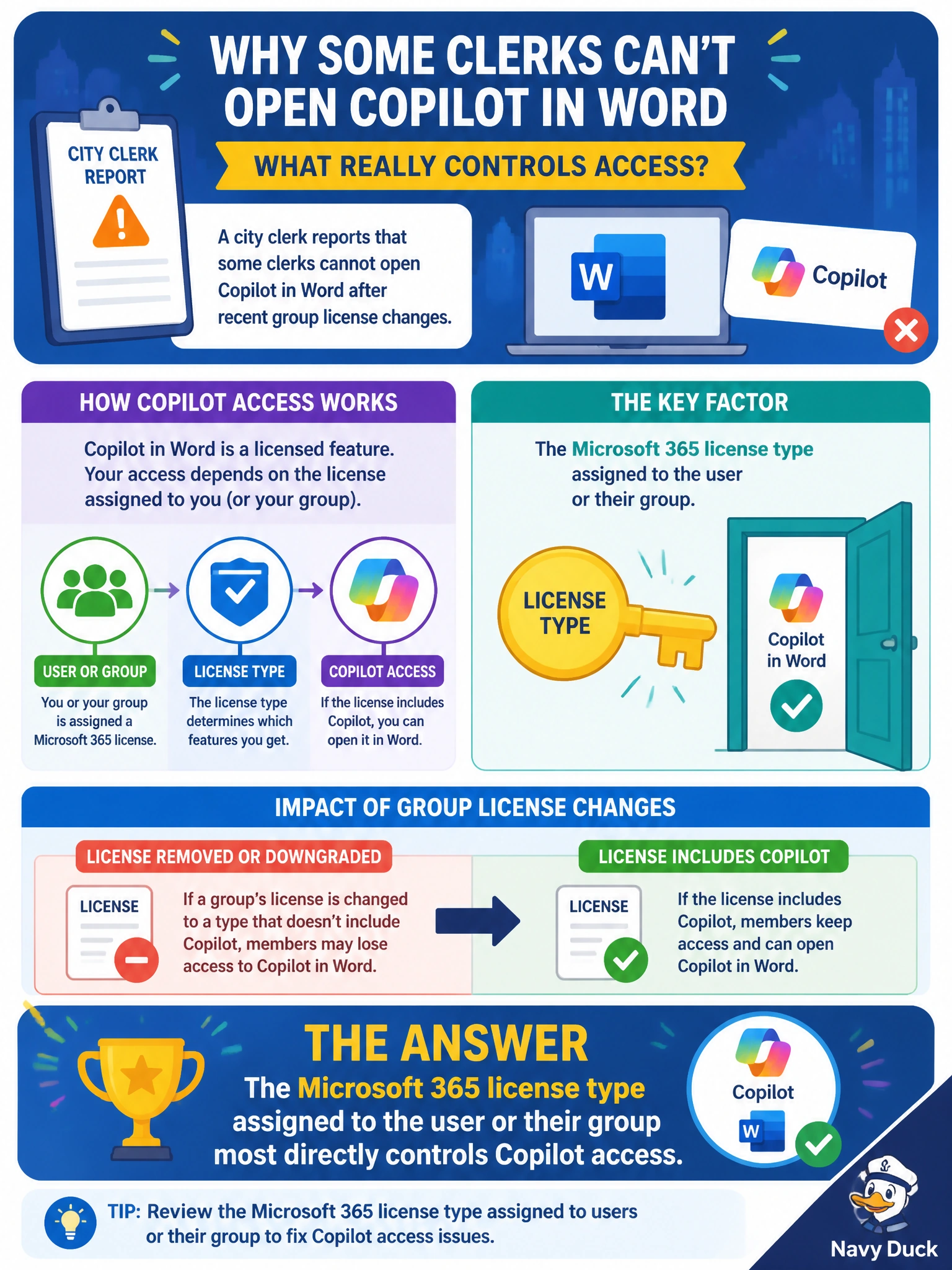
A city clerk reports that some clerks cannot open Copilot in Word after recent group license changes. What most directly controls whether those clerks get Copilot feature access?
Select an answer to reveal the explanation.
Short Explanation
Think of licenses like city ID badges for apps — no badge, no entry to Copilot in Word. When group assignments change, who actually holds a Microsoft 365 license that includes Copilot is what flips the feature on or off. You'll find other licenses like SharePoint Embedded, Teams Phone, and Exchange Online open their own doors, but they won't open this one.
Full Explanation
In a city clerk office, Copilot in Word is an entitled Microsoft 365 feature, not a SharePoint Embedded, Teams Phone, or Exchange Online license. What most directly controls whether clerks can open Copilot after group license changes is the Microsoft 365 license type assigned to each user account or inherited through a licensed group. When group-based licensing membership changes, entitlement for Copilot and related productivity AI features follows that license assignment. If a clerk loses the SKU that includes Copilot, the feature stops appearing in Word even if the person still has a mailbox and can open documents.
The SharePoint Embedded license type fails by concept because it covers storage and API usage for SharePoint Embedded applications, not user entitlement to productivity AI features. Having that license for a clerk workspace does not grant Copilot SKU entitlement in Word. The Teams Phone license type fails because it enables Teams calling capabilities such as PSTN connectivity for Teams users; it does not license Copilot in desktop Office apps. The Exchange Online license type fails because it provides mailbox and calendar service for that identity, not whether Copilot is licensed for that identity.
Exam caveat: AB-900 expects you to separate Microsoft 365 license entitlement that includes Copilot from other workload licenses like SharePoint Embedded, Teams Phone, and Exchange Online. Feature access questions often tempt candidates toward familiar admin centers; the stem here is about entitlement after group license changes, so the license path is the decisive control.
Operational check for municipal IT: after changing group-based licensing for clerks, verify in Microsoft 365 admin center (or Microsoft Entra ID licensing views) that affected users still have the Copilot-capable SKU, confirm license processing completed, then retest Copilot in Word for a sample clerk account. Also confirm the account is signed in with the licensed identity and that any admin or organizational Copilot controls are not blocking the feature independently of the license.
Prefer to study offline? Printable PDF study book + test engine ($7.50, unofficial). These questions stay free here.