
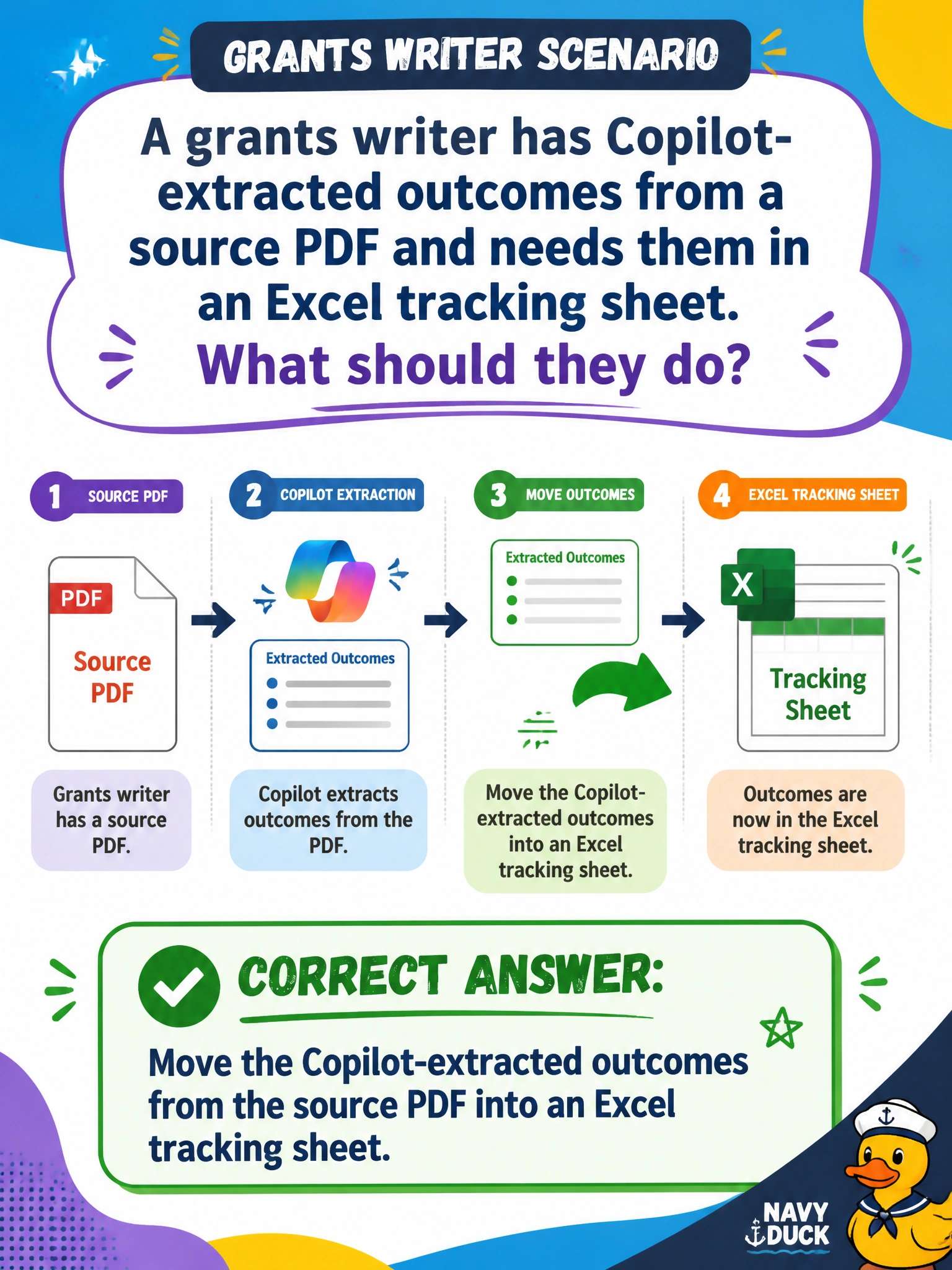
A grants writer has Copilot-extracted outcomes from a source PDF and needs them in an Excel tracking sheet. What should they do?
Select an answer to reveal the explanation.
Short Explanation
PDF gold to a tracking grid—move those Copilot-extracted outcomes into Excel columns you can filter. Structure the facts; don’t invent metrics.
Full Explanation
Grants writers often extract outcomes from a source PDF with Copilot and must structure them in Excel for tracking, filtering, and funder reporting. Moving those extracted outcomes into an Excel tracking sheet is the correct cross-app pattern: a chat or PDF extract becomes durable columns staff can maintain over the grant period. Staff must not invent metrics absent from the PDF or paste awardee bank routing numbers into the sheet.
Leaving extracted outcomes only as chat text and never structuring them in Excel fails operationalization—chat is not a tracking system of record for municipal grants. Asking Copilot to invent outcome metrics the PDF does not contain fails reporting integrity to funders. Pasting awardee bank routing numbers into tracking columns fails financial data protection and is unnecessary for outcome tracking.
Exam caveat: move Copilot-extracted PDF outcomes into Excel. Reject chat-only limbo, invented metrics, and bank-routing columns.
Operational check: map each extracted outcome to sheet columns with PDF page citations, omit banking fields, have the grants lead validate metrics against the PDF, and store the workbook in the grants SharePoint library with access controls.