
An emergency planner needs a volunteer check-in checklist document that does not exist yet. What is the best first step?
Select an answer to reveal the explanation.
Short Explanation
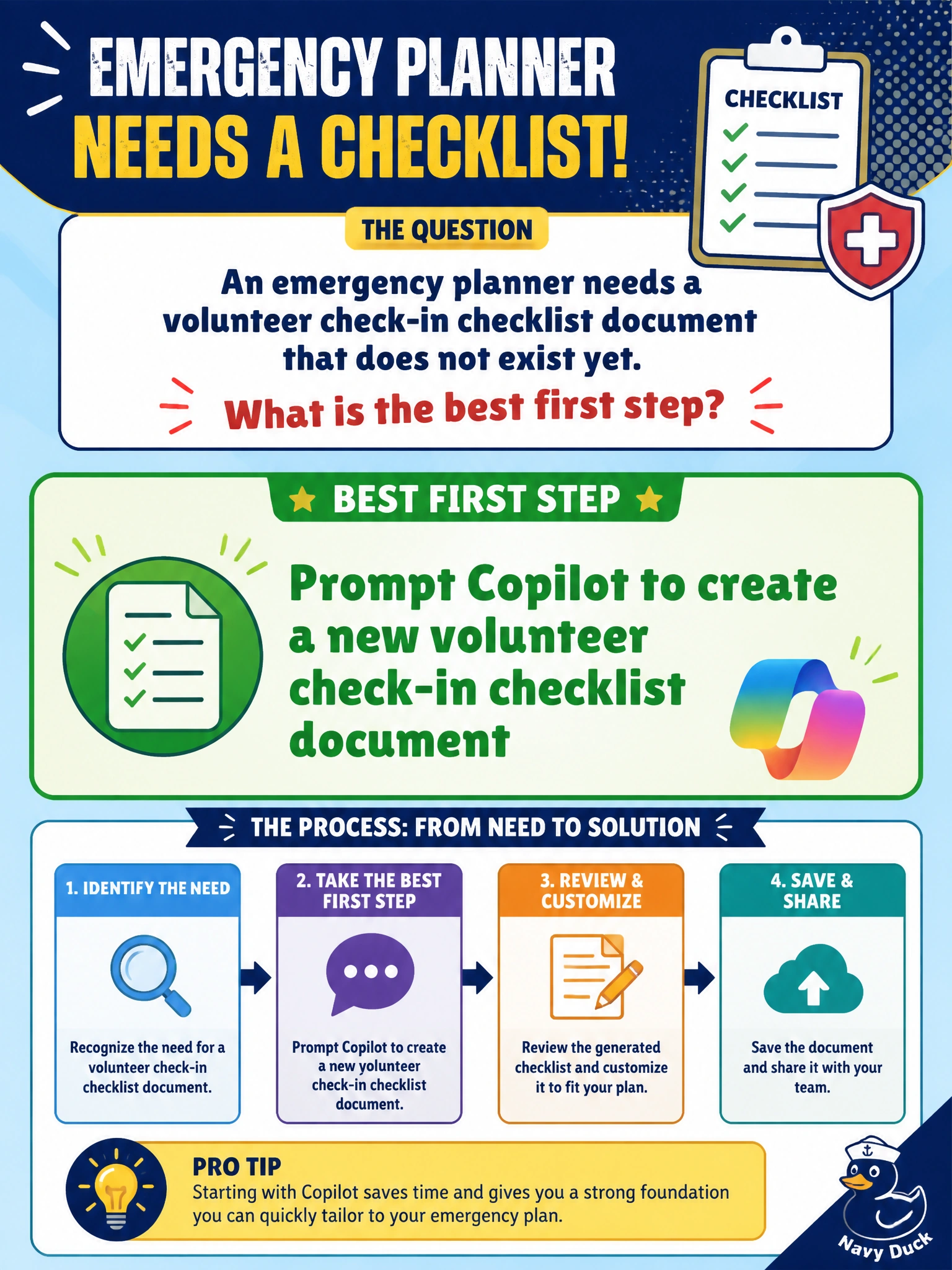
No checklist on disk yet? Prompt Copilot to create a new volunteer check-in document. Operational helpers start as clear asks, not wishful thinking.
Full Explanation
Prompting Copilot to create a new volunteer check-in checklist document is the best first step when the checklist does not exist yet. Emergency planners need operational artifacts staff can print and follow; Copilot can draft a new checklist from a prompt describing stations, ID checks, role assignments, and safety briefings. Creating the document beats assuming it already exists somewhere unsearchable.
Assuming Copilot already filed the checklist in a folder nobody can search fails because hope is not inventory. If the file is not findable, planners still lack a usable checklist at activation time.
Asking Copilot to cancel all shelter operations instead of drafting a checklist fails by substituting a catastrophic operational action for a documentation task. Canceling shelters is not how you obtain a check-in list.
Requiring staff to memorize check-in steps with no document generated at all fails under real emergency load: memory fades, shifts change, and volunteers need a written standard.
Exam caveat: AB-730 operational document creation starts with a clear prompt for a new artifact when none exists—not with destructive commands or memorization-only plans.
Operational check: Prompt for the volunteer check-in checklist, save it to the emergency SharePoint library, walk a second planner through the steps in a drill, and revise before the next activation.