
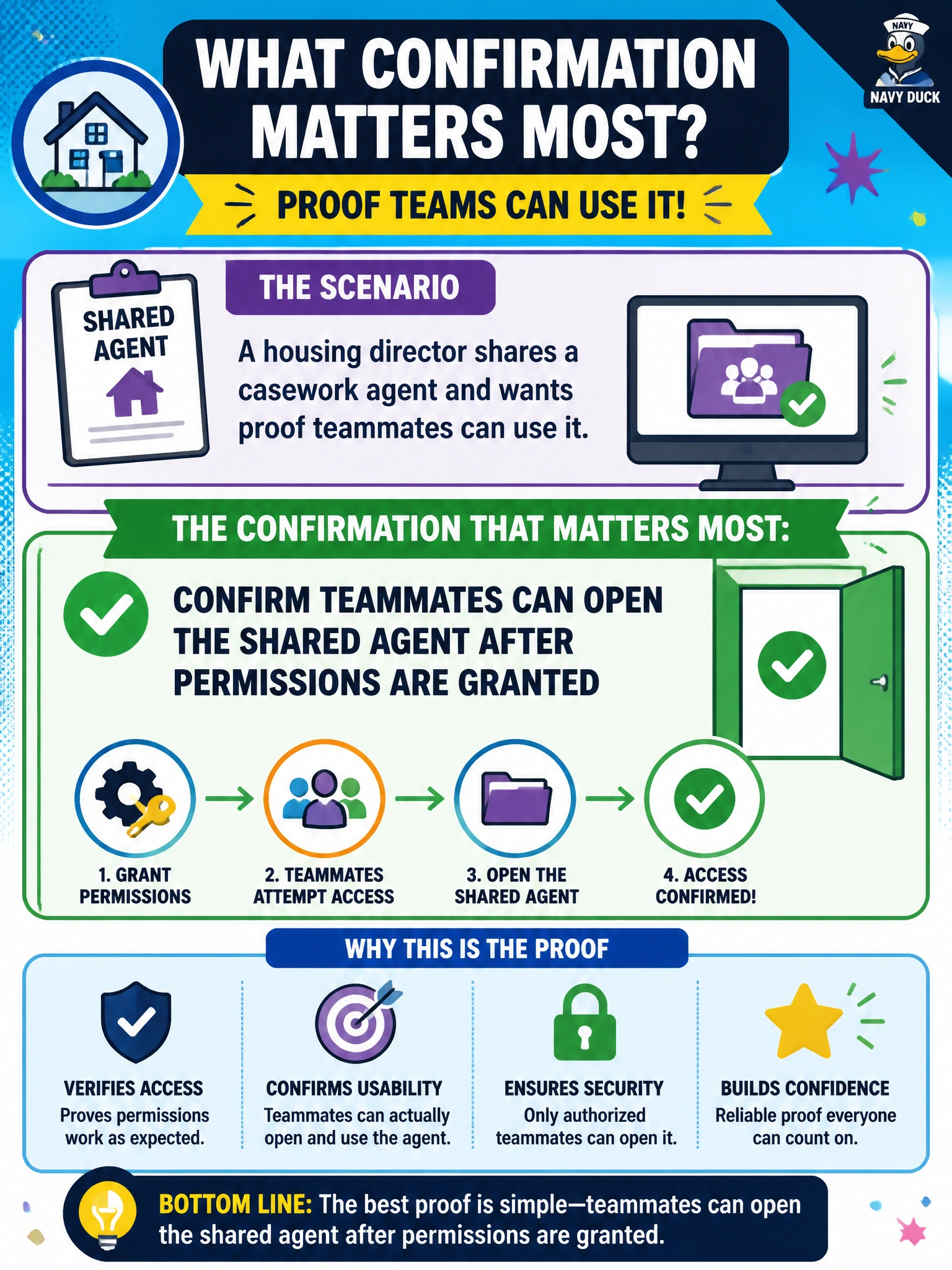
A housing director shares a casework agent and wants proof teammates can use it. What confirmation matters most?
Select an answer to reveal the explanation.
Short Explanation
Clicking Share isn’t the finish line—make sure teammates can actually open the agent after permissions land. A quick access check beats a silent miss.
Full Explanation
Confirming teammates can open the shared agent after permissions are granted is the confirmation that matters most when a housing director shares a casework agent. Clicking Share is not proof of access: group membership, licensing, and link targets can still block teammates. A short verification with real users closes the loop between intended sharing and usable access for casework staff.
Assuming sharing worked without checking whether teammates can open the agent fails because assumptions hide permission errors until a resident-facing moment. Silent failure leaves staff on private unsaved chats while leadership believes a shared standard exists.
Revoking all permissions immediately after clicking Share so nobody can test access fails by undoing the share before validation. That pattern guarantees teammates cannot open the agent and wastes the sharing step.
Asking teammates to ignore the shared agent and keep using unsaved private chats only fails conceptually: it rejects the purpose of sharing. Private chats diverge and are harder to govern than a shared casework agent with approved knowledge.
Exam caveat: AB-730 treats successful sharing as verified access for the intended municipal users, not as a single UI click without confirmation.
Operational check: After granting permissions, ask at least two teammates on different shifts to open the casework agent and run a standard prompt; document success or fix group assignment before announcing the share as complete.