
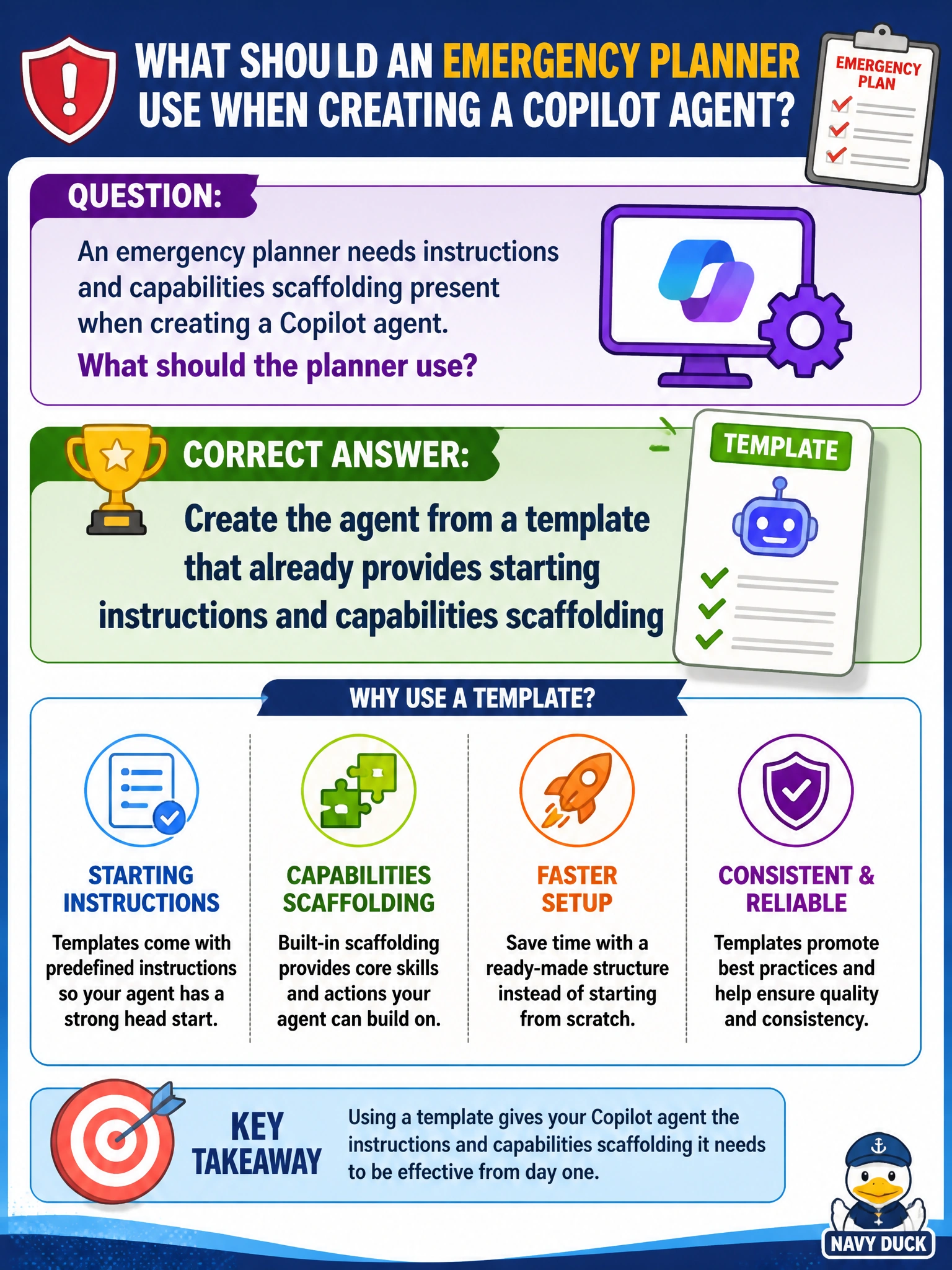
An emergency planner needs instructions and capabilities scaffolding present when creating a Copilot agent. What should the planner use?
Select an answer to reveal the explanation.
Short Explanation
Need scaffolding for instructions and capabilities? Use a template. You’re borrowing a framed outline so emergency planning setup isn’t a blank canvas.
Full Explanation
When creating a Microsoft 365 Copilot agent, templates provide starting configuration that can include instructions and capabilities scaffolding. An emergency planner who needs that scaffolding present should create the agent from a template rather than beginning with a fully empty agent. Template scaffolding gives a structured baseline so municipal emergency configuration can proceed without inventing every field from nothing.
Starting from a blank agent with no instructions or capabilities scaffolding fails the stated need for scaffolding at creation time. Copying random social posts into the agent instead of using template configuration fails quality and relevance—social noise is not agent scaffolding. Delaying creation until every capability field is filled by an outside vendor only fails municipal progress: planners can start from a template and refine capabilities under city ownership rather than waiting indefinitely.
Exam caveat: template scaffolding is not a complete emergency plan. Instructions and capabilities still must be reviewed for ICS alignment, public messaging rules, and approved knowledge sources before operational use.
Operational check: create from a template that supplies instructions/capabilities scaffolding, replace placeholder text with emergency-planning specifics, attach approved playbooks, and run a tabletop prompt set before relying on the agent in exercises or incidents.