
A parks planner wants a trail-plan brainstorm Copilot chat available as part of an ongoing project working set. What is the best next step?
Select an answer to reveal the explanation.
Short Explanation
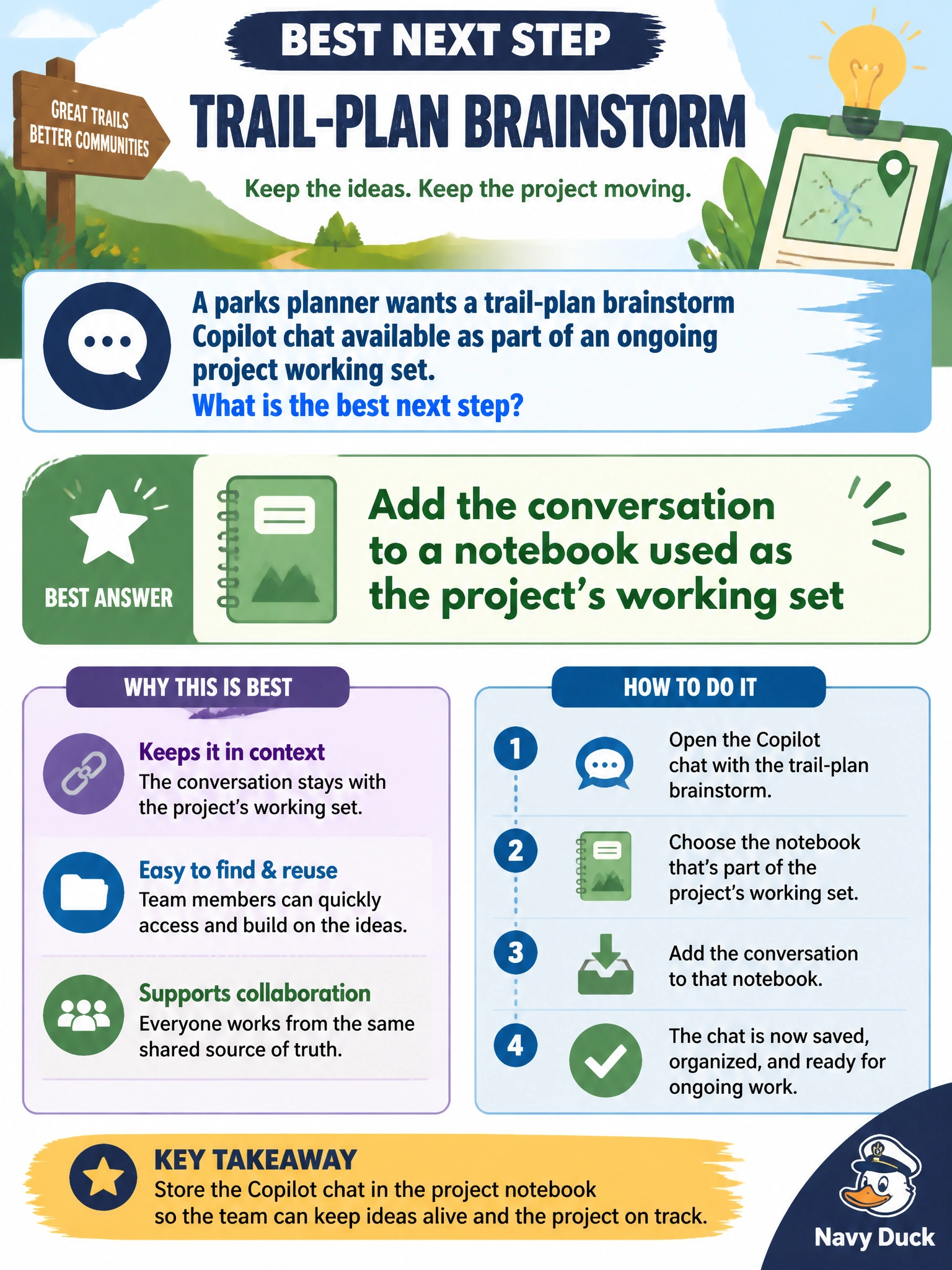
That trail brainstorm belongs with the project—add the chat to the notebook. Think of the notebook as the shared worktable where the ongoing trail plan lives.
Full Explanation
Ongoing municipal projects need a working set that includes useful Copilot brainstorming, not only finished documents. For a parks planner, the best next step is to add the trail-plan brainstorm conversation to a notebook used as the project’s working set. That association keeps exploratory prompts, alternatives, and follow-ups with the rest of the trail-plan materials so the chat remains available as the project continues.
Leaving the brainstorm only in unnamed chat history with no notebook association fails project continuity because the thread is easy to lose among unrelated personal chats. Converting the chat into a public social media post fails by purpose: public posting is dissemination, not project working-set organization, and may disclose unfinished ideas inappropriately. Archiving the chat outside Copilot and removing it from any project working set fails ongoing use—the brainstorm is no longer part of the live municipal project collection.
Exam caveat: notebooks organize work; they do not automatically make drafts official parks policy. Trail concepts still require planning review, environmental checks, and approved channels before public commitment.
Operational check: add the trail-plan Copilot chat to the project notebook, confirm it appears in the working set with related notes, verify project teammates can open it from the notebook, and keep the chat titled meaningfully so the notebook entry remains self-explanatory.