
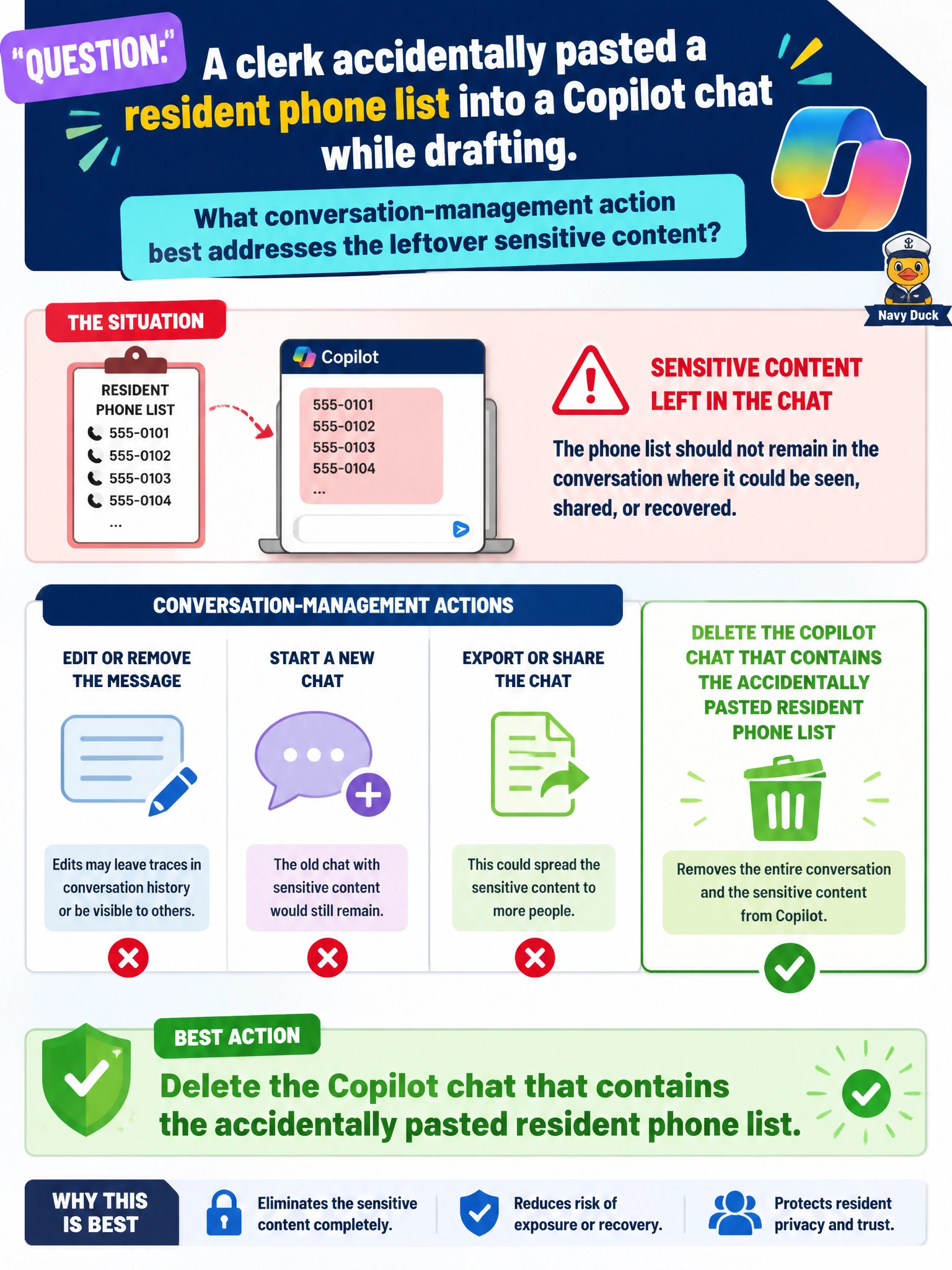
A clerk accidentally pasted a resident phone list into a Copilot chat while drafting. What conversation-management action best addresses the leftover sensitive content?
Select an answer to reveal the explanation.
Short Explanation
Phone list in the chat by mistake? Delete that conversation. Hygiene first—like shredding a misprinted call sheet that never should have left the desk.
Full Explanation
When a clerk accidentally pastes a resident phone list into a Copilot chat while drafting, the best conversation-management action is to delete the Copilot chat that contains the accidentally pasted resident phone list. Deletion reduces leftover exposure of sensitive contact data in chat history after the mistake. Municipal Copilot hygiene treats accidental PII paste as an incident to contain: remove the contaminated conversation rather than leaving phone numbers searchable in history.
Sharing the chat citywide so more staff can see the phone list expands the blast radius and is the opposite of containment. Renaming the chat to "public directory" and leaving the numbers in place fails because renaming does not remove the sensitive content and mislabels private resident phones as public. Scheduling the chat to repost the phone list every Monday morning weaponizes the mistake into recurring disclosure.
Exam caveat: deleting the chat addresses Copilot history hygiene; also follow city incident/privacy procedures if the list should not have been in Copilot at all, and recreate any needed draft in a clean chat without the phone list. Deletion is not a substitute for checking whether the list was copied elsewhere.
Operational check: delete the contaminated chat, confirm it no longer appears in history search for sample phone numbers from the list, start a clean drafting chat without the roster paste, and report per department privacy guidance if required.