
A library director wants weekend program stats summarized before each Monday staff meeting. How should Copilot be set up?
Select an answer to reveal the explanation.
Short Explanation
Monday meetings hate empty folders. Schedule the weekend-stats prompt so the summary is ready before staff walk in—like having the circulation report printed before the huddle.
Full Explanation
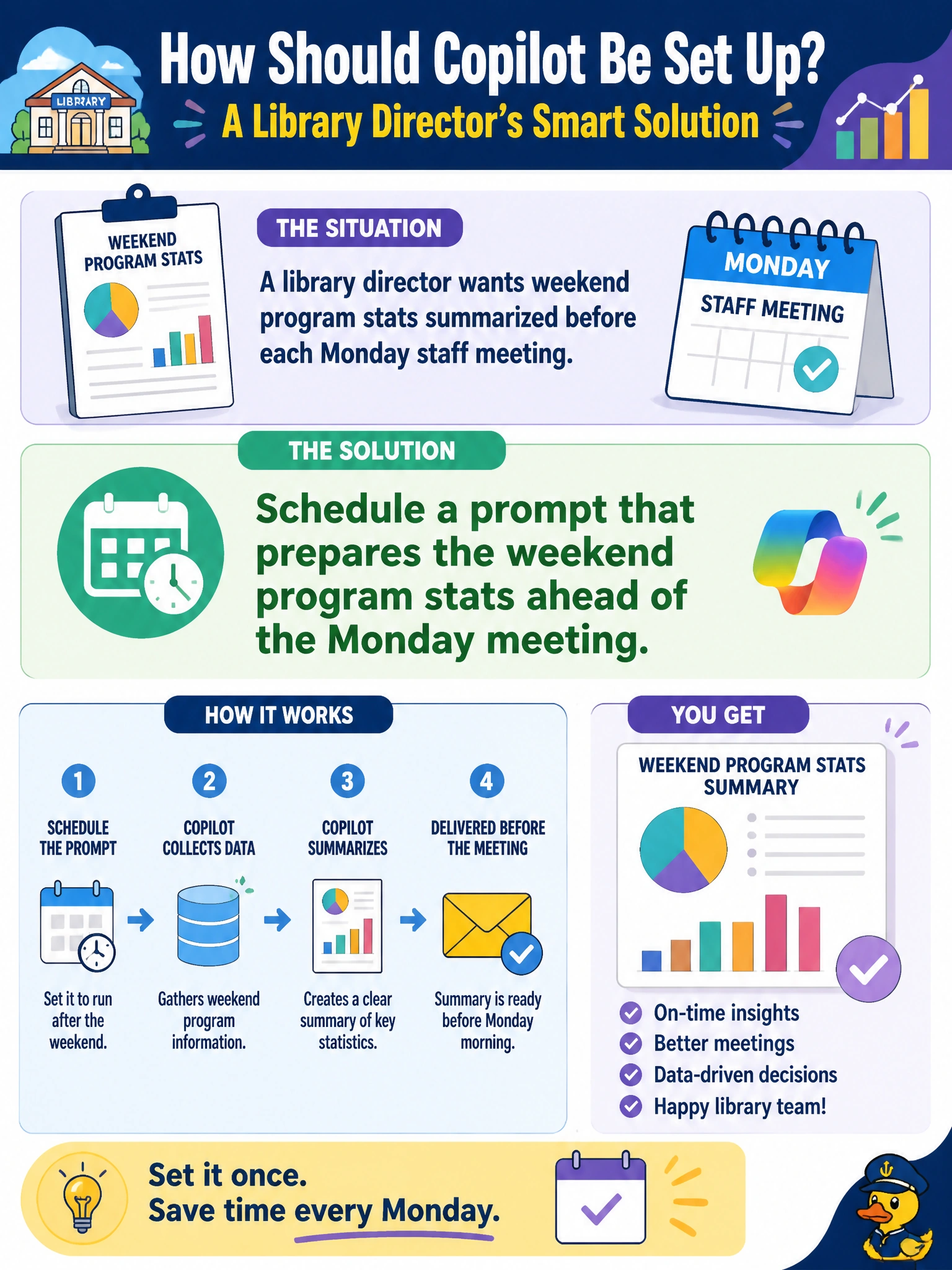
A library director who wants weekend program stats summarized before each Monday staff meeting should schedule a prompt that prepares the weekend program stats ahead of the Monday meeting. Scheduling aligns Copilot draft production with the municipal meeting cadence: attendance, program counts, and notable issues are summarized in time for the huddle instead of being assembled ad hoc as staff walk in. The prompt should reference authorized weekend stats sources (circulation/program sheets or approved exports) and the library’s standard summary format.
Asking Copilot randomly on Friday evenings with no saved or scheduled structure fails consistency; results vary by who remembers and how they prompt. Disabling Copilot every weekend so Monday meetings start with empty notes only fails the stated need for prepared summaries. Storing the stats prompt only on a personal USB drive outside Microsoft 365 fails continuity, sharing, and city IT control—prompts for recurring library operations belong in the tenant where staff can access them under policy, not on personal removable media.
Exam caveat: scheduled stats summaries remain drafts until a supervisor confirms figures against source systems; Copilot does not replace the system of record for attendance or circulation. Holiday Mondays and closed weekends may require schedule exceptions so empty or partial weekends are not misread as normal performance.
Operational check: run one scheduled cycle before a real Monday meeting, compare headline counts to the weekend program log, and confirm the draft arrives early enough for the director to skim and annotate before staff arrive.