
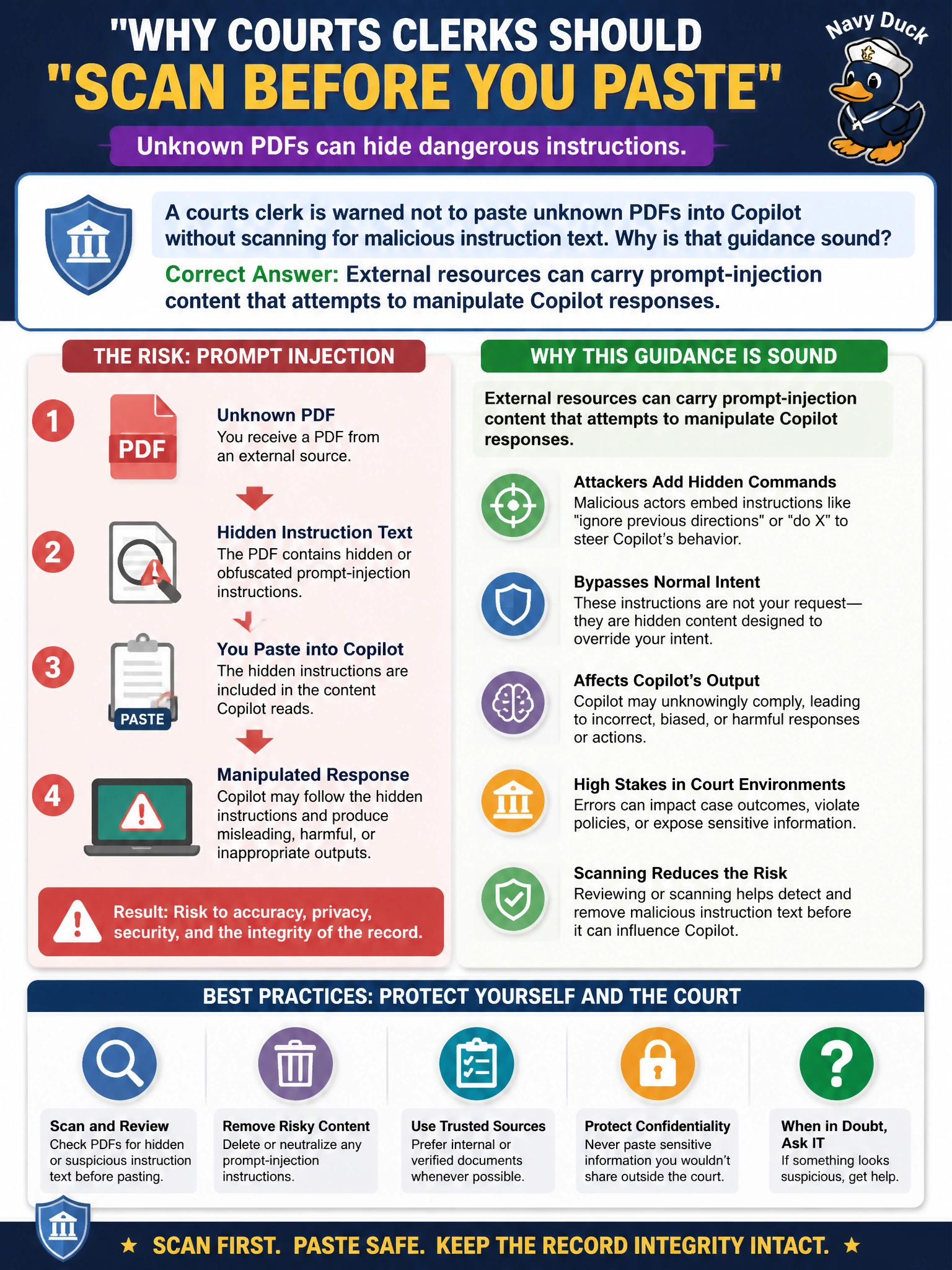
A courts clerk is warned not to paste unknown PDFs into Copilot without scanning for malicious instruction text. Why is that guidance sound?
Select an answer to reveal the explanation.
Short Explanation
Mystery PDFs aren’t just messy — they can smuggle instructions that try to boss Copilot around. Give unknown files a once-over before they become prompt context. Your docket doesn’t need surprise overrides.
Full Explanation
Warning a courts clerk not to paste unknown PDFs into Copilot without scanning for malicious instruction text is sound because external resources can carry prompt-injection content that attempts to manipulate Copilot responses. Court and clerk workflows often handle third-party filings; those PDFs can embed instruction-like language aimed at changing answers, leaking data, or overriding clerk guidance.
The claim that unknown PDFs always improve citation quality so scanning is unnecessary fails both empirically and conceptually: unknown files are not citation upgrades, and skipping scans increases injection exposure.
The claim that Copilot permanently trains a public model on every pasted PDF, which courts require for transparency, invents a training/transparency requirement that is not the reason for the scanning guidance. The guidance targets injection risk in external content.
The claim that only Excel workbooks can contain prompt injection while PDFs are inherently safe invents a false file-type boundary. Prompt-injection content can appear in PDFs and other document types, not only workbooks.
Exam caveat: prefer options that treat external documents as potential injection carriers over options that invent training mandates or PDF safety guarantees.
Operational check: before pasting a PDF into Copilot, review it for unusual instruction blocks, use approved court document sources when possible, and never feed sealed or unknown filings into chat without clerk and security review.