
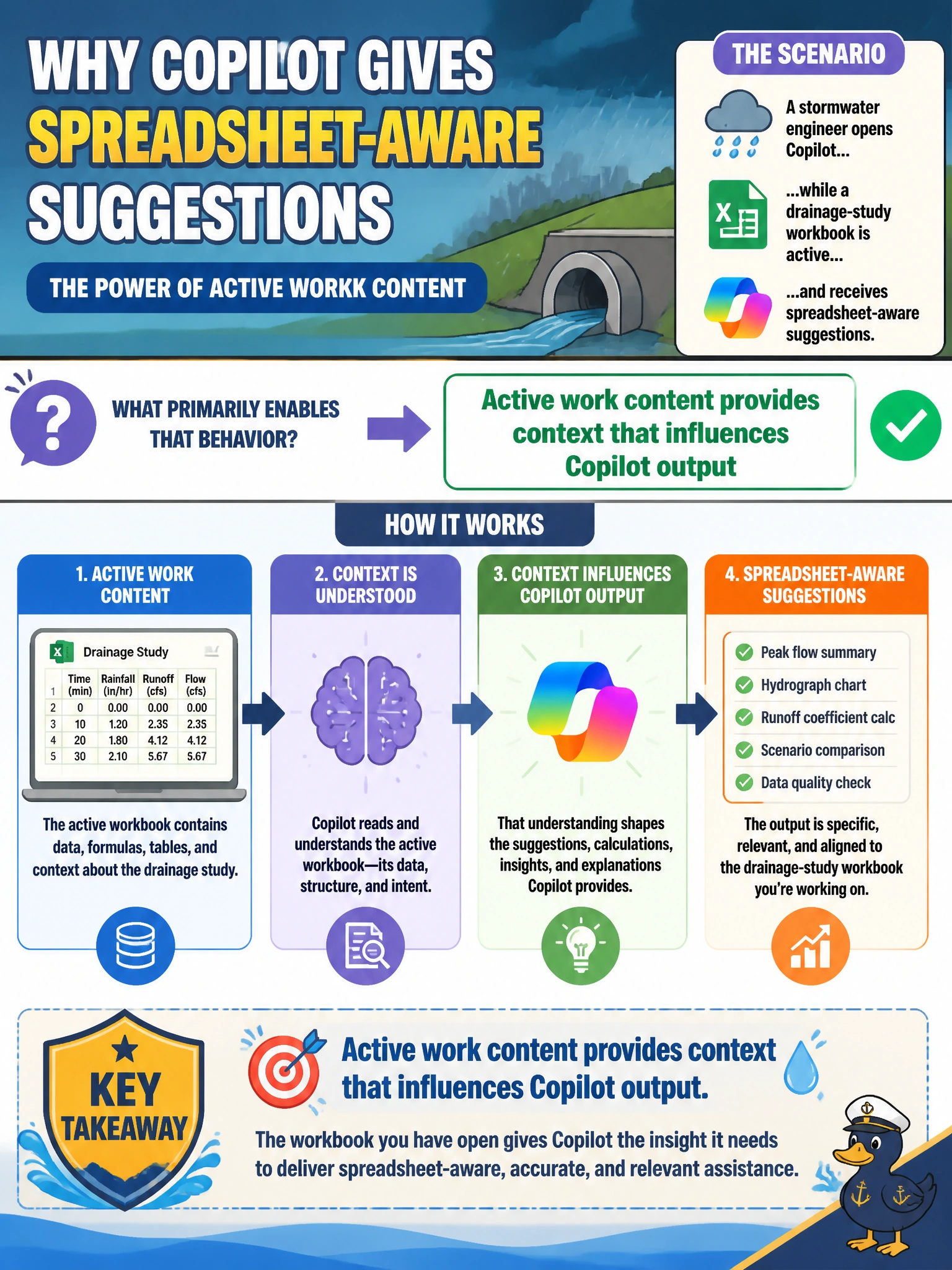
A stormwater engineer opens Copilot while a drainage-study workbook is active and receives spreadsheet-aware suggestions. What primarily enables that behavior?
Select an answer to reveal the explanation.
Short Explanation
Leave the drainage study open and Copilot can "see the desk"—formulas, sheets, the works. Active work content is the context that makes those spreadsheet-aware nudges possible.
Full Explanation
Active work content provides context that influences Copilot output. When a stormwater engineer opens Copilot while a drainage-study workbook is active, spreadsheet-aware suggestions are primarily enabled because that open workbook supplies grounding context—tables, rainfall columns, formulas, and sheet structure—that Copilot can use. The fundamental is that live municipal work content shapes responses; Copilot is not operating in a vacuum when a drainage study is already on screen.
Always ignoring open workbooks and inventing fictional rainfall totals fails because the scenario highlights awareness of the active workbook, not systematic invention that discards open data. Requiring a print-to-PDF first fails as an unnecessary conversion ritual; Excel-aware Copilot behavior is about the active workbook context, not a mandatory paper-digital detour. Claiming Excel Copilot only works when no workbook is open fails by reversing the relationship: empty context typically reduces spreadsheet-aware help rather than enabling it.
Exam caveat: Context influence is not correctness insurance. Drainage calculations still need engineering review; Copilot may misread units, ranges, or assumptions even when the workbook is open.
Operational check: Keep the authoritative drainage workbook open (or select the relevant sheets/ranges as the product allows), ask for analysis tied to named tables or columns, and verify any suggested rainfall totals or capacity figures against the engineer's source cells before using them in a municipal design memo.