
A library events coordinator notices Copilot drafts differently in Outlook than while editing the same flyer in PowerPoint. What is the best explanation?
Select an answer to reveal the explanation.
Short Explanation
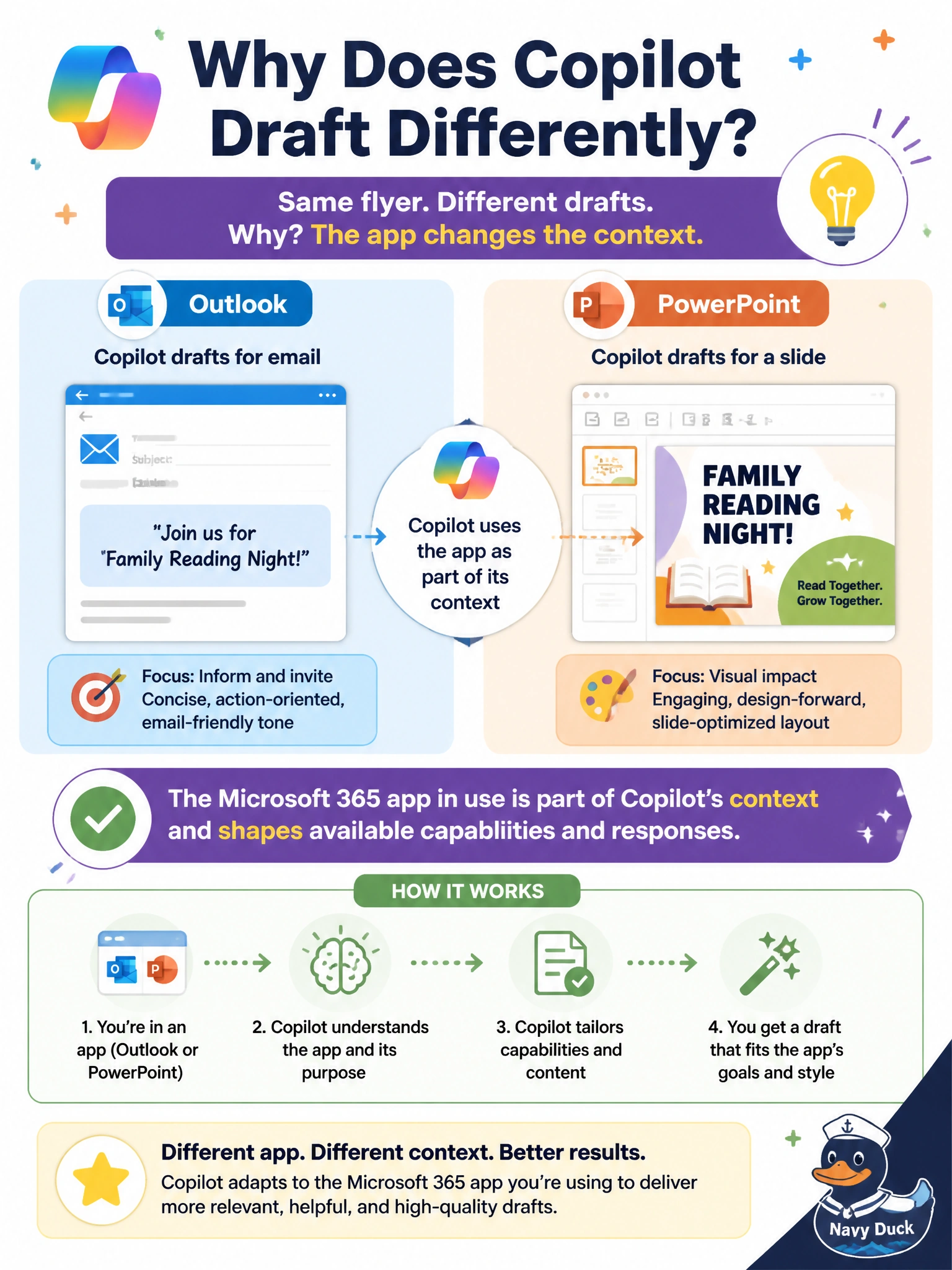
Copilot wears a different hat depending on which app you're in—mail desk in Outlook, stage crew in PowerPoint. Same flyer topic, different tools and instincts because the host app is part of the context.
Full Explanation
The Microsoft 365 application in use is part of Copilot's context and shapes both available capabilities and response style. A library events coordinator drafting the same flyer topic in Outlook versus editing it in PowerPoint should expect different Copilot behaviors because mail composition and slide design are different host experiences. The correct explanation is app-aware context—not identical feature sets across every Microsoft 365 app.
Secretly identical feature sets with no differences fails because Copilot is integrated per app with capabilities suited to that workload. Swapped exclusivity—PowerPoint only rewrites emails while Outlook only builds decks—fails by inverting the apps' purposes; each app's Copilot assists within that app's document type and tools. Claiming app choice never affects Copilot because prompts ignore the host application fails because host app context is a fundamental influence on what Copilot can do and how it drafts.
Exam caveat: Topic similarity does not erase app differences. The same event details can be emailed, slidified, or document-edited, but the Copilot commands and outputs follow the app.
Operational check: Draft flyer email copy in Outlook Copilot, build visual slides in PowerPoint Copilot, keep a single source-of-truth flyer file where appropriate, and do not expect one app's Copilot UI to expose the other app's full feature set.